ONLYOFFICE Documents vs Microsoft 365 Copilot: Which Office Suite Reigns Supreme?
ONLYOFFICE Documents is a free, open-source office suite ideal for users who need offline editing, PDF forms, and MS Office compatibility without a subscription. Microsoft 365 Copilot is an AI-powered productivity hub for Microsoft 365 subscribers, offering intelligent assistance, cloud integration, and team collaboration. Choose ONLYOFFICE for cost-effective standalone editing; choose Microsoft 365 Copilot for AI-driven workflow and deep Microsoft ecosystem integration.

ONLYOFFICE Documents
- Rating
- ★ 3.13
- Downloads
- 1,000,000+
- Developer
- Ascensio System SIA

Microsoft 365 Copilot
Recommended- Rating
- ★ 4.51
- Downloads
- 1,000,000,000+
- Developer
- Microsoft Corporation
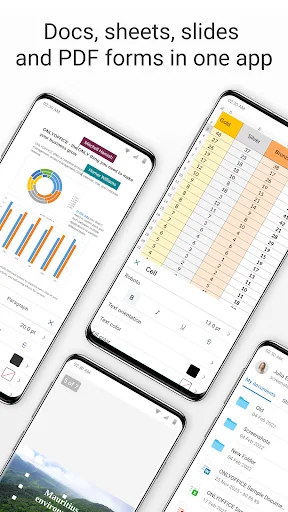
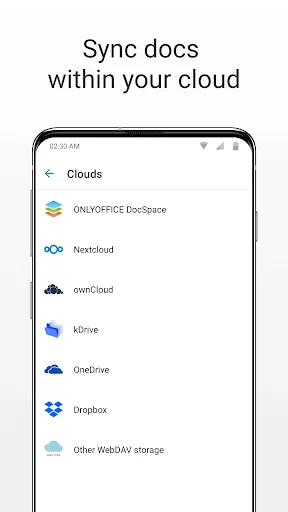
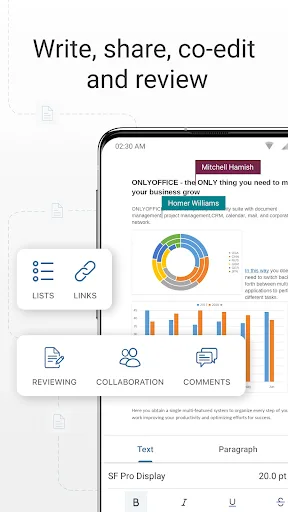
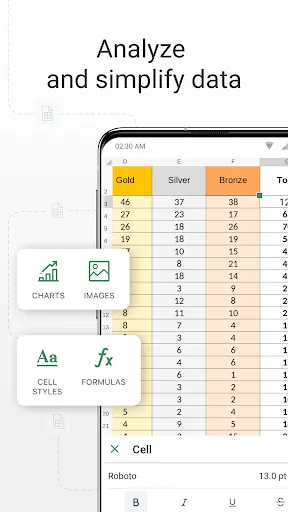
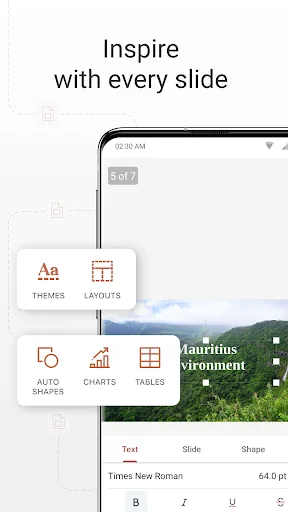
ONLYOFFICE Documents - The ultimate mobile office suite for Android ONLYOFFICE Documents is a free office suite for Android that lets you edit text, spreadsheets, presentations, PDFs, and fill out online forms. Fully compatible with MS Office formats, it supports seamless real-ti…
Pros
- Fully compatible with MS Office formats (docx, xlsx, pptx).
- Free and open-source with no subscription required.
- Offline editing capabilities for documents, spreadsheets, and presentations.
- Supports PDF editing and filling out online forms.
- Real-time collaboration with other users on shared documents.
Cons
- No AI-powered features like smart suggestions or summarization.
- Smaller user community and fewer third-party integrations.
- Interface can feel less polished compared to Microsoft's app.
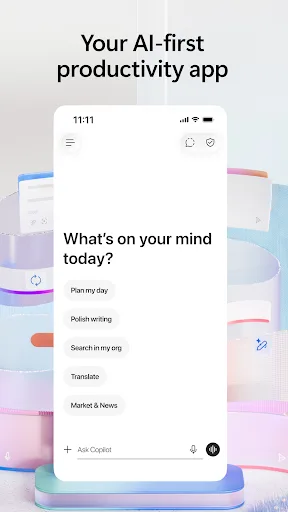
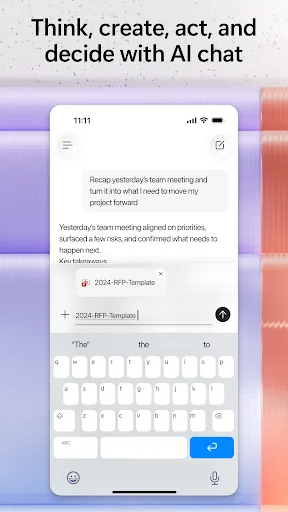
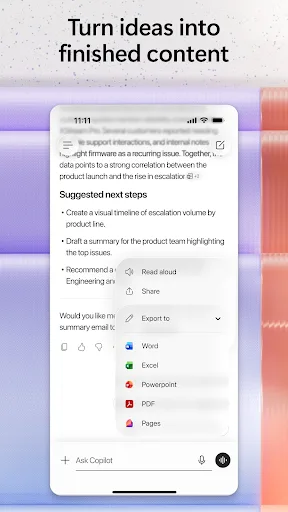
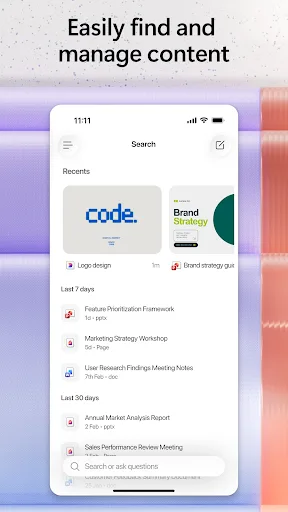
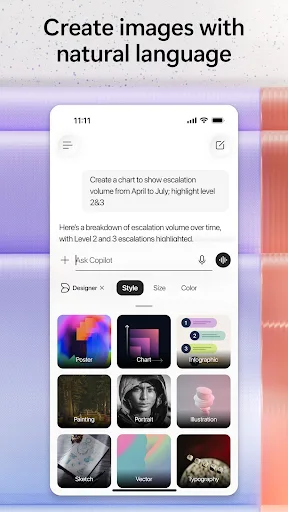
The Microsoft 365 Copilot app is your AI-first productivity app for work. It provides one place for you to chat with your AI assistant, create content, manage projects and quickly find files on the go – helping you get more done, without doing more. With the Microsoft 365 Copil…
Pros
- AI assistant (Copilot) can create, summarize, and rewrite content.
- Deep integration with Microsoft 365, OneDrive, and Teams.
- Very high rating (4.5) and over 1 billion installs, indicating reliability.
- Unified hub for files, chat, and project management.
- Regular updates with new AI features and security patches.
Cons
- Requires a Microsoft 365 subscription for full functionality.
- Limited offline capabilities; most features need internet.
- Can be resource-heavy on older Android devices.
Final Verdict
Our pick: Microsoft 365 Copilot
For most users, Microsoft 365 Copilot is the superior choice due to its AI capabilities, seamless integration with Microsoft services, and massive user base. However, ONLYOFFICE Documents is a strong contender for budget-conscious users who need full offline functionality and do not require AI assistance. If you already use Microsoft 365, the Copilot app is a no-brainer. If you want a free, feature-rich alternative without subscriptions, ONLYOFFICE is excellent. Overall, Microsoft 365 Copilot wins for productivity and innovation.
ONLYOFFICE Documents Screenshots
Official app screenshots from the Google Play Store.
Microsoft 365 Copilot Screenshots
Official app screenshots from the Google Play Store.
Frequently Asked Questions
Which app has a higher rating?
Microsoft 365 Copilot has a significantly higher rating of 4.52 compared to ONLYOFFICE Documents' 3.13.
Can I use ONLYOFFICE Documents offline?
Yes, ONLYOFFICE Documents supports full offline editing for text, spreadsheets, and presentations.
Does Microsoft 365 Copilot show ads?
No, the Microsoft 365 Copilot app does not display ads.
What are the minimum Android requirements for these apps?
ONLYOFFICE Documents requires Android 5.0+ and 150MB free space. Microsoft 365 Copilot requires Android 8.0+ and varies by device.
Which app should I choose if I need AI assistance?
Choose Microsoft 365 Copilot for AI features like content creation, summarization, and smart suggestions.
Related Comparisons
 VS
VS

WPS Office vs Microsoft Word: Best Android Office App for 2026
 VS
VS

Microsoft PowerPoint vs Microsoft Excel: Which Office App Reigns Supreme
 VS
VS
WPS Office Lite vs Microsoft 365 Copilot: Best Office App for Android in 2026
VS
Microsoft Word vs Microsoft PowerPoint: Which Office App Reigns Supreme?
 VS
VS

OfficeSuite Pro + PDF vs Office Reader: Best Android Office App for Productivity?
VS