ONLYOFFICE Documents vs Polaris Office: Best Free Android Office Suite Comparison
ONLYOFFICE Documents is a free office suite ideal for users who need real-time collaboration and strong compatibility with MS Office formats, including PDF editing and online forms. Polaris Office, with over 50 million installs, is a more popular all-in-one solution that integrates AI tools and supports a wide range of file formats. Both apps are free but differ in collaboration features and platform integration. Choose ONLYOFFICE if you prioritize collaborative editing; choose Polaris Office for broader device compatibility and AI assistance.

ONLYOFFICE Documents
- Rating
- ★ 3.13
- Downloads
- 1,000,000+
- Developer
- Ascensio System SIA
Polaris Office: Edit&View, PDF
Recommended- Rating
- ★ 3.56
- Downloads
- 50,000,000+
- Developer
- Polaris Office Corp.
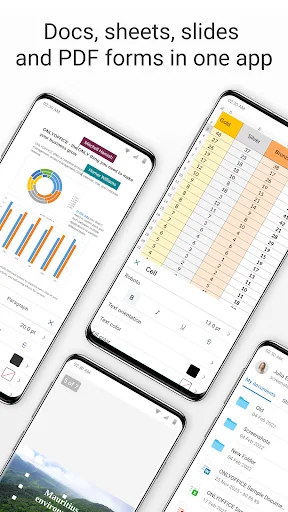
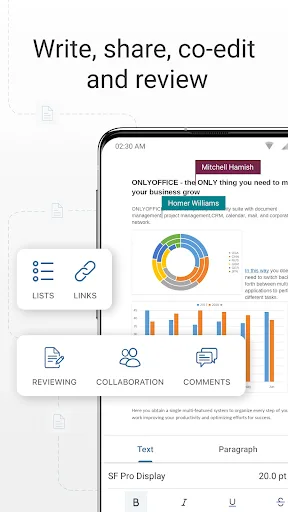
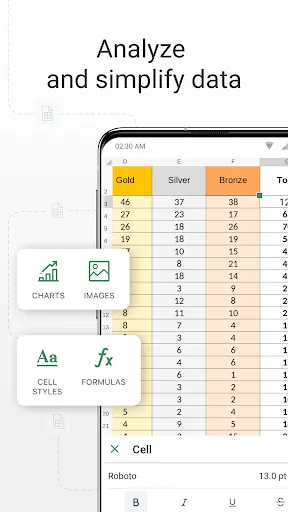
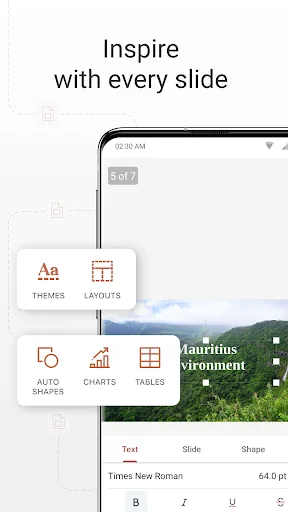
ONLYOFFICE Documents - The ultimate mobile office suite for Android ONLYOFFICE Documents is a free office suite for Android that lets you edit text, spreadsheets, presentations, PDFs, and fill out online forms. Fully compatible with MS Office formats, it supports seamless real-ti…
Pros
- Full compatibility with MS Office formats (docx, xlsx, pptx)
- Real-time collaborative editing with multiple users
- Built-in PDF editor and form filler
- Open-source and ad-free experience
- Offline access to documents
Cons
- Lower app rating and fewer installs compared to competitors
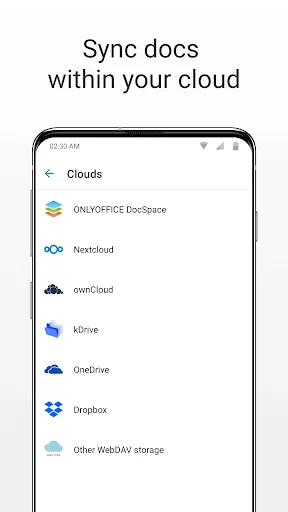
- Limited integration with third-party cloud services
- Occasional performance issues on older devices
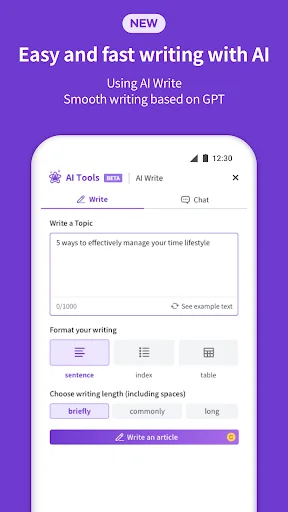
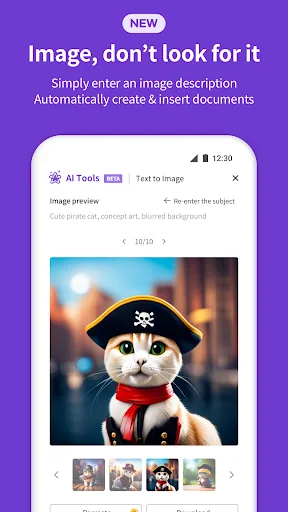
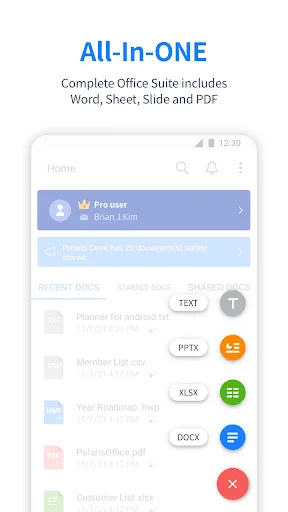
Edit documents easily and quickly with document-based generation AI tools! Already 100 Million Users Across The World, Get the Latest Android Office App For Free. Experience New All-in-One Complete Office Suite compatible with MS Word, Excel, PowerPoint and Adobe PDF. "Editors' C…
Pros
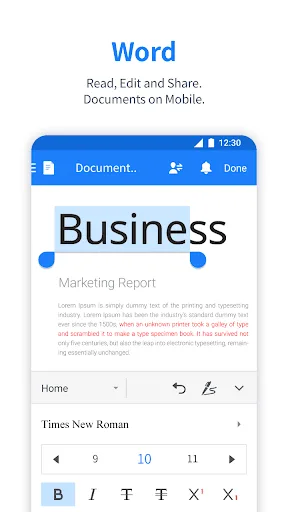
- AI-powered document generation and editing tools
- Supports over 100 million users globally with high stability
- Seamless cloud integration (Google Drive, Dropbox, etc.)
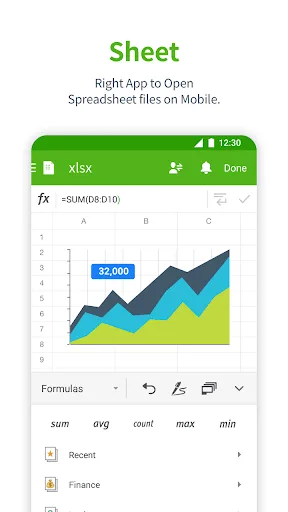
- All-in-one suite: Word, Excel, PowerPoint, PDF, and notes
- Editors' Choice and Top Developer award on Google Play
Cons
- Free version includes ads and limited AI features
- Real-time collaboration is less robust than ONLYOFFICE
- Some advanced features require subscription
Final Verdict
Our pick: Polaris Office: Edit&View, PDF
For most users, Polaris Office is the better choice due to its higher rating (3.56 vs 3.13), massive user base, and AI-powered editing tools that simplify document creation. It supports more file formats and offers seamless integration with cloud services. However, ONLYOFFICE Documents excels in real-time co-editing and is fully open-source, making it a strong contender for teams and privacy-conscious users. If you need robust collaboration and don't mind a smaller community, ONLYOFFICE is worth considering. Overall, Polaris Office wins for general productivity, while ONLYOFFICE is best for collaborative work.
ONLYOFFICE Documents Screenshots
Official app screenshots from the Google Play Store.
Polaris Office: Edit&View, PDF Screenshots
Official app screenshots from the Google Play Store.
Frequently Asked Questions
Which app has a better rating on Google Play?
Polaris Office has a higher rating of 3.56 compared to ONLYOFFICE Documents' 3.13, based on user reviews.
Can I use these apps offline?
Both apps support offline editing. ONLYOFFICE allows full offline access to documents, while Polaris Office also works offline but may require initial sync for cloud files.
Do the free versions include ads?
ONLYOFFICE Documents is completely ad-free. Polaris Office's free version displays ads and limits some AI features; a subscription removes ads.
What are the device requirements?
Both apps require Android 5.0 or later. Polaris Office is optimized for a wider range of devices, while ONLYOFFICE may need more RAM for smooth collaboration.
Which app should I choose for team collaboration?
ONLYOFFICE Documents is better for real-time co-editing and open-source flexibility. Polaris Office is ideal for individual productivity with AI tools and broader file support.
Related Comparisons
 VS
VS

WPS Office vs Microsoft Word: Best Android Office App for 2026
 VS
VS

Microsoft PowerPoint vs Microsoft Excel: Which Office App Reigns Supreme
 VS
VS

WPS Office Lite vs Microsoft 365 Copilot: Best Office App for Android in 2026
VS
Microsoft Word vs Microsoft PowerPoint: Which Office App Reigns Supreme?
 VS
VS

OfficeSuite Pro + PDF vs Office Reader: Best Android Office App for Productivity?
VS