ONLYOFFICE Documents vs WPS Office Lite: Free Office Suite Showdown
ONLYOFFICE Documents is ideal for users who need strong real-time collaboration and full compatibility with Microsoft Office formats, especially for team projects. WPS Office Lite is better for individuals who want a lightweight, fast, and feature-rich office suite for personal use, with a higher rating and massive install base. Both are free, but they cater to different priorities: collaboration vs. speed.

ONLYOFFICE Documents
- Rating
- ★ 3.13
- Downloads
- 1,000,000+
- Developer
- Ascensio System SIA

WPS Office Lite
Recommended- Rating
- ★ 4.27
- Downloads
- 50,000,000+
- Developer
- WPS SOFTWARE PTE. LTD.
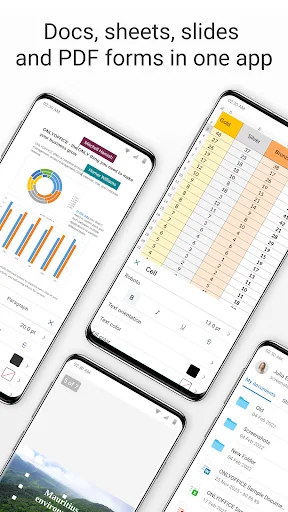
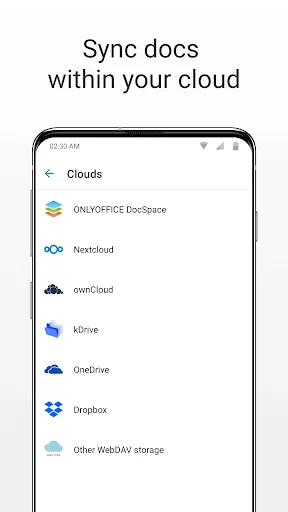
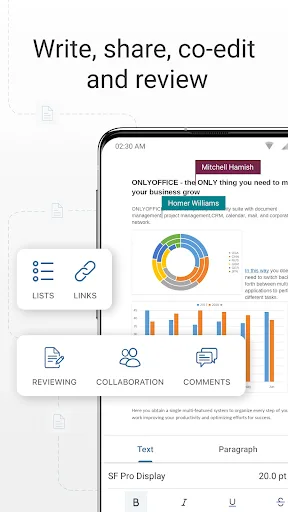
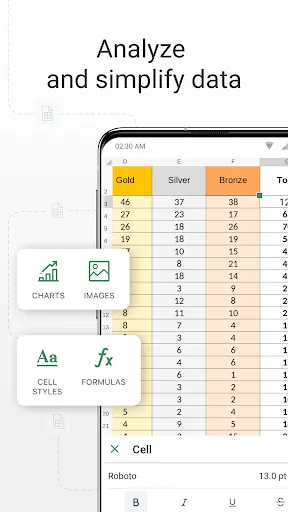
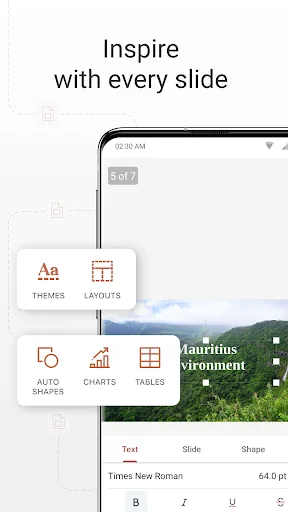
ONLYOFFICE Documents - The ultimate mobile office suite for Android ONLYOFFICE Documents is a free office suite for Android that lets you edit text, spreadsheets, presentations, PDFs, and fill out online forms. Fully compatible with MS Office formats, it supports seamless real-ti…
Pros
- Excellent real-time collaboration with multiple users
- Full compatibility with Microsoft Office formats
- Supports filling and creating online forms
- Offline access to documents
- Free with no ads
Cons
- Lower user rating (3.08) indicates reliability issues
- Smaller user community and fewer updates
- Interface can be less intuitive for new users
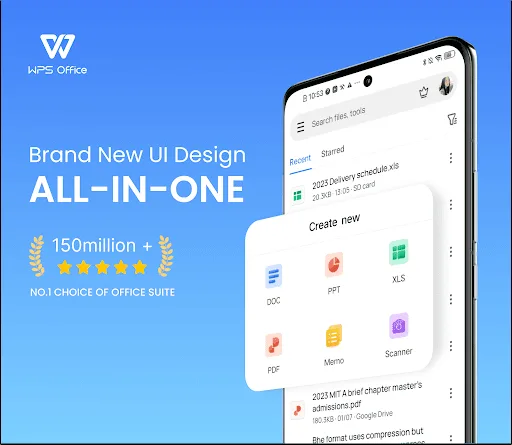
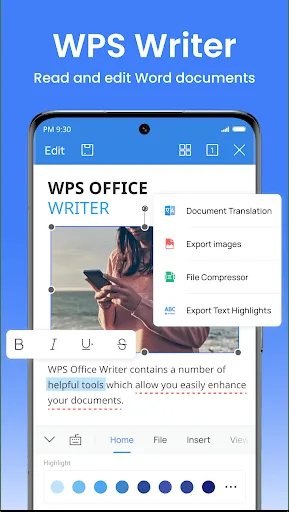
In order to provide better products and services, we changed the name of "Kingsoft Office" application to "WPS Office Lite ". 【WPS Office Lite】 Unlike the official version of WPS Office, the BETA version means: Preview the latest features: Try out the newest features. Give ea…
Pros
- Very high user rating (4.28) and trust
- Lightweight and fast performance
- Massive 50M+ install base with strong support
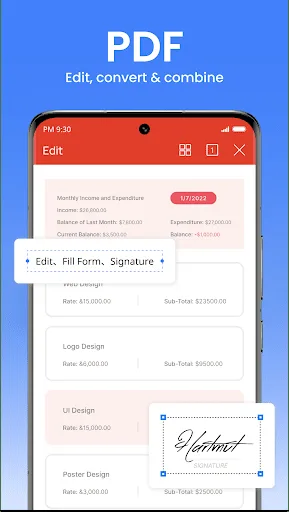
- Includes PDF reader and converter
- Frequent updates and beta features
Cons
- May contain ads in free version
- Some advanced features require subscription
- Limited real-time collaboration compared to ONLYOFFICE
Final Verdict
Our pick: WPS Office Lite
For most users, WPS Office Lite is the better choice due to its higher rating (4.28 vs 3.08), larger install base (50M+ vs 1M+), and lighter resource usage. It offers a more polished and stable experience. However, if you need advanced real-time collaboration features and seamless online form filling, ONLYOFFICE Documents is a strong contender. But for general office tasks, WPS Office Lite wins.
ONLYOFFICE Documents Screenshots
Official app screenshots from the Google Play Store.
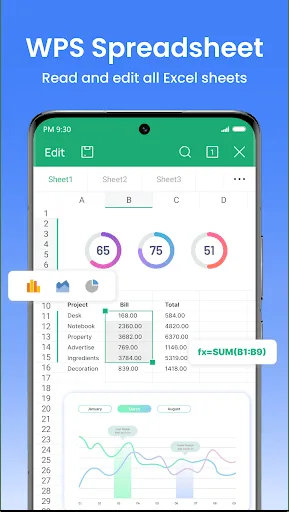
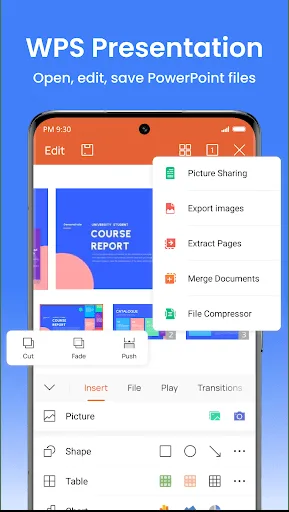
WPS Office Lite Screenshots
Official app screenshots from the Google Play Store.
Frequently Asked Questions
Which app has a better rating?
WPS Office Lite has a significantly higher rating of 4.28 compared to ONLYOFFICE Documents' 3.08.
Can I use both apps offline?
Yes, both apps support offline access to documents, but ONLYOFFICE Documents requires initial online setup for collaboration features.
Are there ads in these apps?
ONLYOFFICE Documents is ad-free. WPS Office Lite may show ads, but they are not intrusive.
What are the device requirements?
Both apps run on Android 5.0 and up. WPS Office Lite is lighter and works well on low-end devices, while ONLYOFFICE may need more RAM for heavy collaboration.
Which app should I choose?
Choose WPS Office Lite for a fast, reliable, and popular office suite. Choose ONLYOFFICE Documents if you need robust real-time collaboration and form filling.
Related Comparisons
 VS
VS

WPS Office vs Microsoft Word: Best Android Office App for 2026
 VS
VS

Microsoft PowerPoint vs Microsoft Excel: Which Office App Reigns Supreme
VS

WPS Office Lite vs Microsoft 365 Copilot: Best Office App for Android in 2026
VS
Microsoft Word vs Microsoft PowerPoint: Which Office App Reigns Supreme?
 VS
VS

OfficeSuite Pro + PDF vs Office Reader: Best Android Office App for Productivity?
VS