PicCollage vs SCRL: Best Collage Maker App for Android
PicCollage is a versatile collage and photo editor with over 100 million installs, ideal for casual users who want quick, creative layouts with stickers and backgrounds. SCRL targets influencers and artists who need polished, Instagram-ready carousels with hand-picked templates. Both apps offer unique strengths, but your choice depends on whether you prefer a feature-rich toolkit or a streamlined design experience.
PicCollage: Photo Video Editor
Recommended- Rating
- ★ 4.72
- Downloads
- 100,000,000+
- Developer
- Cardinal Blue Software, Inc.

SCRL: Photo Collage Maker
- Rating
- ★ 4.69
- Downloads
- 10,000,000+
- Developer
- Appostrophe AB
PicCollage - Your Photo Editor and Collage Maker for Celebrating Life's Moments! Create photo collages, picture collages, and design scrapbook layouts with PicCollage. Our grid templates and layout tools help you combine photos, pics, and videos into collages, cards, and visual s…
Pros
- Huge library of templates, stickers, and backgrounds
- Supports video collages and scrapbook layouts
- Robust editing tools including text, filters, and cropping
- High rating of 4.72 with over 100M installs
- Works offline for basic collage creation
Cons
- Free version includes ads and watermark
- Some advanced features require subscription
- Interface can feel cluttered with many options
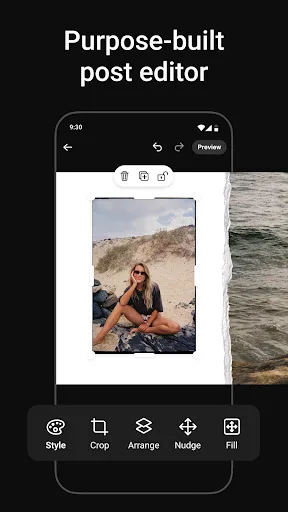
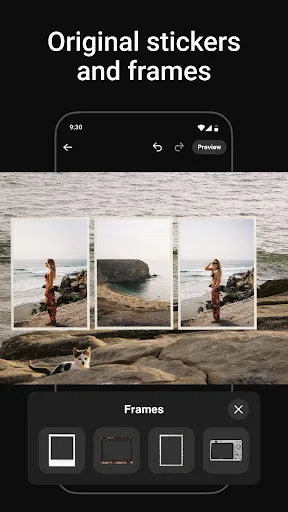
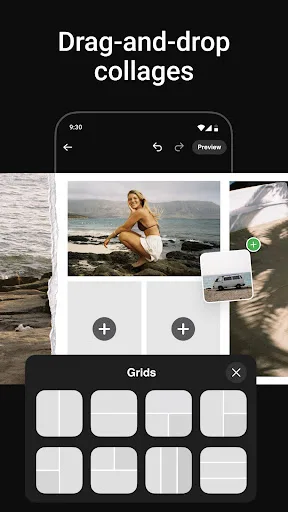
Unleash your creativity with SCRL, the #1 app in the US for creating original photo collages and seamless Instagram carousels. Whether you're an influencer, artist, or just love sharing your moments, SCRL offers everything you need to make your posts stand out. • Exceptional Co…
Pros
- Curated hand-picked templates for modern aesthetics
- Optimized for Instagram carousels and stories
- Clean, intuitive interface with minimal clutter
- No watermark on free exports
- Regularly updated with new trendy designs
Cons
- Smaller template library compared to PicCollage
- No video collage support
- Limited offline functionality; requires internet for templates
Final Verdict
Our pick: PicCollage: Photo Video Editor
For most users, PicCollage is the better choice due to its massive template library, extensive editing tools, and higher rating. However, if you primarily create Instagram carousels and want a modern, curated design experience, SCRL excels. PicCollage wins for versatility and offline capabilities, while SCRL is ideal for social media pros. Overall, PicCollage offers more value for general collage making.
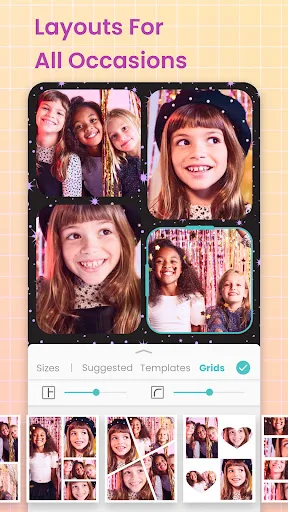
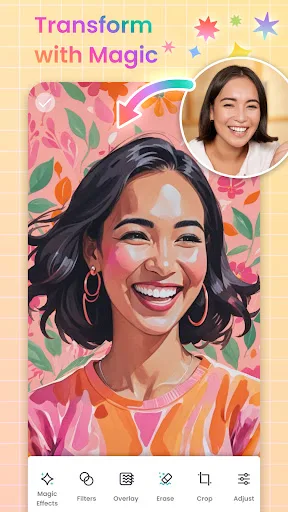
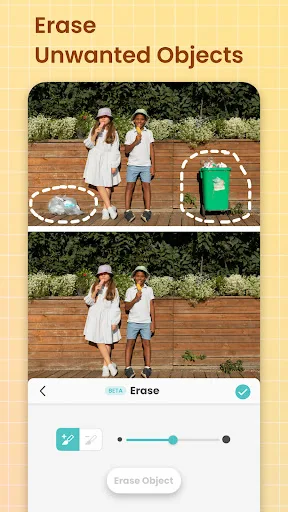
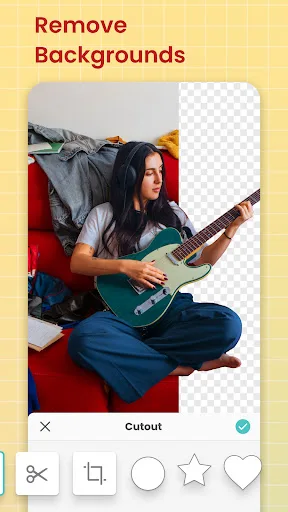
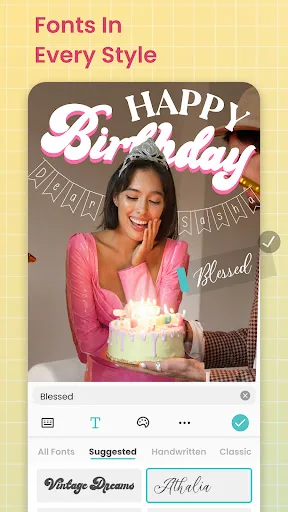
PicCollage: Photo Video Editor Screenshots
Official app screenshots from the Google Play Store.
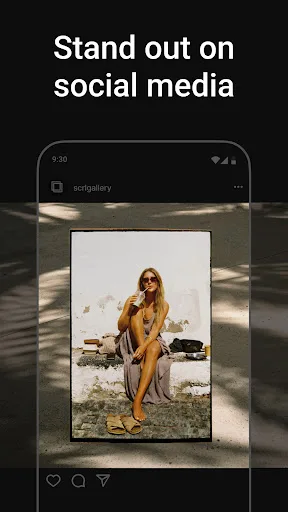
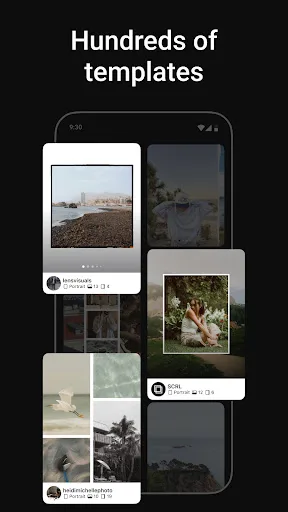
SCRL: Photo Collage Maker Screenshots
Official app screenshots from the Google Play Store.
Frequently Asked Questions
Which app has a higher rating?
PicCollage has a higher rating of 4.72 compared to SCRL's 4.68.
Can I use these apps offline?
PicCollage allows basic offline collage creation with saved templates. SCRL requires an internet connection to access its template library.
Do these apps have ads?
Both apps have ads in the free version. PicCollage also includes a watermark on free exports, while SCRL does not.
What are the device requirements?
Both apps require Android 5.0 or later. PicCollage is optimized for a wide range of devices, while SCRL may perform better on newer phones.
Which app should I choose for Instagram carousels?
SCRL is specifically designed for Instagram carousels with seamless swipeable layouts. PicCollage also supports carousels but requires more manual setup.
Related Comparisons
 VS
VS
Lightroom vs Polish: Which Photo Editor & Collage Maker Wins in 2026
VS

Lightroom vs Photo Editor Collage Maker: Best Collage App for Android in 2026
 VS
VS
Picsart vs Adobe Express: The Ultimate Collage App Showdown
VS

Picsart vs Photoroom: Which AI Photo Editor Wins for Collages?
VS

Collage Maker Showdown: Photo Editor - Collage Maker vs Collage Maker & Photo Editor
VS