Polaris Office vs Microsoft 365 Copilot: Which Android Office Suite Reigns Supreme?
Polaris Office is a lightweight, free office suite ideal for users who need basic document editing and PDF support without a subscription. Microsoft 365 Copilot is a powerful AI-driven productivity app for professionals and businesses deeply integrated with Microsoft's ecosystem. Choose Polaris for simplicity and offline editing; choose Microsoft 365 for advanced AI features and collaboration.

Polaris Office: Edit&View, PDF
- Rating
- ★ 3.56
- Downloads
- 50,000,000+
- Developer
- Polaris Office Corp.

Microsoft 365 Copilot
Recommended- Rating
- ★ 4.51
- Downloads
- 1,000,000,000+
- Developer
- Microsoft Corporation
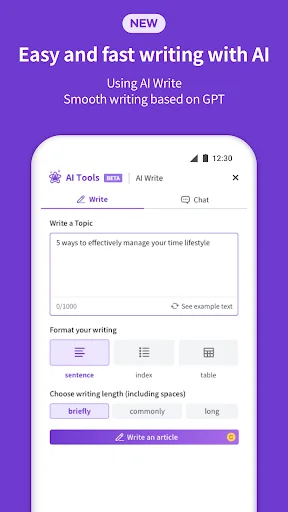
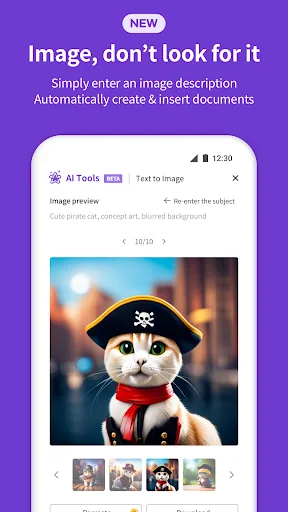
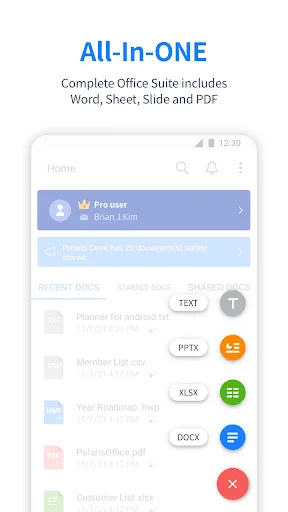
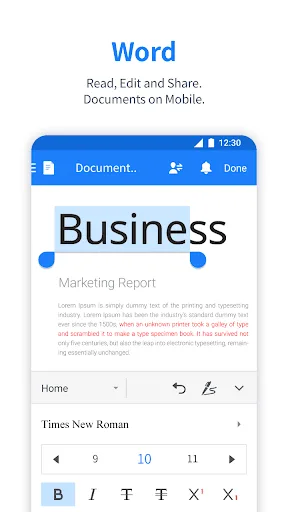
Edit documents easily and quickly with document-based generation AI tools! Already 100 Million Users Across The World, Get the Latest Android Office App For Free. Experience New All-in-One Complete Office Suite compatible with MS Word, Excel, PowerPoint and Adobe PDF. "Editors' C…
Pros
- Free to use with no subscription required
- Supports editing of MS Office formats and PDF
- Lightweight app with fast performance
- Over 100 million users globally
- Google Play Editors' Choice and Top Developer award
Cons
- Limited AI features compared to competitors
- Some advanced features require in-app purchases
- Less seamless cloud integration than Microsoft 365
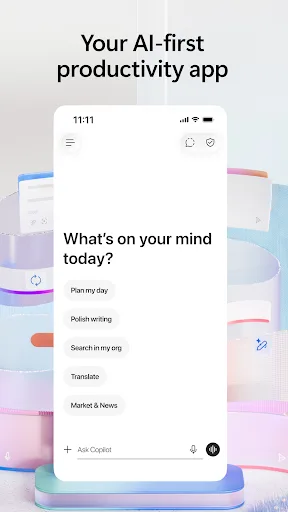
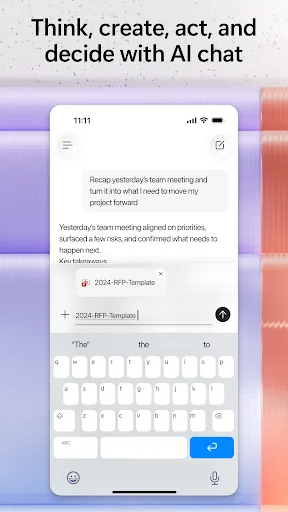
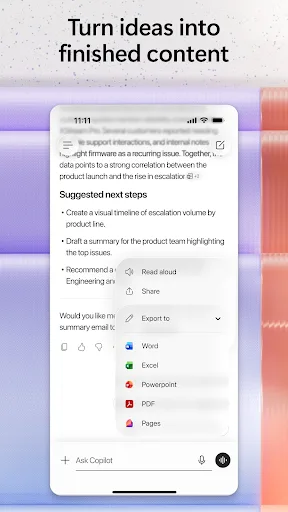
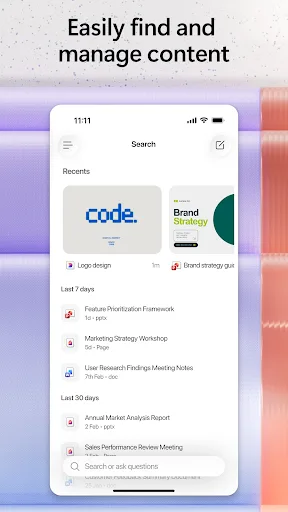
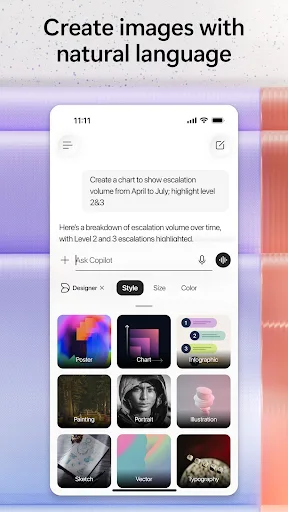
The Microsoft 365 Copilot app is your AI-first productivity app for work. It provides one place for you to chat with your AI assistant, create content, manage projects and quickly find files on the go – helping you get more done, without doing more. With the Microsoft 365 Copil…
Pros
- Advanced AI assistant for content creation and summarization
- Seamless integration with OneDrive and Microsoft 365
- High rating of 4.5 stars with over 1 billion installs
- Supports real-time collaboration and project management
- Regular updates with cutting-edge features
Cons
- Requires a Microsoft 365 subscription for full features
- Heavier app with higher resource usage
- Some features are cloud-dependent and offline mode limited
Final Verdict
Our pick: Microsoft 365 Copilot
For most users, Microsoft 365 Copilot is the superior choice due to its AI capabilities, seamless integration with Microsoft services, and higher rating. However, if you need a free, offline-capable office suite without a subscription, Polaris Office is a solid alternative. The Microsoft app excels in productivity and collaboration, making it the winner for professionals. Polaris is better for casual users on a budget. Overall, Microsoft 365 Copilot wins for its comprehensive features and ecosystem.
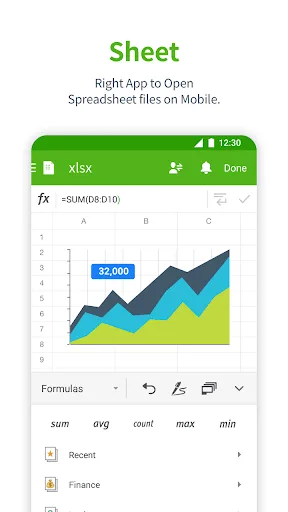
Polaris Office: Edit&View, PDF Screenshots
Official app screenshots from the Google Play Store.
Microsoft 365 Copilot Screenshots
Official app screenshots from the Google Play Store.
Frequently Asked Questions
How do the ratings compare between Polaris Office and Microsoft 365 Copilot?
Polaris Office has a rating of 3.56, while Microsoft 365 Copilot has a much higher 4.52. Microsoft 365 Copilot is generally more highly regarded by users.
Can I use these apps offline?
Polaris Office offers robust offline editing for documents and PDFs. Microsoft 365 Copilot requires an internet connection for AI features and cloud access, but basic viewing may work offline with downloaded files.
Do these apps contain ads?
Polaris Office is ad-supported in its free version, which may display occasional ads. Microsoft 365 Copilot is ad-free for all users.
What are the device requirements for each app?
Polaris Office runs on Android 5.0+ and is optimized for low-end devices. Microsoft 365 Copilot requires Android 8.0+ and at least 2GB RAM for smooth performance.
Which app should I choose for basic document editing?
If you need free, offline editing of Word, Excel, and PDF files, choose Polaris Office. For AI-powered assistance and integration with Microsoft tools, choose Microsoft 365 Copilot.
Related Comparisons
 VS
VS

WPS Office vs Microsoft Word: Best Android Office App for 2026
 VS
VS

Microsoft PowerPoint vs Microsoft Excel: Which Office App Reigns Supreme
 VS
VS
WPS Office Lite vs Microsoft 365 Copilot: Best Office App for Android in 2026
VS
Microsoft Word vs Microsoft PowerPoint: Which Office App Reigns Supreme?
 VS
VS

OfficeSuite Pro + PDF vs Office Reader: Best Android Office App for Productivity?
VS