Polaris Office vs Microsoft PowerPoint: Which Android Office App Reigns Supreme?
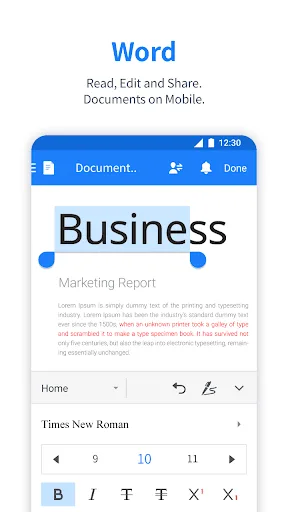
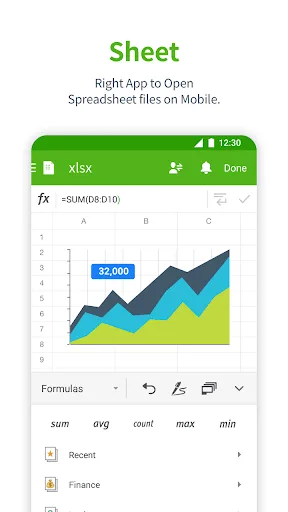
Polaris Office is an all-in-one office suite designed for users who need to edit documents, spreadsheets, and presentations on the go. It supports a wide range of file formats including MS Office and PDF. Microsoft PowerPoint is a dedicated presentation app from Microsoft, ideal for users deeply integrated into the Microsoft ecosystem. It offers advanced AI features like Presenter Coach and seamless OneDrive syncing.
Polaris Office: Edit&View, PDF
- Rating
- ★ 3.56
- Downloads
- 50,000,000+
- Developer
- Polaris Office Corp.

Microsoft PowerPoint
Recommended- Rating
- ★ 4.80
- Downloads
- 1,000,000,000+
- Developer
- Microsoft Corporation
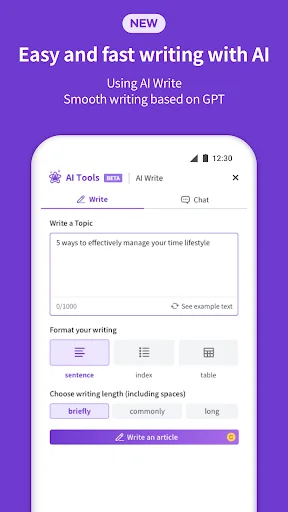
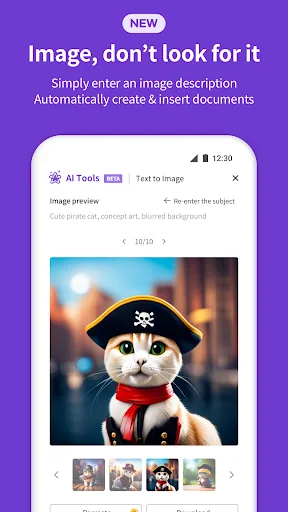
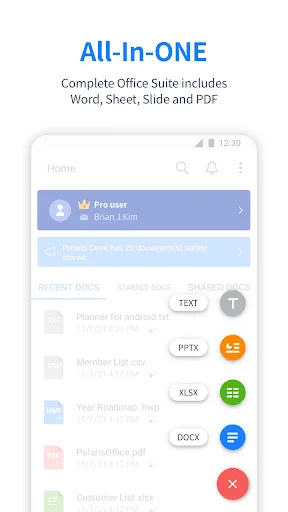
Edit documents easily and quickly with document-based generation AI tools! Already 100 Million Users Across The World, Get the Latest Android Office App For Free. Experience New All-in-One Complete Office Suite compatible with MS Word, Excel, PowerPoint and Adobe PDF. "Editors' C…
Pros
- Supports all major office file formats including MS Word, Excel, PowerPoint, and PDF.
- Includes document-based AI generation tools for faster editing.
- Lightweight app with a user-friendly interface.
- Free to use with optional premium features.
- Available offline for viewing and editing documents.
Cons
- Lower user rating of 3.56 due to occasional bugs and ads.
- Advanced features require a subscription.
- Less polished presentation tools compared to dedicated apps.
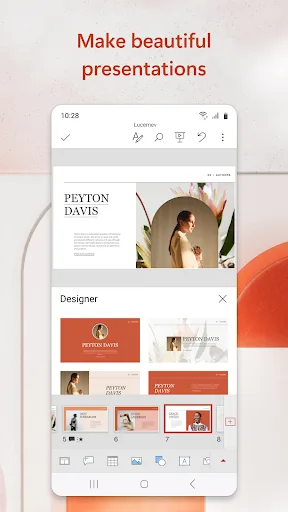
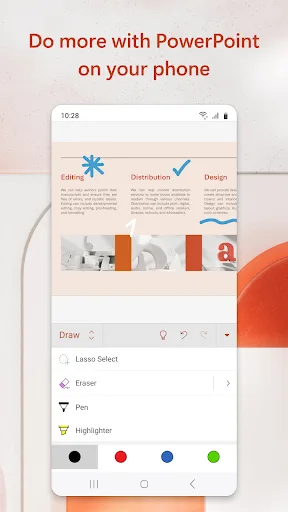
OneDrive syncing keeps your files up to date, so you can start on your PC and continue editing on your phone without worrying about version conflicts. Make an impact with customizable, professional-looking slides. Use templates and design ideas to create polished presentations in…
Pros
- Industry-leading presentation tools with design ideas and templates.
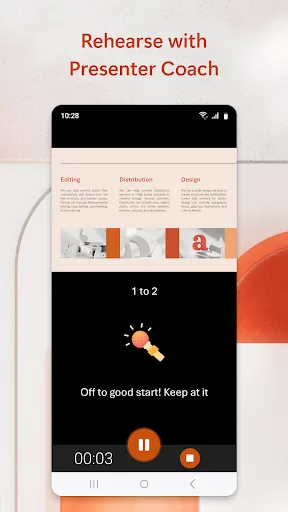
- AI-powered Presenter Coach provides real-time feedback on pacing and filler words.
- Seamless OneDrive syncing for cross-device editing.
- Very high user rating of 4.80 and over 1 billion installs.
- Free to use with a Microsoft account, with premium features available via Office 365.
Cons
- Limited to presentations only; no support for Word or Excel documents.
- Requires Microsoft account for full functionality.
- Some advanced features require a paid Office 365 subscription.
Final Verdict
Our pick: Microsoft PowerPoint
For most users, Microsoft PowerPoint is the winner due to its higher rating (4.80 vs 3.56), extensive install base, and seamless integration with Microsoft services. It excels in presentation creation with AI tools like Presenter Coach. However, if you need a comprehensive office suite that handles Word, Excel, and PDF in addition to presentations, Polaris Office is a solid choice. PowerPoint is best for those who prioritize polished presentations and work within the Microsoft ecosystem, while Polaris Office is better for users who want a single app for multiple file types.
Polaris Office: Edit&View, PDF Screenshots
Official app screenshots from the Google Play Store.
Microsoft PowerPoint Screenshots
Official app screenshots from the Google Play Store.


Frequently Asked Questions
What are the ratings of Polaris Office and Microsoft PowerPoint?
Polaris Office has a rating of 3.56, while Microsoft PowerPoint has a rating of 4.80 on Google Play.
Can I use these apps offline?
Yes, both apps allow offline viewing and editing. Polaris Office works offline for most features, and PowerPoint supports offline editing with saved files.
Do these apps contain ads?
Polaris Office includes ads in the free version, which can be removed via in-app purchase. Microsoft PowerPoint is ad-free.
What are the device requirements?
Both apps require Android 5.0 or higher. Polaris Office is lightweight (~30 MB), while PowerPoint requires about 100 MB of storage.
Which app should I choose for creating presentations?
If you need a dedicated presentation app with advanced AI features, choose Microsoft PowerPoint. If you want an all-in-one office suite that also handles presentations, choose Polaris Office.
Related Comparisons
 VS
VS

WPS Office vs Microsoft Word: Best Android Office App for 2026
VS

Microsoft PowerPoint vs Microsoft Excel: Which Office App Reigns Supreme
 VS
VS

WPS Office Lite vs Microsoft 365 Copilot: Best Office App for Android in 2026
VS
Microsoft Word vs Microsoft PowerPoint: Which Office App Reigns Supreme?
 VS
VS

OfficeSuite Pro + PDF vs Office Reader: Best Android Office App for Productivity?
VS