InShot vs Picsart: Best Collage & Video Editor for Android
InShot is a dedicated video editor and collage maker, ideal for users who prioritize quick, professional-looking video edits and photo collages with music and transitions. Picsart, on the other hand, is a full creative suite with AI tools for photo editing, video editing, and graphic design, catering to users who want an all-in-one platform for both collage and advanced editing. If you mainly need collage and video trimming with ease, InShot is your best bet. For AI-powered creativity and design versatility, Picsart stands out.

Video Editor & Maker - InShot
Recommended- Rating
- ★ 4.84
- Downloads
- 500,000,000+
- Developer
- InShot Video Editor

Picsart AI Photo Editor, Video
- Rating
- ★ 4.00
- Downloads
- 1,000,000,000+
- Developer
- PicsArt, Inc.
InShot - Powerful all-in-one Video Editor and Video Maker with professional features. Add music, text, transition effects for videos, make smooth slow motion, make video collage, blur background and etc! As an easy-to-use editing app, InShot makes creating vlogs a breeze and help…
Pros
- Higher user rating (4.84) with over 500M+ installs
- Dedicated collage maker with customizable grid layouts
- Smooth slow-motion and transition effects for video collages
- Simple, intuitive interface perfect for beginners
- No watermark on free version (with ads)
Cons
- Free version includes ads
- Limited AI-powered features compared to Picsart
- Less advanced photo editing tools
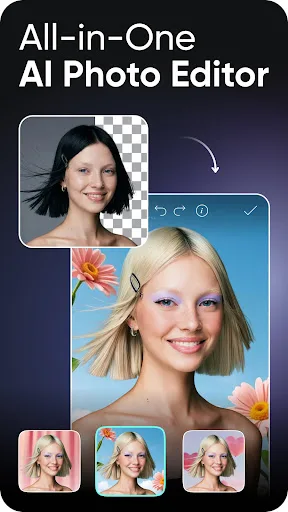
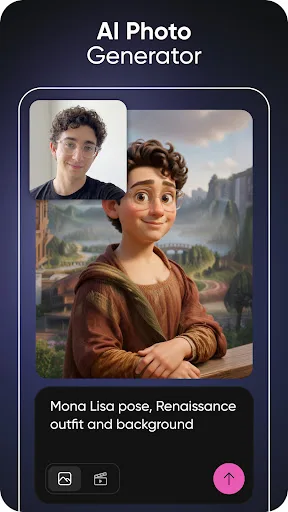
Ignite your creative potential with Picsart — the all-in-one AI photo editor, AI video editor, and design studio that’s free and easy to use. From business designs to AI art, go from inspiration to creation fast. Create with an AI photo generator and AI video generator, edit…
Pros
- AI photo generator and AI video generator for unique content
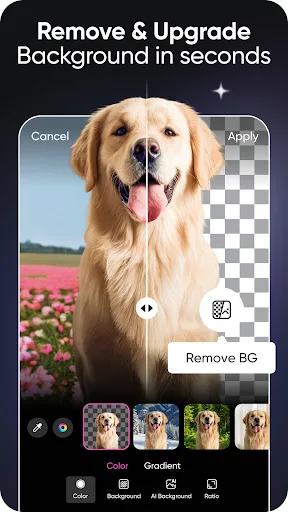
- Background remover and object remover tools
- Massive community and template library
- All-in-one: photo editor, video editor, and design studio
- Free to use with optional premium subscription
Cons
- Lower overall rating (4.00) despite 1B+ installs
- Can be cluttered with ads and premium prompts
- Steeper learning curve for basic collage tasks
Final Verdict
Our pick: Video Editor & Maker - InShot
For collage creation specifically, InShot offers a more streamlined and higher-rated experience (4.84 stars) with simpler tools for combining photos and videos into collages. Its focus on video editing also means better support for video collages. Picsart, while more versatile with AI features, has a lower rating (4.00) and can be overwhelming for simple collages. We recommend InShot for users who want a fast, reliable collage maker with video capabilities. However, if you need AI photo editing and design tools alongside collages, Picsart is the better choice.
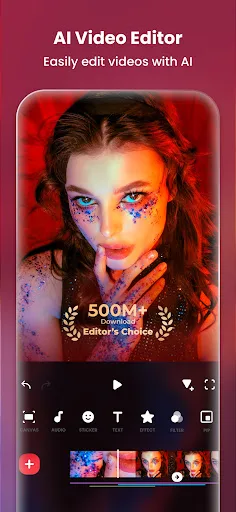
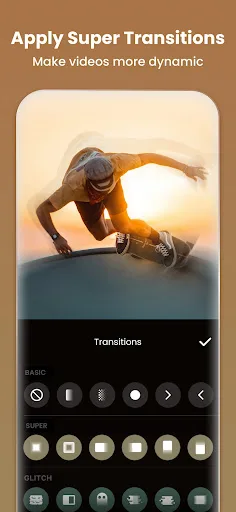
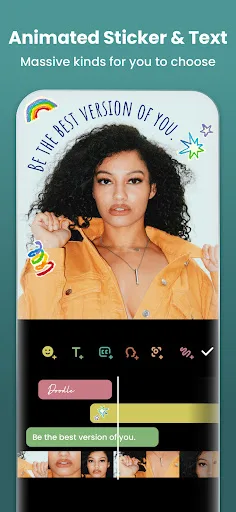
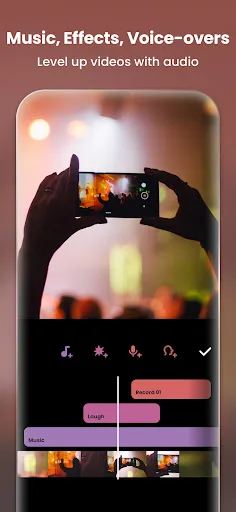
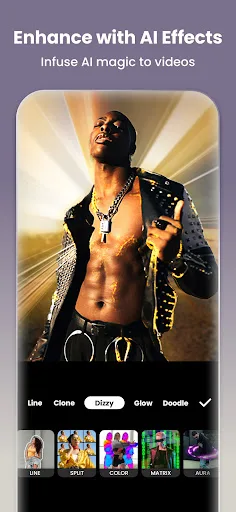
Video Editor & Maker - InShot Screenshots
Official app screenshots from the Google Play Store.
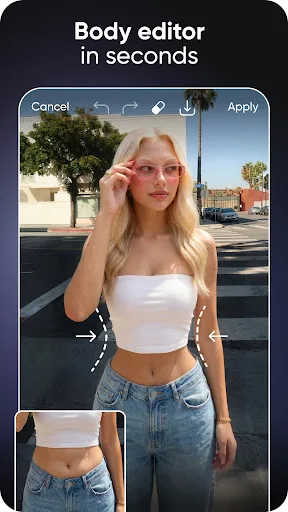
Picsart AI Photo Editor, Video Screenshots
Official app screenshots from the Google Play Store.

Frequently Asked Questions
Which app has higher ratings?
InShot has a higher rating of 4.84 compared to Picsart's 4.00, based on Google Play Store data.
Can I use these apps offline?
Both apps require an internet connection for some features (e.g., templates, AI tools), but basic collage and editing functions work offline on InShot and Picsart.
Do these apps have ads?
Yes, both free versions include ads. InShot shows ads but offers a watermark-free experience. Picsart has ads and prompts to upgrade to premium.
What are the device requirements?
Both apps require Android 5.0 or higher. InShot is lighter (around 100 MB), while Picsart may need more storage (200+ MB) and RAM for AI features.
Which app should I choose for collages?
If you want a simple, high-rated collage maker with video support, choose InShot. If you need AI-powered design and photo editing alongside collages, choose Picsart.
Related Comparisons
 VS
VS

Lightroom vs Polish: Which Photo Editor & Collage Maker Wins in 2026
VS

Lightroom vs Photo Editor Collage Maker: Best Collage App for Android in 2026
VS
Picsart vs Adobe Express: The Ultimate Collage App Showdown
VS

Picsart vs Photoroom: Which AI Photo Editor Wins for Collages?
VS

Collage Maker Showdown: Photo Editor - Collage Maker vs Collage Maker & Photo Editor
VS