Video Maker vs PowerDirector: Which Free Video Editor for YouTube & Reels Wins?
Video Maker by InShot is ideal for beginners and casual users who want a simple, free video editor with AI features to create YouTube videos quickly. PowerDirector by Cyberlink targets content creators who need advanced editing tools like multi-track timeline, chroma key, and keyframe animation for professional-looking videos. Both apps have over 100 million installs and high ratings, but they cater to different skill levels and use cases.
Video Maker
Recommended- Rating
- ★ 4.78
- Downloads
- 100,000,000+
- Developer
- InShot Video Editor

PowerDirector - Video Editor
- Rating
- ★ 4.21
- Downloads
- 100,000,000+
- Developer
- Cyberlink Corp
Video.Guru - AI video maker and video editor from photo & music, easy to share memories and fun moments with your friends. The most user friendly YouTube video editor for Android. This all-in-one video editor with powerful & free video editing features: video trim, cut, fast & sl…
Pros
- Higher user rating (4.78) and extremely positive reviews
- Intuitive interface ideal for beginners and quick edits
- Powerful free features including trim, cut, slow-mo, filters, and music
- AI video maker from photos and music with easy sharing
- Optimized for YouTube videos with high quality export
Cons
- Lacks advanced features like multi-track timeline and chroma key
- Watermark on some exports unless you upgrade
- Occasional ads in free version
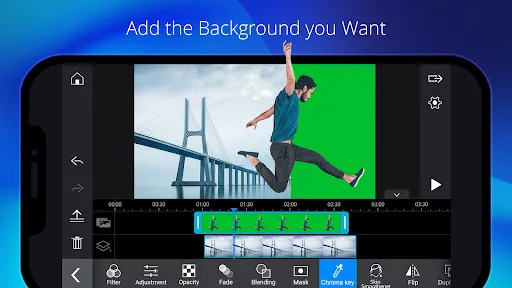
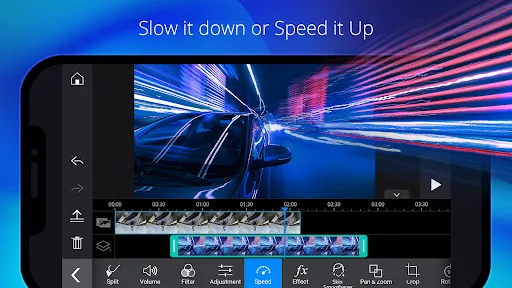
With over 150 million downloads and counting, PowerDirector is the Google Editor's Choice AI video editor that turns photos, clips, and text prompts into scroll-stopping videos optimized for TikTok, Reels and Shorts — in minutes, on your phone. 🎬 EASY VIDEO EDITING ■ Trim,…
Pros
- Professional-grade editing with multi-track timeline and keyframe animation
- Chroma key (green screen) and video effects for creative control
- Direct export optimization for TikTok, Reels, and Shorts
- Editor's Choice award on Google Play
- AI text-to-video feature from prompts
Cons
- Lower rating (4.21) with some user complaints about stability
- Steeper learning curve for beginners
- Many advanced features require subscription or in-app purchases
Final Verdict
Our pick: Video Maker
For most casual users and YouTubers starting out, Video Maker by InShot is the better choice due to its higher rating (4.78 vs 4.21), user-friendly interface, and robust free features. However, if you need advanced editing capabilities like multiple layers, green screen, or precise keyframe control, PowerDirector is the winner despite its lower rating. Overall, Video Maker offers the best balance of ease, quality, and value for free.
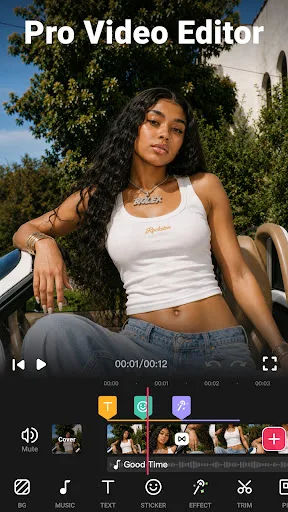
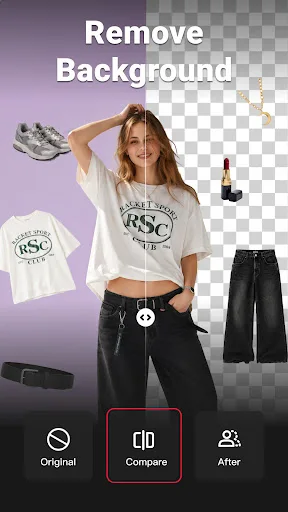
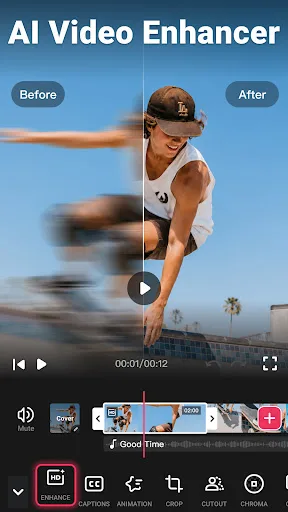
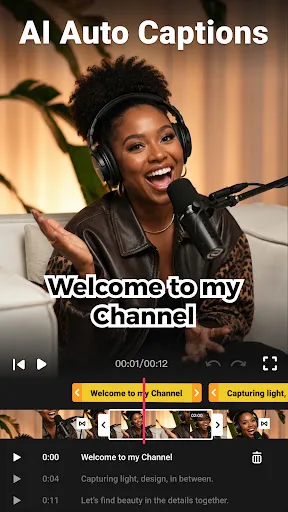
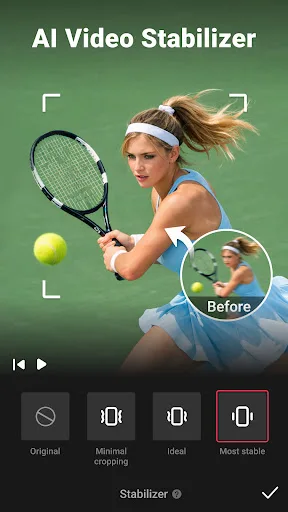
Video Maker Screenshots
Official app screenshots from the Google Play Store.
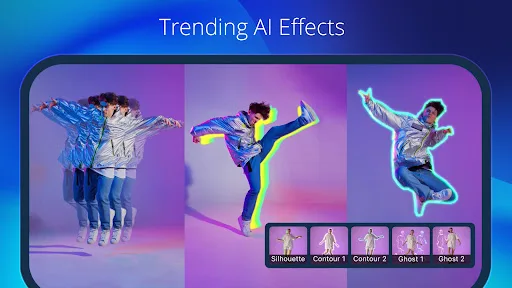
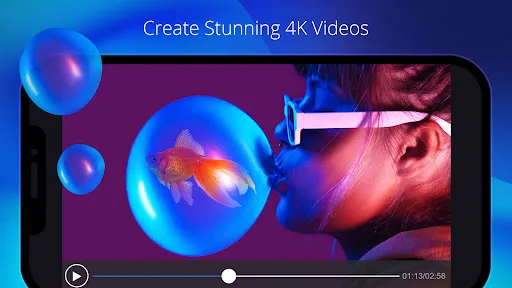
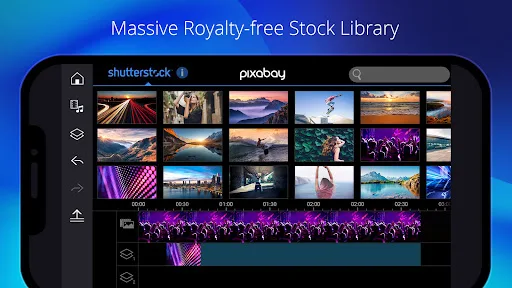
PowerDirector - Video Editor Screenshots
Official app screenshots from the Google Play Store.
Frequently Asked Questions
Which app has a higher rating?
Video Maker by InShot has a higher rating of 4.78 compared to PowerDirector's 4.21, based on the provided data.
Can I use these apps offline?
Both apps can be used offline for basic editing, but some features like AI effects, music libraries, and exports may require an internet connection.
Do these apps have ads?
Both free versions display ads. Video Maker shows occasional ads, while PowerDirector may have more frequent ads. Premium subscriptions remove ads in both apps.
What are the minimum device requirements?
Both apps require Android 5.0 or higher and at least 2GB of RAM for smooth performance. For 4K editing, PowerDirector recommends 4GB+ RAM.
Which app should I choose for YouTube Shorts?
For quick, easy Shorts with music and effects, Video Maker is best. For more control over timing, transitions, and text, PowerDirector offers better tools.
Related Comparisons
VS

PowerDirector vs KineMaster: Best Video Editor for Android in 2026
 VS
VS
VN vs Video Guru: Which Free Video Editor Reigns Supreme?
 VS
VS
CapCut vs PowerDirector: Which Video Editor Reigns Supreme
 VS
VS

VivaCut vs Lightroom: Best Video Editor for Android
 VS
VS
Canva vs KineMaster: Best Video Editor for You? ( Comparison)
 VS
VS