WPS Office Lite vs Polaris Office: Which Android Office Suite is Best for You?
WPS Office Lite targets users who want a lightweight, fast office suite with early access to new features, ideal for quick document editing on older devices. Polaris Office, with over 100 million users, offers a full-featured office suite with AI tools and broad format support, suitable for heavy document work and PDF editing. Both are free but have different strengths. This comparison helps you decide which app fits your needs.
WPS Office Lite
- Rating
- ★ 4.27
- Downloads
- 50,000,000+
- Developer
- WPS SOFTWARE PTE. LTD.

Polaris Office: Edit&View, PDF
Recommended- Rating
- ★ 3.56
- Downloads
- 50,000,000+
- Developer
- Polaris Office Corp.
In order to provide better products and services, we changed the name of "Kingsoft Office" application to "WPS Office Lite ". 【WPS Office Lite】 Unlike the official version of WPS Office, the BETA version means: Preview the latest features: Try out the newest features. Give ea…
Pros
- Lightweight and fast, ideal for low-end devices
- Early access to latest features before official release
- Simple interface with easy navigation
- Free with no major feature restrictions
- Supports common document formats (Word, Excel, PPT)
Cons
- Limited advanced features compared to full version
- Beta version may have bugs or instability
- No AI-powered tools or advanced PDF editing
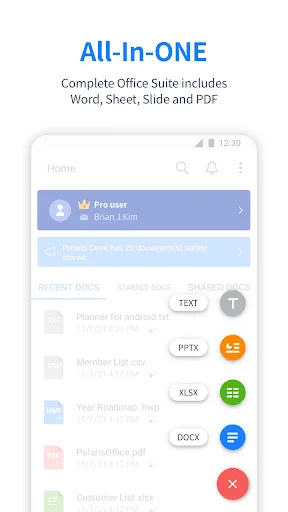
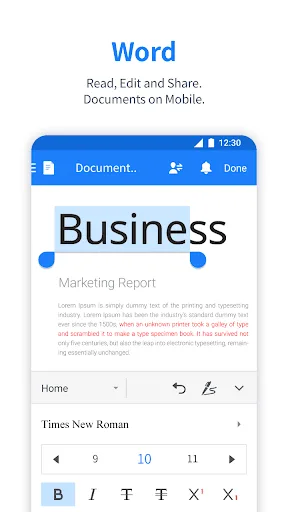
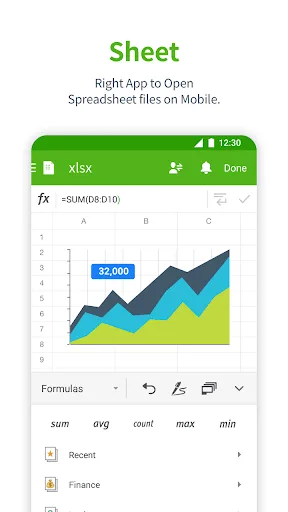
Edit documents easily and quickly with document-based generation AI tools! Already 100 Million Users Across The World, Get the Latest Android Office App For Free. Experience New All-in-One Complete Office Suite compatible with MS Word, Excel, PowerPoint and Adobe PDF. "Editors' C…
Pros
- Comprehensive office suite with AI generation tools
- Full compatibility with MS Office and PDF formats
- Editors' Choice and Top Developer award
- 100 million+ users globally, well-supported
- Advanced PDF editing and cloud integration
Cons
- Heavier app, may lag on older devices
- Some features require in-app purchases or subscription
- Interface can be cluttered with many options
Final Verdict
Our pick: Polaris Office: Edit&View, PDF
For most users, Polaris Office is the better choice due to its comprehensive feature set, AI-powered tools, and strong compatibility with Microsoft Office formats. It also holds a Google Play Editors' Choice award. However, if you have an older device or prefer a minimal, fast app, WPS Office Lite's lightweight design is a solid alternative. Polaris Office's higher install base and broader functionality make it the winner for productivity-focused users. WPS Office Lite is best for those who prioritize speed and simplicity.
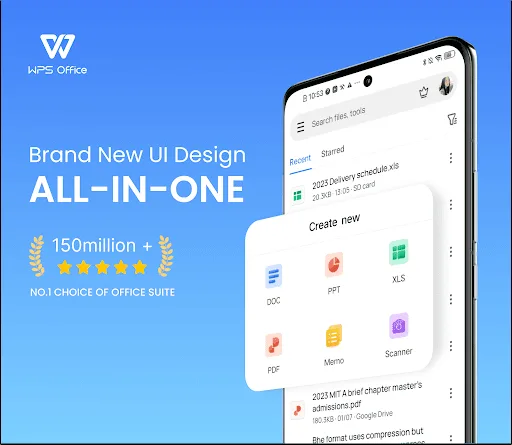
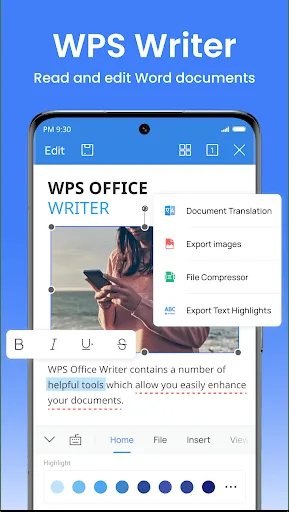
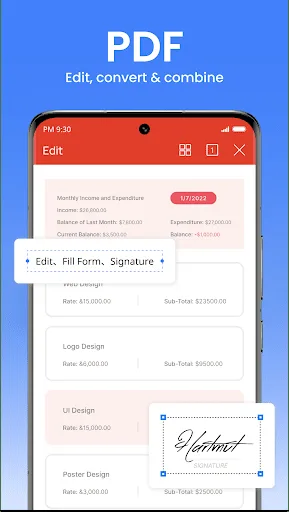
WPS Office Lite Screenshots
Official app screenshots from the Google Play Store.
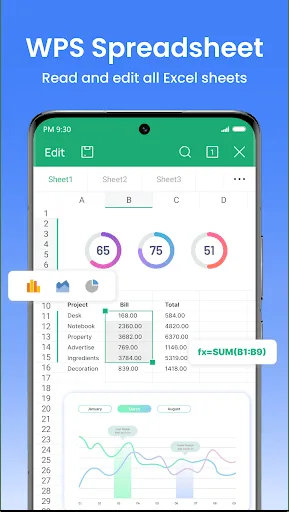
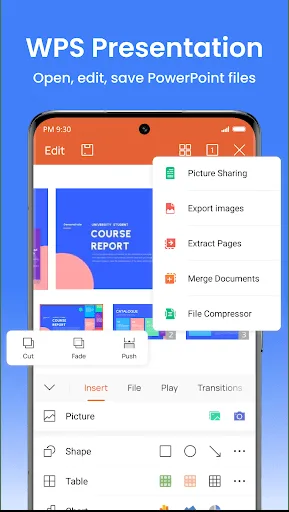
Polaris Office: Edit&View, PDF Screenshots
Official app screenshots from the Google Play Store.
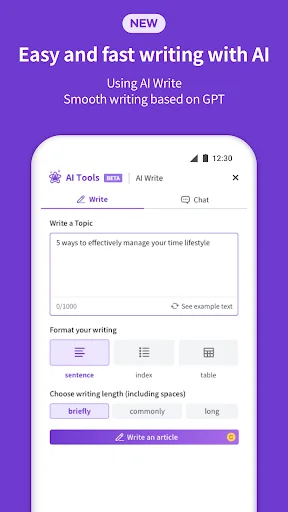
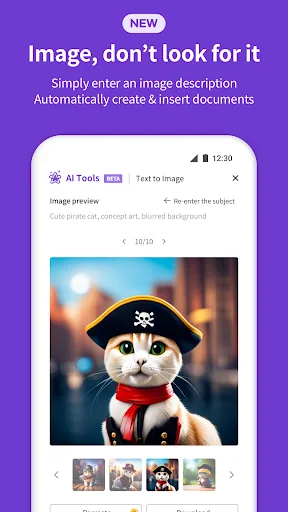
Frequently Asked Questions
Which app has a higher rating?
WPS Office Lite has a rating of 4.275, while Polaris Office has 3.57. WPS Office Lite is rated higher.
Can I use these apps offline?
Both apps allow offline editing of documents. However, some features like cloud sync or AI tools may require internet.
Do these apps contain ads?
Both apps are free but may display ads. WPS Office Lite shows ads, and Polaris Office also has ads in the free version.
What are the device requirements?
WPS Office Lite is lightweight and works on most Android devices. Polaris Office requires more resources and runs best on devices with at least 2GB RAM.
Which app should I choose for heavy document editing?
For heavy editing, Polaris Office is recommended due to its full feature set, AI tools, and strong format support.
Related Comparisons
 VS
VS

WPS Office vs Microsoft Word: Best Android Office App for 2026
 VS
VS

Microsoft PowerPoint vs Microsoft Excel: Which Office App Reigns Supreme
VS

WPS Office Lite vs Microsoft 365 Copilot: Best Office App for Android in 2026
VS
Microsoft Word vs Microsoft PowerPoint: Which Office App Reigns Supreme?
 VS
VS

OfficeSuite Pro + PDF vs Office Reader: Best Android Office App for Productivity?
VS