Any.do vs Google Keep: Which Productivity App Reigns Supreme?
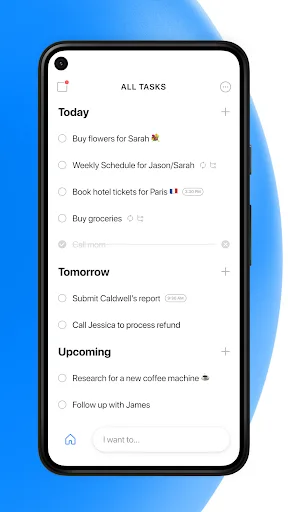
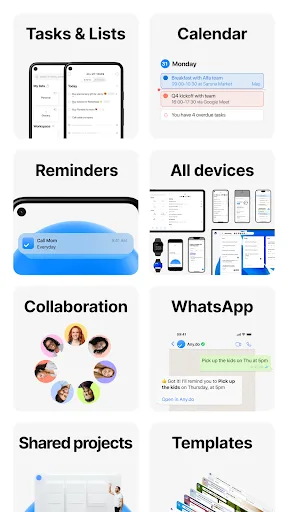
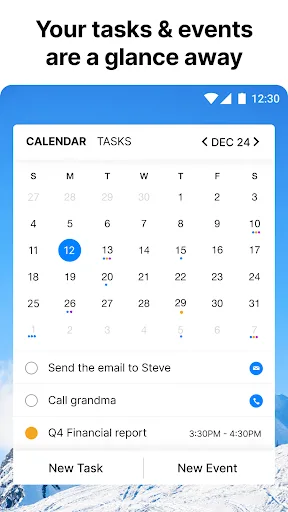
Any.do is a comprehensive to-do list and calendar app designed for individuals and teams who need a structured daily planner with reminders and collaboration. Google Keep is a lightweight note-taking and list-making app ideal for quick captures, voice memos, and seamless integration with Google services. Both are free, but they serve different productivity styles.

Any.do - To do list & Calendar
- Rating
- ★ 4.40
- Downloads
- 10,000,000+
- Developer
- Any.do To-do list & Calendar

Google Keep - Notes and lists
Recommended- Rating
- ★ 4.69
- Downloads
- 1,000,000,000+
- Developer
- Google LLC
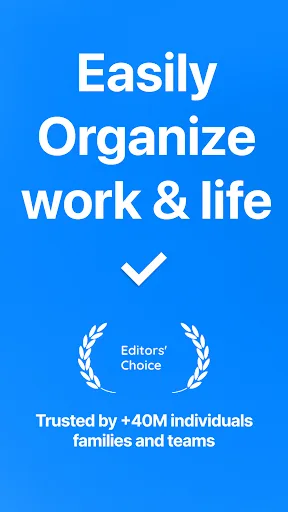
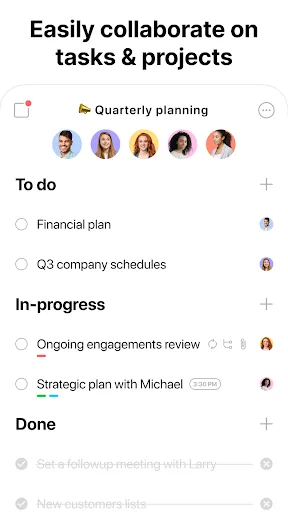
🥇 "#1 To do list app out there” - WSJ 🏆 Editor's Choice by Google Over +40M people, families and teams rely on Any.do to stay organized and get more done. It's a simple and powerful to do list app with built in tasks, reminders, daily planner and calendar - all-in-one. �…
Pros
- Comprehensive to-do list and calendar in one app
- Editor's Choice by Google and praised by WSJ
- Supports family and team collaboration
- Built-in reminders and daily planner
- Available on multiple platforms (Android, iOS, web)
Cons
- Free version has limited features; premium subscription required for advanced tools
- Occasional sync delays reported by users
- Interface can feel cluttered for simple note-taking
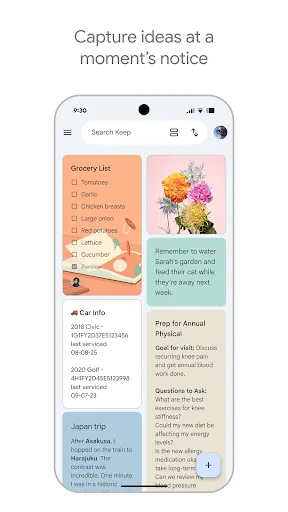
Quickly capture and share your thoughts, manage your to-dos, and stay organized. Google Keep has all of the functionality you need, with advanced security and privacy measures to keep your information safe. Capture what’s on your mind • Inspiration strikes anywhere. Jot down…
Pros
- Extremely fast and simple note capture (text, photo, voice)
- Seamless integration with Google Drive and other Google services
- Strong privacy and security measures
- Lightweight app with low battery and data usage
- Free with no ads and unlimited notes
Cons
- Lacks advanced task management features like subtasks or dependencies
- No built-in calendar or project planning tools
- Limited organization options (no folders, only labels)
Final Verdict
Our pick: Google Keep - Notes and lists
For users who need a robust task manager with calendar integration and team features, Any.do is the better choice. However, for those who prioritize speed, simplicity, and deep integration with Google ecosystem, Google Keep wins. Given its higher rating, massive install base, and seamless syncing, Google Keep is recommended for most users. But if you require advanced task organization with reminders and collaboration, Any.do is a strong alternative.
Any.do - To do list & Calendar Screenshots
Official app screenshots from the Google Play Store.
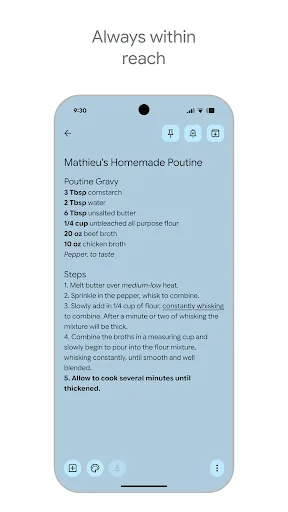
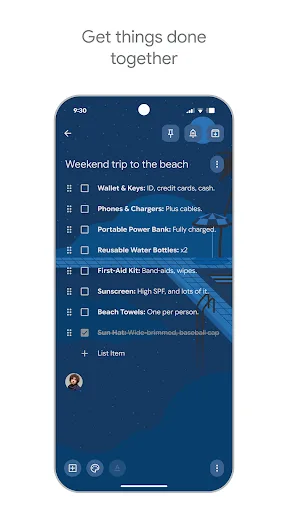
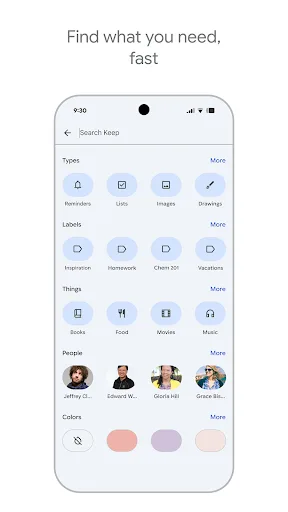
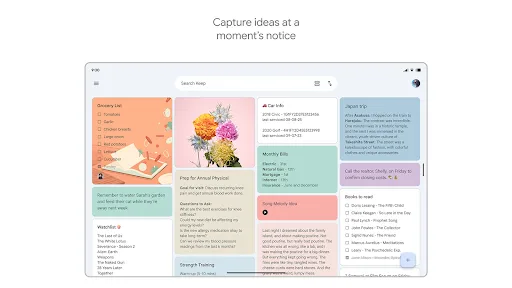
Google Keep - Notes and lists Screenshots
Official app screenshots from the Google Play Store.
Frequently Asked Questions
Which app has a higher rating?
Google Keep has a rating of 4.69, while Any.do has 4.40. Google Keep is rated higher by users.
Can I use these apps offline?
Both apps offer offline functionality. Any.do allows offline access to tasks, and Google Keep lets you view and edit notes offline; changes sync when online.
Do these apps contain ads?
Both apps are ad-free. Any.do offers in-app purchases for premium features, while Google Keep is completely free with no ads.
What are the device requirements?
Any.do requires Android 5.0 or later, and Google Keep requires Android 5.0 or later as well. Both are optimized for phones and tablets.
Which app should I choose for personal task management?
Choose Google Keep for quick, simple note-taking and lists with Google integration. Choose Any.do if you need a full-featured task manager with calendar, reminders, and team collaboration.
Related Comparisons
 VS
VS
Microsoft To Do vs Google Keep: Which Productivity App Reigns Supreme?
 VS
VS
Microsoft 365 Copilot vs Any.do: Which Productivity App Reigns Supreme
 VS
VS
Forest vs Microsoft To Do: Productivity Showdown – Focus Timer vs Task Manager
 VS
VS

To-Do List & Daily Planner vs TickTick: Which Productivity Powerhouse Reigns Supreme?
 VS
VS
Evernote vs TickTick: Which Productivity App Reigns Supreme?
 VS
VS