Microsoft 365 Copilot vs Any.do: Which Productivity App Reigns Supreme
Microsoft 365 Copilot is designed for professionals who need an AI assistant integrated with Office apps for document creation, email drafting, and project management. Any.do targets individuals and families seeking a straightforward to-do list and calendar app with reminders and daily planning. Both are top-rated productivity tools but serve different user bases.

Microsoft 365 Copilot
Recommended- Rating
- ★ 4.51
- Downloads
- 1,000,000,000+
- Developer
- Microsoft Corporation

Any.do - To do list & Calendar
- Rating
- ★ 4.40
- Downloads
- 10,000,000+
- Developer
- Any.do To-do list & Calendar
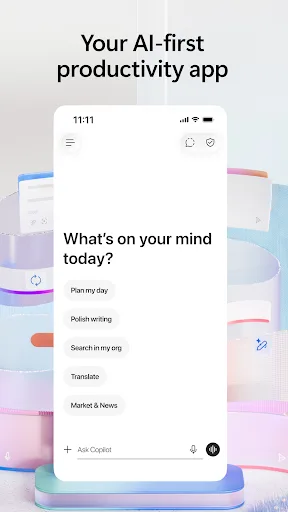
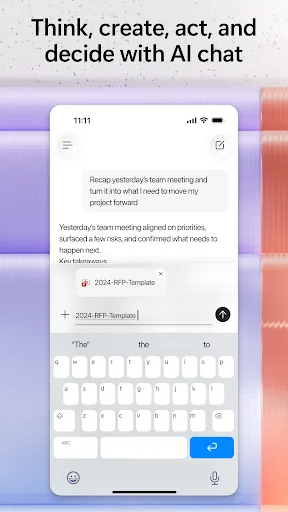
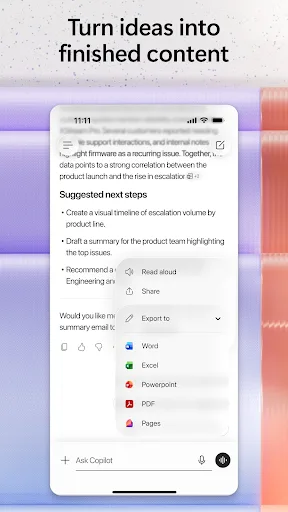
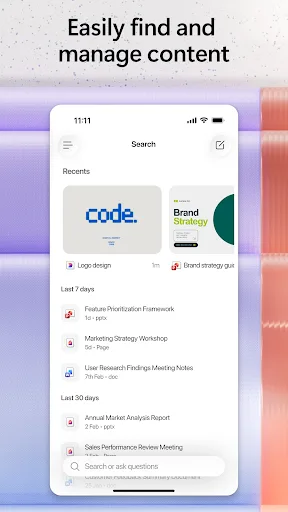
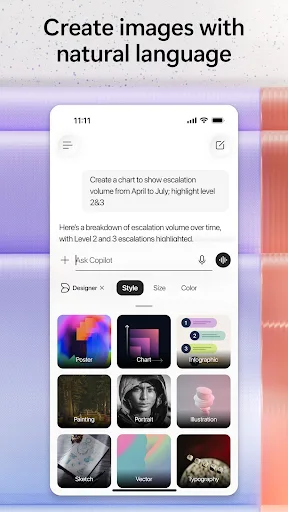
The Microsoft 365 Copilot app is your AI-first productivity app for work. It provides one place for you to chat with your AI assistant, create content, manage projects and quickly find files on the go – helping you get more done, without doing more. With the Microsoft 365 Copil…
Pros
- AI-powered Copilot for content creation and summarization
- Deep integration with Microsoft 365 (Word, Excel, Outlook)
- One place for chat, files, and project management
- Enterprise-grade security and compliance
- Supports real-time collaboration on documents
Cons
- Requires Microsoft 365 subscription for full features
- Heavy app with large storage footprint
- Overkill for simple to-do list or personal tasks
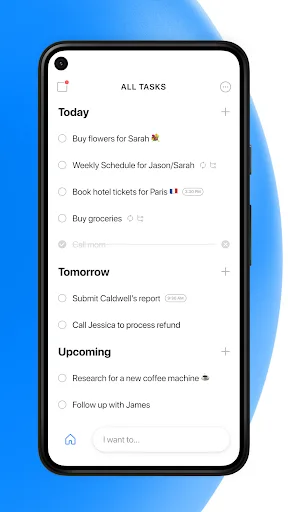
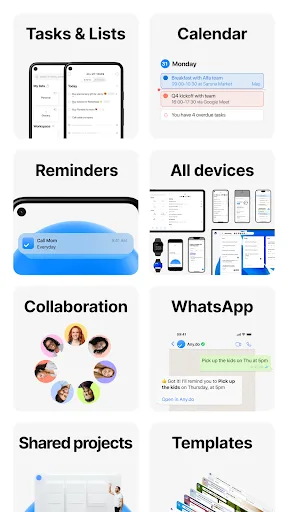
🥇 "#1 To do list app out there” - WSJ 🏆 Editor's Choice by Google Over +40M people, families and teams rely on Any.do to stay organized and get more done. It's a simple and powerful to do list app with built in tasks, reminders, daily planner and calendar - all-in-one. �…
Pros
- Simple and intuitive to-do list and calendar interface
- Free version available with core features
- Cross-platform sync (iOS, Android, Web, desktop)
- Built-in reminders and daily planner
- Lightweight and fast performance
Cons
- Limited AI or automation features
- No native integration with office suites like Microsoft 365
- Advanced features require premium subscription
Final Verdict
Our pick: Microsoft 365 Copilot
For users deeply embedded in the Microsoft ecosystem who require AI-driven content generation and file management, Microsoft 365 Copilot is the clear winner. However, for those wanting a lightweight, intuitive task manager without office suite overhead, Any.do excels. If you need AI assistance and work with Office documents, choose Microsoft 365 Copilot. If you prioritize simplicity and cross-platform task management, Any.do is better. Overall, Microsoft 365 Copilot offers more advanced features but Any.do is more accessible for everyday planning.
Microsoft 365 Copilot Screenshots
Official app screenshots from the Google Play Store.
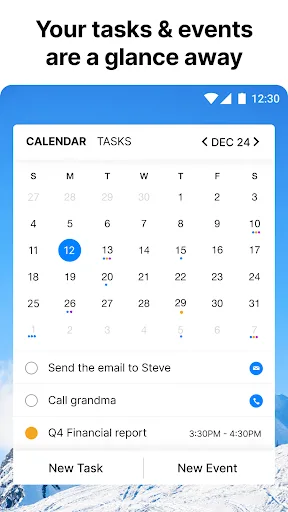
Any.do - To do list & Calendar Screenshots
Official app screenshots from the Google Play Store.

Frequently Asked Questions
Which app has better ratings?
Microsoft 365 Copilot has a rating of 4.51, while Any.do has 4.40. Both are highly rated, but Copilot edges slightly ahead.
Can I use these apps offline?
Any.do supports offline access to tasks and lists. Microsoft 365 Copilot has limited offline functionality for documents but requires internet for AI features.
Do these apps contain ads?
Any.do has ads in the free version. Microsoft 365 Copilot is ad-free but requires a subscription.
What are the device requirements?
Both apps require Android 6.0+. Microsoft 365 Copilot may need more storage (approx. 200 MB) and RAM, while Any.do is lighter (approx. 50 MB).
Which app should I choose for personal task management?
For personal use, Any.do is recommended due to its simplicity and free tier. Microsoft 365 Copilot is better for work-related tasks with document creation.
Related Comparisons
VS

Any.do vs Google Keep: Which Productivity App Reigns Supreme?
 VS
VS
Microsoft To Do vs Google Keep: Which Productivity App Reigns Supreme?
 VS
VS
Forest vs Microsoft To Do: Productivity Showdown – Focus Timer vs Task Manager
 VS
VS

To-Do List & Daily Planner vs TickTick: Which Productivity Powerhouse Reigns Supreme?
 VS
VS
Evernote vs TickTick: Which Productivity App Reigns Supreme?
 VS
VS