Any.do vs Samsung Calendar: Which Calendar App Reigns Supreme?
Any.do is a versatile to-do list and calendar app designed for individuals, families, and teams who need a comprehensive task management solution with reminders and daily planning. Samsung Calendar, on the other hand, is a pre-installed calendar app for Samsung device users, offering seamless integration with the Samsung ecosystem and a clean, intuitive interface for managing events and tasks. If you prioritize cross-platform task management and advanced features, Any.do is your go-to. If you are deeply embedded in the Samsung ecosystem and prefer simplicity, Samsung Calendar is the natural choice.

Any.do - To do list & Calendar
Recommended- Rating
- ★ 4.40
- Downloads
- 10,000,000+
- Developer
- Any.do To-do list & Calendar
Samsung Calendar
- Rating
- ★ 4.09
- Downloads
- 1,000,000,000+
- Developer
- Samsung Electronics Co., Ltd.
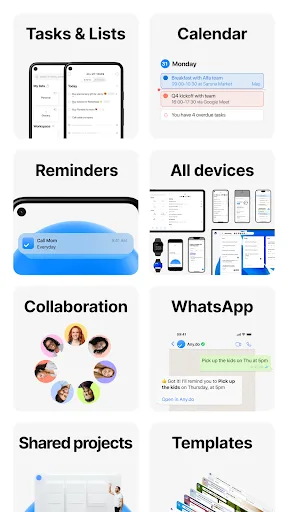
🥇 "#1 To do list app out there” - WSJ 🏆 Editor's Choice by Google Over +40M people, families and teams rely on Any.do to stay organized and get more done. It's a simple and powerful to do list app with built in tasks, reminders, daily planner and calendar - all-in-one. �…
Pros
- Cross-platform sync across Android, iOS, and web
- Powerful to-do list with subtasks, labels, and priority levels
- Location-based reminders for geotagged tasks
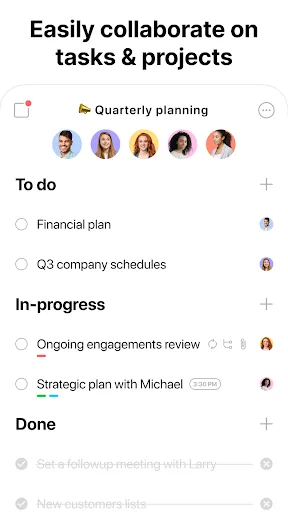
- Collaboration features for sharing lists and tasks with others
- Clean, modern interface with customizable themes
Cons
- Free version has limited features; premium subscription required for advanced tools
- Occasional sync delays reported by some users
- Calendar view could be more detailed compared to dedicated calendar apps
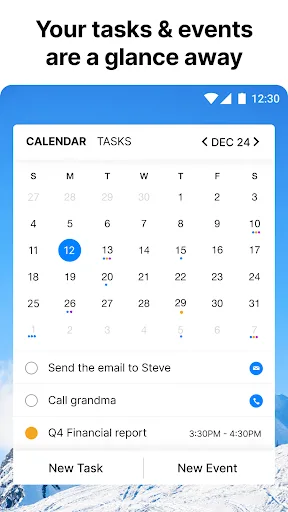
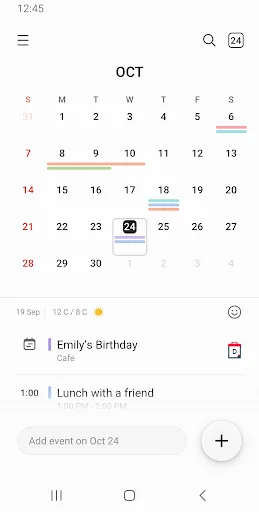
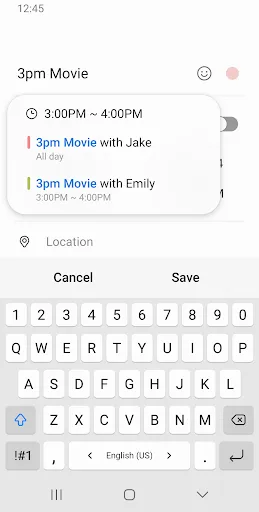
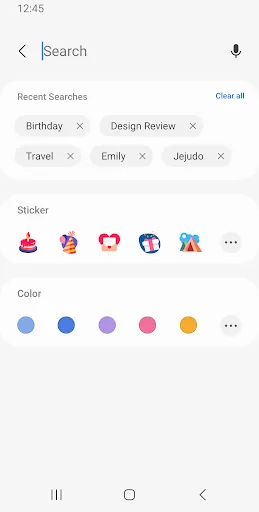
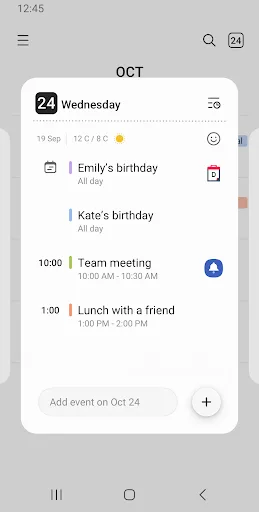
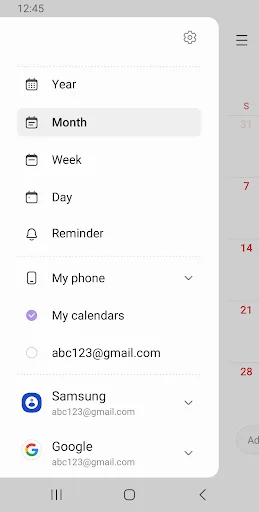
A new event begins the moment you tap a date. It helps you create events and tasks quickly and easily, and ensures that you remember them. Decorate your home screen beautifully with the neat looking transparent widget. [Key Features] *Manage all your schedules at a glance by addi…
Pros
- Pre-installed on Samsung devices, no download needed
- Excellent widget customization for home screen
- Seamless integration with Samsung ecosystem (e.g., Bixby, Samsung DeX)
- Supports multiple calendar accounts including Google Calendar
- Lightweight and fast with minimal battery drain
Cons
- Limited to Samsung devices; not available for other Android brands or iOS
- Lacks advanced task management features like subtasks and labels
- No collaboration or sharing capabilities
Final Verdict
Our pick: Any.do - To do list & Calendar
For most users, Any.do is the superior choice due to its robust task management, cross-platform availability, and rich feature set including location-based reminders and collaboration. However, Samsung Calendar excels for Samsung device owners who want a lightweight, native solution with excellent widget support and deep system integration. If you need a powerful all-in-one planner, choose Any.do. If you want a simple, reliable calendar that works flawlessly with your Samsung phone, Samsung Calendar is sufficient. Overall, Any.do offers more value for productivity-focused users.
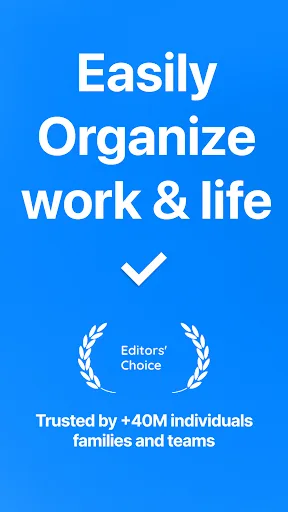
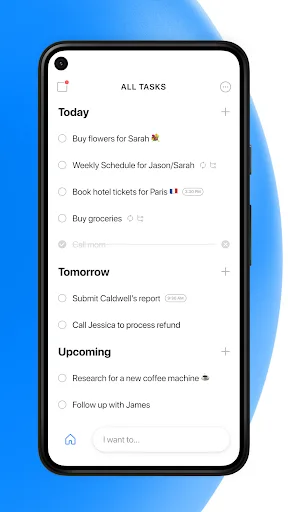
Any.do - To do list & Calendar Screenshots
Official app screenshots from the Google Play Store.
Samsung Calendar Screenshots
Official app screenshots from the Google Play Store.
Frequently Asked Questions
Which app has a higher rating?
Any.do has a rating of 4.40, while Samsung Calendar has 4.05. Any.do is rated higher overall.
Can I use these apps offline?
Both apps support offline use. Any.do allows you to view and edit tasks offline, syncing when connected. Samsung Calendar also works offline, storing events locally.
Do these apps contain ads?
Any.do is ad-free in both free and premium versions. Samsung Calendar is also ad-free.
What are the device requirements for each app?
Any.do requires Android 5.0 or later. Samsung Calendar is pre-installed on Samsung devices running Android 5.0 or later, but is not available for other devices.
Which app should I choose?
Choose Any.do if you need a powerful cross-platform task manager with collaboration features. Choose Samsung Calendar if you own a Samsung device and want a simple, native calendar with great widgets.
Related Comparisons
 VS
VS

Daily Planner vs TickTick: Best Calendar & To-Do App for 2026
 VS
VS
TimeTree vs Samsung Calendar: Which Shared Calendar App Wins for Families?
VS
TickTick vs TimeTree: Which Calendar & To-Do App Wins
VS
Any.do vs Todolize: Which To-Do List & Calendar App Reigns Supreme?
 VS
VS
Google Calendar vs Business Calendar 2: Which Android Calendar App Wins?
VS