Google Calendar vs Calendar Planner: Which Android Calendar App Wins?
Google Calendar is the go-to choice for users who want seamless integration with Google services, smart event creation from Gmail, and a clean, reliable interface. Calendar Planner - Agenda App, on the other hand, targets users who need a feature-rich all-in-one tool that combines calendar, notes, audio editing, and voice recording. While Google Calendar excels at simplicity and ecosystem synergy, Calendar Planner offers a broader set of productivity features for those who want more than just event scheduling.
Calendar Planner - Agenda App
- Rating
- ★ 4.47
- Downloads
- 10,000,000+
- Developer
- Dairy App & Notes & Audio Editor & Voice Recorder

Google Calendar
Recommended- Rating
- ★ 4.64
- Downloads
- 10,000,000,000+
- Developer
- Google LLC
Do you want to be productive and ordered? Do you need reminders for important moments or anniversaries for your family? Try this free Good Calendar to manage your work and life. It will help you to stay well-organized and enjoy an easier life. “ Good Calendar Planner - Agenda A…
Pros
- All-in-one: combines calendar, notes, audio editor, and voice recorder
- 10 million+ installs with high rating of 4.47
- Free to use with no subscription required
- Customizable reminders for events and anniversaries
- Good for users who want a digital planner with extra productivity tools
Cons
- Interface can feel cluttered compared to dedicated calendar apps
- Less seamless integration with other apps and services
- Occasional ads or promotional content
Get the official Google Calendar app, for your Android phone, tablet, or Wear OS device to stay organized and plan your day. Make the most of your day with easy event creation, multiple calendars, customizable views, widgets, tasks, and more With Google Calendar, you can: • Get…
Pros
- Seamless integration with Gmail, Google Maps, and other Google services
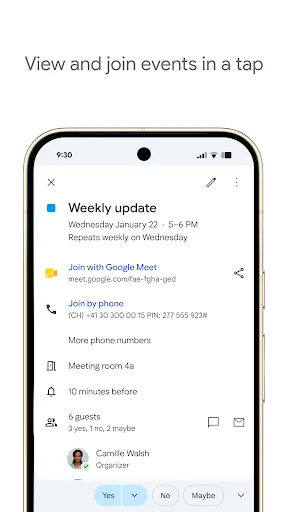
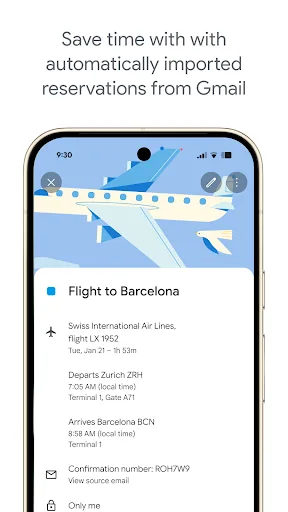
- Automatic event creation from emails (flights, hotels, concerts)
- 5 billion+ installs with the highest rating of 4.65
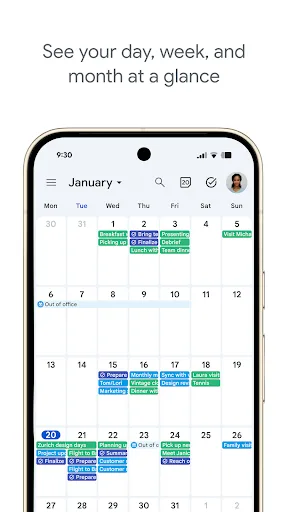
- Clean, intuitive interface with multiple views and widgets
- Supports multiple calendars, tasks, and goals
Cons
- Requires Google account for full functionality
- Limited offline capabilities without prior sync
- No built-in notes or voice recording features
Final Verdict
Our pick: Google Calendar
For most users, Google Calendar is the clear winner due to its flawless integration with Gmail and other Google services, automatic event detection, and highly polished user experience. Its 5 billion+ installs and 4.6-star rating reflect its reliability and popularity. Calendar Planner is a solid alternative for users who want an all-in-one productivity suite with notes and voice recording, but it lacks the deep ecosystem integration and smart features of Google Calendar. If you prioritize simplicity, accuracy, and seamless syncing, choose Google Calendar. If you need an integrated agenda with extra tools and don't mind a less refined interface, Calendar Planner is worth considering.
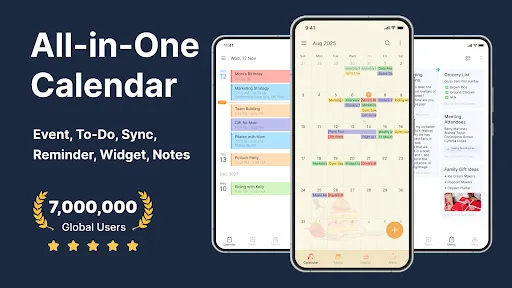
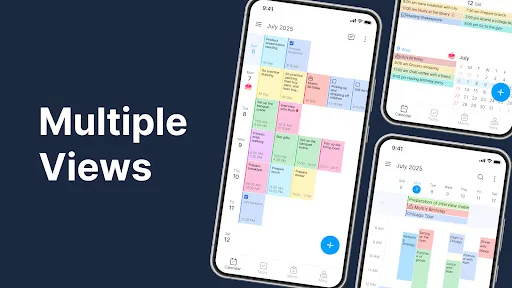
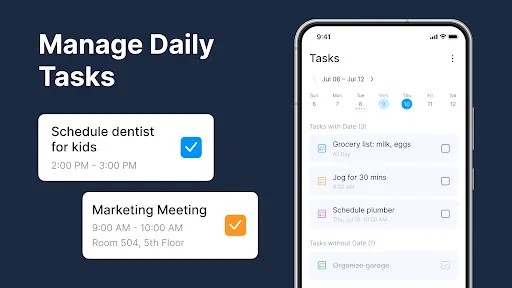
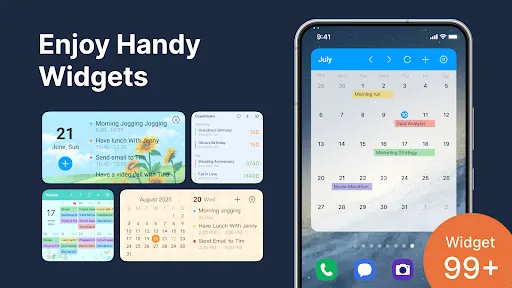
Calendar Planner - Agenda App Screenshots
Official app screenshots from the Google Play Store.

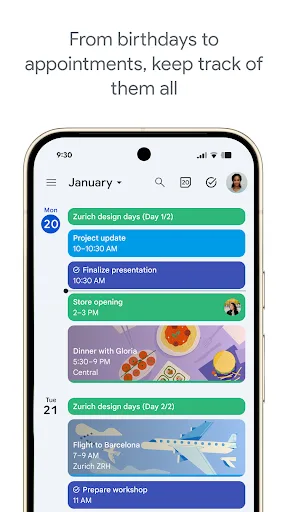
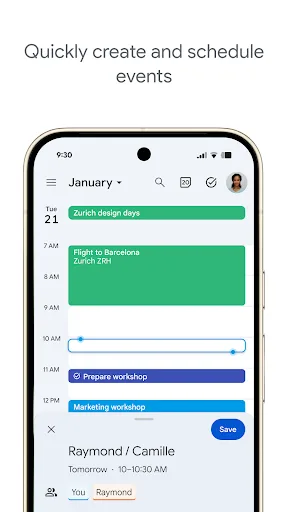
Google Calendar Screenshots
Official app screenshots from the Google Play Store.
Frequently Asked Questions
Which app has a higher rating?
Google Calendar has a higher rating of 4.645554 compared to Calendar Planner's 4.469849.
Can I use these apps offline?
Google Calendar allows viewing of previously synced events offline, but creating or editing events requires an internet connection. Calendar Planner also offers offline access to saved events and notes, but some features may need connectivity.
Do these apps contain ads?
Calendar Planner is free but may display ads or promotional content. Google Calendar is ad-free for all users.
What are the device requirements?
Both apps require Android 5.0 or later. Google Calendar is optimized for Wear OS as well. Calendar Planner works on most Android devices without special requirements.
Which app should I choose?
Choose Google Calendar if you want seamless Google integration, smart event detection, and a clean interface. Choose Calendar Planner if you need an all-in-one productivity tool with notes and voice recording.
Related Comparisons
 VS
VS

Daily Planner vs TickTick: Best Calendar & To-Do App for 2026
 VS
VS
TimeTree vs Samsung Calendar: Which Shared Calendar App Wins for Families?
VS
TickTick vs TimeTree: Which Calendar & To-Do App Wins
 VS
VS
Any.do vs Todolize: Which To-Do List & Calendar App Reigns Supreme?
VS
Google Calendar vs Business Calendar 2: Which Android Calendar App Wins?
VS