Canva vs Google Gallery: Best Photo Editing & Management App
Canva is a full-featured design powerhouse for creating social media graphics, logos, collages, and videos using AI tools, ideal for content creators and non-designers. Google Gallery (PhotosGo) is a lightweight, offline-friendly gallery app for organizing and quickly editing photos, perfect for users who need a fast, simple photo manager. This comparison helps you choose based on your primary use case: advanced design vs efficient storage and basic edits.

Canva: AI Photo & Video Editor
Recommended- Rating
- ★ 4.77
- Downloads
- 500,000,000+
- Developer
- Canva
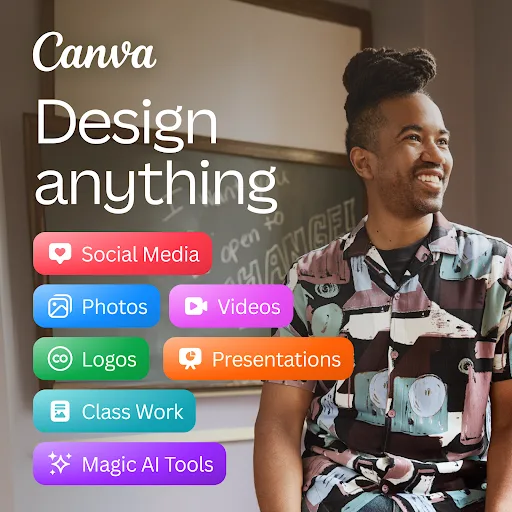
Canva is your free photo editor, logo maker, collage maker, and video editor in one editing app! Design digital art faster with powerful magic AI tools built-in, like the AI image generator that allows you to transform text to image in just a few minutes Make stunning social medi…
Pros
- AI-powered tools like text-to-image and magic edit
- Massive library of templates for social media, logos, flyers
- All-in-one: photo editor, video editor, collage maker
- Free to use with optional premium features
- Cloud sync across devices
Cons
- Requires internet for many AI features
- Can be overwhelming for simple photo viewing
- Free version has limited advanced features
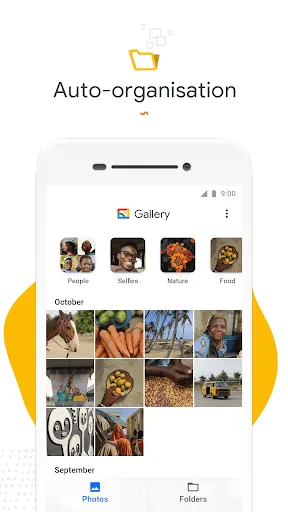
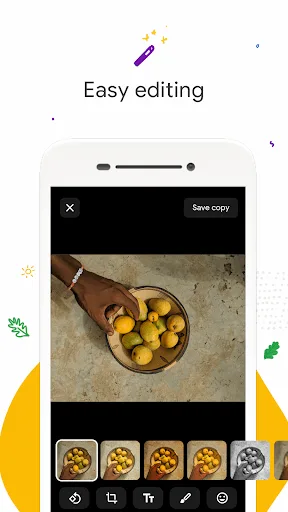
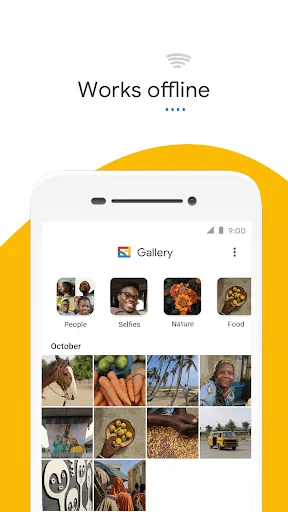
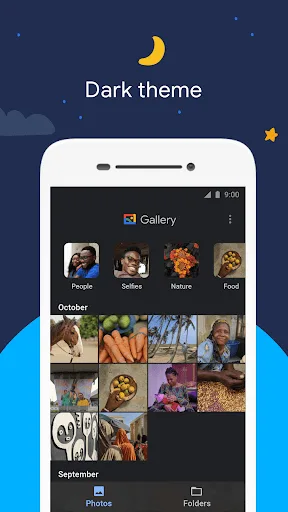
Meet Gallery, a smart, light and fast photo and video gallery built by Google to help you: ✨ Find photos faster with automatic organization 😎 Look your best with editing tools like auto-enhance 🏝️ Use less data - works offline, all in a small app size AUTOMATIC ORGANIZA…
Pros
- Lightweight and fast, works offline
- Automatic organization by people, places, things
- Simple editing tools like auto-enhance and crop
- Very small app size, uses less storage
- No ads or in-app purchases
Cons
- Limited editing capabilities compared to Canva
- No advanced design or collage features
- Lacks cloud backup (uses device storage)
Final Verdict
Our pick: Canva: AI Photo & Video Editor
For most users, Canva is the better choice if you need versatile design capabilities and AI-powered editing beyond basic adjustments. Its extensive template library and magic tools make it indispensable for social media and marketing content. However, if your main need is a fast, offline photo gallery with automatic organization and small app size, Google Gallery excels. The winner depends on your priority: Canva for creative design, Google Gallery for pure photo management. Given the broader utility, Canva is recommended for those who create content regularly.
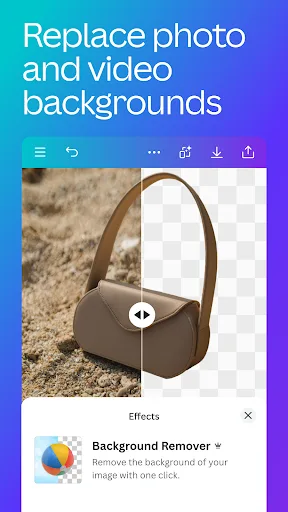
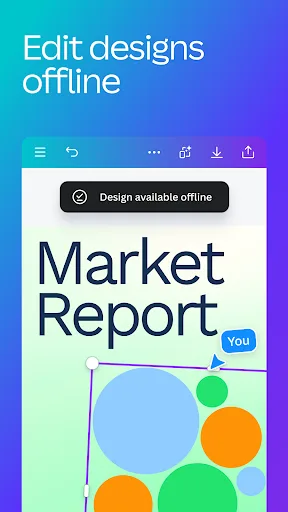
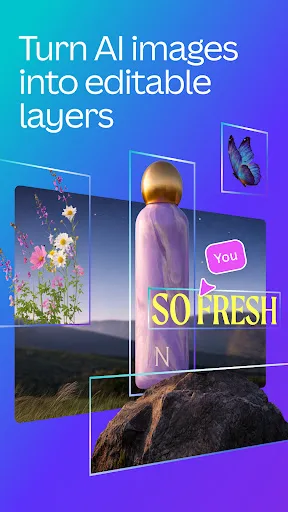
Canva: AI Photo & Video Editor Screenshots
Official app screenshots from the Google Play Store.

Gallery Screenshots
Official app screenshots from the Google Play Store.
Frequently Asked Questions
Which app has better ratings?
Canva has a higher rating of 4.77 compared to Google Gallery's 4.23, based on user reviews.
Can I use these apps offline?
Google Gallery works fully offline for viewing and basic editing. Canva requires internet for most AI features, but some editing may work offline with downloaded templates.
Do these apps contain ads?
Canva is ad-free but offers in-app purchases for premium features. Google Gallery is completely ad-free with no in-app purchases.
What are the device requirements?
Both apps require Android 5.0 or higher. Google Gallery is optimized for low-end devices and has a small footprint; Canva may need more RAM and storage for complex designs.
Which app should I choose for photo editing and design?
If you need advanced design, AI tools, and templates, choose Canva. If you want a fast, simple gallery with basic edits and offline use, choose Google Gallery.
Related Comparisons
 VS
VS
Lensa vs Instagram: Which Photo App Wins in 2026
 VS
VS
Pixel Camera vs Canva: AI Photo & Video Editor – Which Photography App Reigns Supreme
VS

Instagram vs Camera360: Which Photo App Wins for Social Sharing & Selfie Editing?
 VS
VS

Lightroom vs InShot: Which Photo & Video Editor Reigns Supreme?
VS

Lensa vs Snapseed: Which Photo Editor Reigns Supreme?
VS