Lightroom vs InShot: Which Photo & Video Editor Reigns Supreme?
Adobe Lightroom is the go-to for serious photographers who want professional-grade photo editing with powerful tools like color grading and presets. InShot, on the other hand, is a versatile video editor and maker perfect for social media creators who need quick, easy video edits with music and effects. Both apps are free with in-app purchases, but they cater to different creative needs. Lightroom excels in photo editing, while InShot shines in video editing.

Lightroom Photo & Video Editor
Recommended- Rating
- ★ 4.50
- Downloads
- 100,000,000+
- Developer
- Adobe

Video Editor & Maker - InShot
- Rating
- ★ 4.84
- Downloads
- 500,000,000+
- Developer
- InShot Video Editor
Ever wish your photos could really show what makes a moment special? Adobe Lightroom is a free photo and video editor that helps you do just that. From your dog’s goofy grin to that sunset that took your breath away, Adobe Lightroom makes it simple to bring those moments to lif…
Pros
- Professional-grade photo editing tools like curves, HSL, and color grading
- Syncs with desktop Lightroom for seamless workflow
- Extensive preset library and community sharing
- Supports raw photo editing and HDR
- Free version offers robust features without watermarks
Cons
- Video editing features are limited compared to dedicated video editors
- Some advanced features require Creative Cloud subscription
- Steeper learning curve for beginners
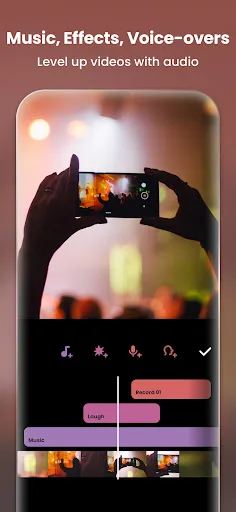
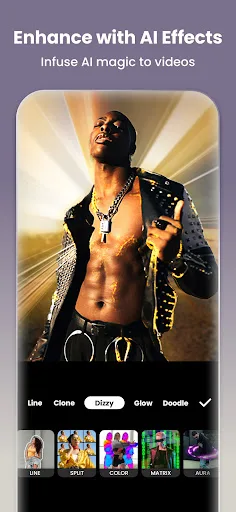
InShot - Powerful all-in-one Video Editor and Video Maker with professional features. Add music, text, transition effects for videos, make smooth slow motion, make video collage, blur background and etc! As an easy-to-use editing app, InShot makes creating vlogs a breeze and help…
Pros
- All-in-one video editor with music, effects, and transitions
- Easy-to-use interface perfect for social media content
- Supports video collage, slow motion, and speed control
- No watermark on exported videos (with some limitations)
- High ratings (4.84) and over 500 million installs
Cons
- Photo editing features are basic compared to Lightroom
- Free version includes ads and limited features
- Some premium features require in-app purchases
Final Verdict
Our pick: Lightroom Photo & Video Editor
If you primarily edit photos and need advanced tools like curves, HSL, and noise reduction, Adobe Lightroom is the clear winner. For video editing and social media content creation, InShot offers a more intuitive and feature-rich experience. Lightroom's 100M+ installs and 4.5 rating reflect its strong reputation among photographers. However, InShot's 500M+ installs and 4.84 rating show its massive appeal for casual users. Ultimately, choose Lightroom for photos and InShot for videos; if you need both, consider using both apps together.
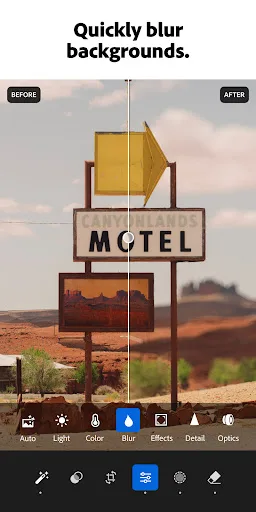
Lightroom Photo & Video Editor Screenshots
Official app screenshots from the Google Play Store.
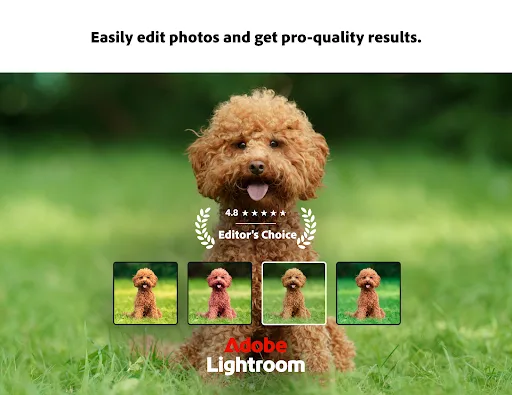
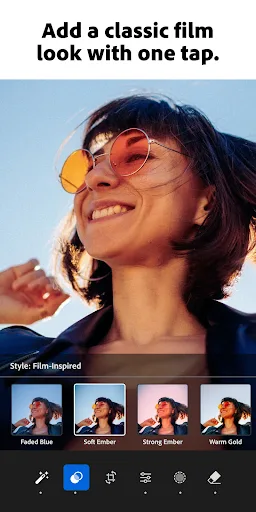
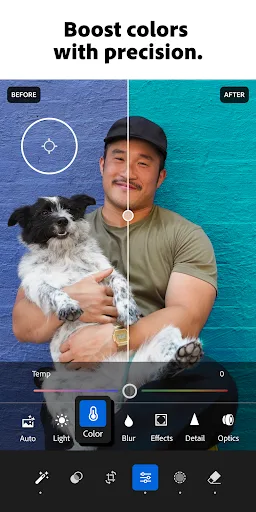
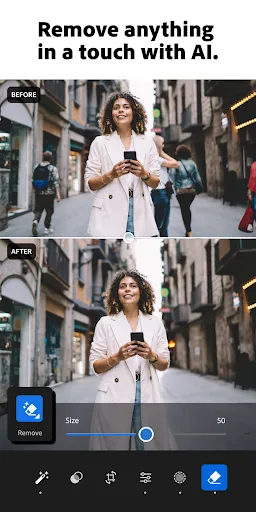
Video Editor & Maker - InShot Screenshots
Official app screenshots from the Google Play Store.
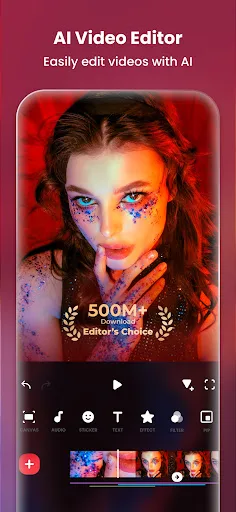
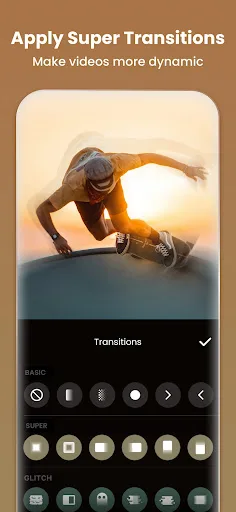
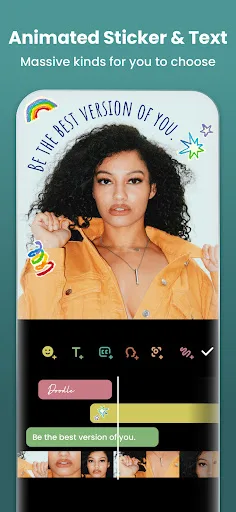
Frequently Asked Questions
Which app has better ratings?
InShot has a higher rating of 4.84 compared to Lightroom's 4.50, but both are highly rated. InShot's rating reflects its ease of use for video editing, while Lightroom's rating is strong for a professional photo editor.
Can I use these apps offline?
Both apps can be used offline for basic editing. Lightroom requires an internet connection for cloud sync and preset downloads. InShot works fully offline once downloaded, but some features like music may require download.
Do these apps have ads?
Lightroom's free version has no ads. InShot's free version includes ads, but you can remove them via in-app purchase or subscription.
What are the device requirements?
Both apps require Android 5.0 or later. Lightroom recommends at least 2GB RAM for smooth performance, while InShot works on most devices with 1GB RAM or more.
Which app should I choose for social media content?
For social media, InShot is better for video content like TikTok or Instagram Reels. For photo posts, Lightroom offers superior editing tools. If you do both, consider using both apps.
Related Comparisons
 VS
VS

Lensa vs Instagram: Which Photo App Wins in 2026
 VS
VS

Pixel Camera vs Canva: AI Photo & Video Editor – Which Photography App Reigns Supreme
VS

Instagram vs Camera360: Which Photo App Wins for Social Sharing & Selfie Editing?
VS

Lensa vs Snapseed: Which Photo Editor Reigns Supreme?
VS
Canva vs Snapseed: Ultimate Photo Editor Showdown for Creatives & Purists
VS