Canva vs Snapseed: Ultimate Photo Editor Showdown for Creatives & Purists
Canva is the go-to app for social media creators, marketers, and anyone who needs quick, AI-powered graphic design and editing. Snapseed, developed by Google, is the choice for photography enthusiasts who want granular control and professional-grade tools without any cost. Whether you prioritize all-in-one design or raw photo refinement, this comparison helps you decide.

Canva: AI Photo & Video Editor
Recommended- Rating
- ★ 4.77
- Downloads
- 500,000,000+
- Developer
- Canva
Canva is your free photo editor, logo maker, collage maker, and video editor in one editing app! Design digital art faster with powerful magic AI tools built-in, like the AI image generator that allows you to transform text to image in just a few minutes Make stunning social medi…
Pros
- AI-powered tools like text-to-image and magic edit
- Massive library of templates for social media, logos, and more
- All-in-one: photo editor, video editor, collage maker
- Free with optional premium assets; high user rating (4.77)
- Collaboration features for team projects
Cons
- Some advanced features require Canva Pro subscription
- Can feel overwhelming due to many options
- Not ideal for pixel-level photo adjustments
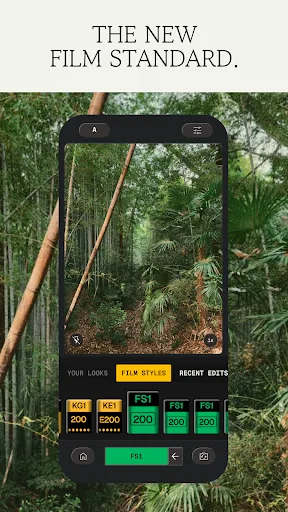
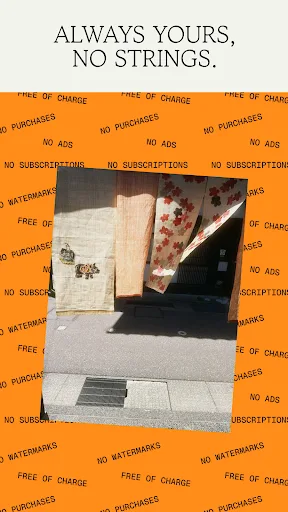
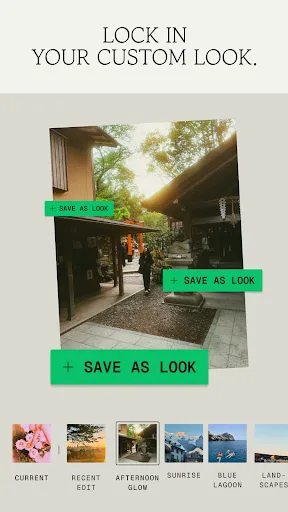
Snapseed is a complete and professional photo editor developed by Google. Pro-level tools, authentic film simulations, smart masking and more — all with no strings attached. == KEY FEATURES == • No Strings Attached: Get 30+ pro tools and filters - no subscriptions, purchases,…
Pros
- Completely free with no ads, subscriptions, or watermarks
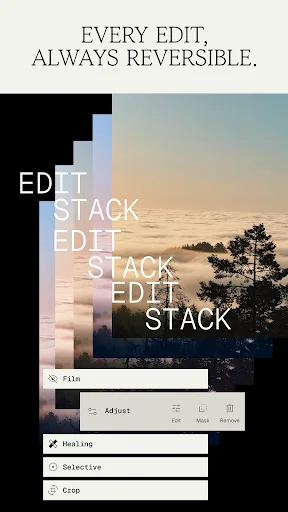
- Professional-grade tools like selective adjustments and healing
- Authentic film simulations and vintage styles
- Non-destructive editing with stackable layers
- Lightweight and fast, even on older devices
Cons
- No AI or text-to-image features
- Lacks integrated templates for social media graphics
- Lower user rating (3.6) due to less frequent updates
Final Verdict
Our pick: Canva: AI Photo & Video Editor
For most users seeking a versatile, all-in-one design and editing tool with AI magic, Canva wins hands-down. But if you're a photography purist who values deep manual controls, film simulations, and zero ads, Snapseed is the better choice. Canva's vast template library and AI features make it more accessible for everyday content creation, while Snapseed excels at detailed photo adjustments. We recommend Canva for its broader feature set and higher user rating, but Snapseed remains unbeatable for free, pro-level photo tweaking.
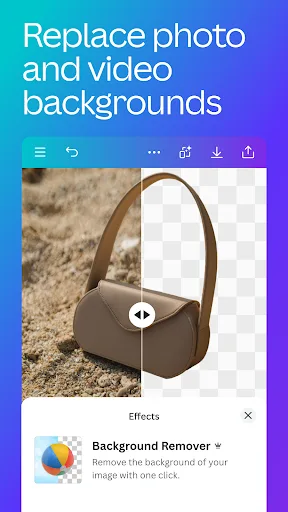
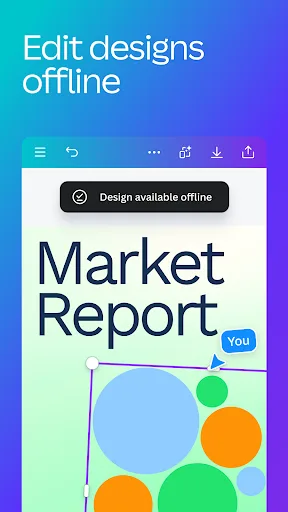
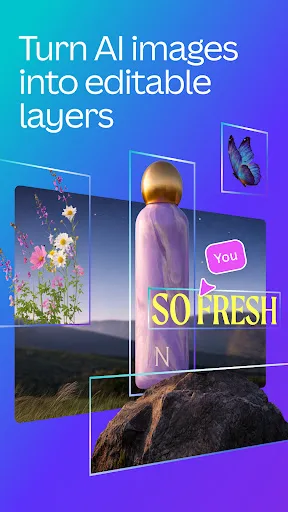
Canva: AI Photo & Video Editor Screenshots
Official app screenshots from the Google Play Store.



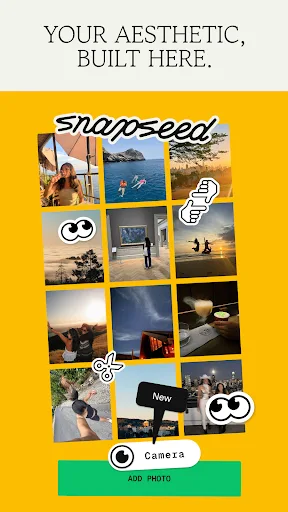
Snapseed Screenshots
Official app screenshots from the Google Play Store.
Frequently Asked Questions
Which app has higher ratings on the Play Store?
Canva has a significantly higher rating of 4.77 compared to Snapseed's 3.60. However, ratings may reflect different user expectations.
Can I use these apps offline?
Snapseed works fully offline once installed. Canva requires an internet connection for many AI features and template downloads, though basic editing may work offline.
Do these apps contain ads?
Snapseed has no ads at all. Canva is ad-free in the editing interface but may show occasional prompts to upgrade to Pro.
What are the minimum device requirements?
Both apps run on Android 5.0+. Snapseed is lighter and works well on older devices. Canva may require more RAM for AI features and larger projects.
Which app should I choose for professional photo editing?
Choose Snapseed for precise, manual photo adjustments and film effects. Choose Canva if you need quick, design-oriented edits with templates and AI assistance.
Related Comparisons
 VS
VS
Lensa vs Instagram: Which Photo App Wins in 2026
 VS
VS
Pixel Camera vs Canva: AI Photo & Video Editor – Which Photography App Reigns Supreme
VS
Instagram vs Camera360: Which Photo App Wins for Social Sharing & Selfie Editing?
 VS
VS

Lightroom vs InShot: Which Photo & Video Editor Reigns Supreme?
VS
Lensa vs Snapseed: Which Photo Editor Reigns Supreme?
VS