Canva vs Photoshop Express: Which Photo Editing App Reigns Supreme?
Canva is a versatile design tool that combines photo editing, graphic design, and video editing in one app, making it ideal for social media creators and non-designers. Photoshop Express focuses on quick, one-tap photo edits with powerful correction tools, perfect for photographers who need fast enhancements. Both apps are free with premium options, but they cater to different workflows.

Canva: AI Photo & Video Editor
Recommended- Rating
- ★ 4.77
- Downloads
- 500,000,000+
- Developer
- Canva
Canva is your free photo editor, logo maker, collage maker, and video editor in one editing app! Design digital art faster with powerful magic AI tools built-in, like the AI image generator that allows you to transform text to image in just a few minutes Make stunning social medi…
Pros
- Huge library of templates for social media, presentations, and more
- AI-powered tools like text-to-image and magic edit
- Combines photo editing, logo maker, and collage maker in one app
- Easy drag-and-drop interface suitable for beginners
- Free version offers extensive features with no watermarks
Cons
- Some advanced editing features require a subscription
- Can be overwhelming due to the sheer number of options
- Not optimized for RAW photo editing or detailed adjustments
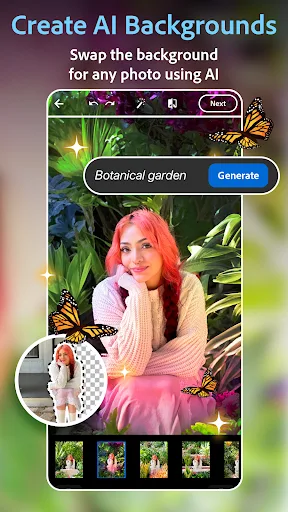
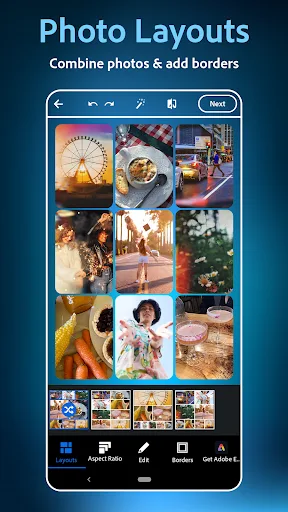
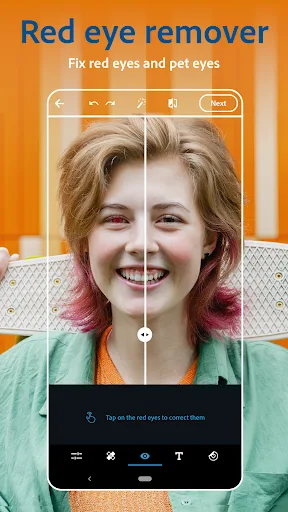
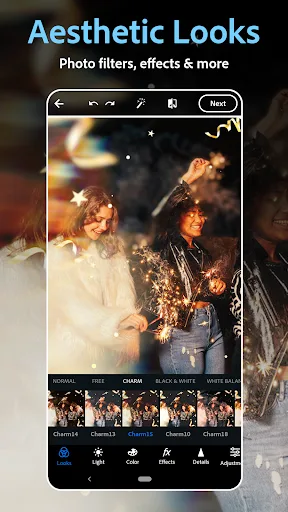
PHOTO EDITING MADE FUN AND EASY Tap into your creativity and capture the moment with a photo editor made for fun, fast, and easy one-tap photo edits. Trusted by millions, Photoshop Express is the picture editor perfect for turning creative ideas into reality. Add text to photos,…
Pros
- One-tap auto-fix and professional-grade photo corrections
- Seamless integration with Adobe Creative Cloud ecosystem
- Advanced editing tools like curves, healing brush, and noise reduction
- Supports RAW file editing and high-resolution exports
- Lightweight app with fast performance on most devices
Cons
- Limited design capabilities beyond photo editing
- Free version has fewer features and includes ads
- No built-in collage maker or video editing tools
Final Verdict
Our pick: Canva: AI Photo & Video Editor
For most users seeking an all-in-one creative suite, Canva is the clear winner due to its vast template library, AI-powered tools, and cross-platform design capabilities. Photoshop Express excels in quick, professional-grade photo corrections but lacks the design versatility of Canva. If you need both photo editing and graphic design, choose Canva. For pure photo enhancement with minimal fuss, Photoshop Express is a solid choice. Ultimately, Canva's broader feature set and higher rating make it the recommended app.
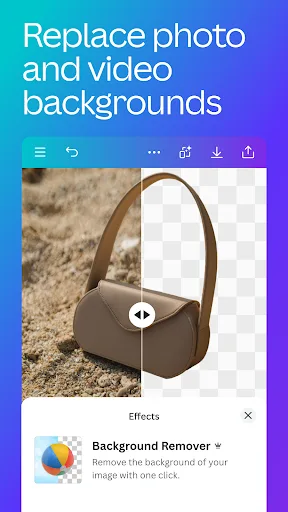
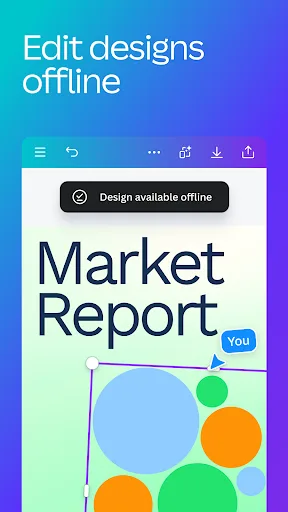
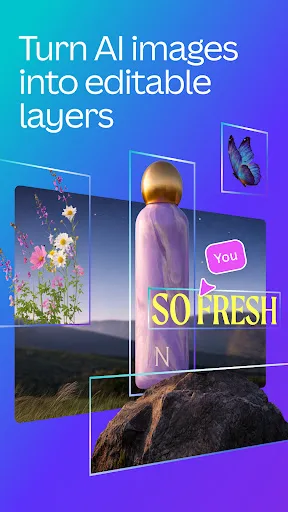
Canva: AI Photo & Video Editor Screenshots
Official app screenshots from the Google Play Store.


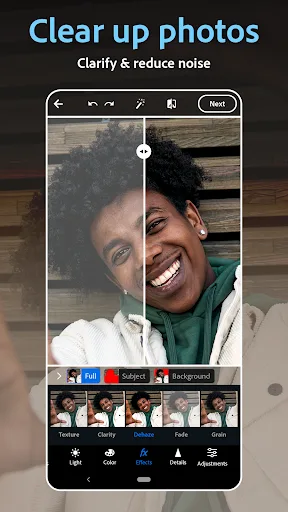
Photoshop Express Photo Editor Screenshots
Official app screenshots from the Google Play Store.
Frequently Asked Questions
Which app has a higher rating?
Canva has a rating of 4.77 from over 500 million installs, while Photoshop Express has 4.55 from over 100 million installs.
Can I use these apps offline?
Canva requires an internet connection for most features, especially AI tools. Photoshop Express allows basic editing offline, but cloud features need connectivity.
Do these apps have ads?
Canva's free version has no ads, but it prompts upgrades. Photoshop Express displays ads in the free version.
What are the device requirements?
Both apps require Android 6.0 or later. Canva needs more storage (around 200 MB) due to templates, while Photoshop Express is lighter (around 100 MB).
Which app should I choose for social media graphics?
Canva is the best choice for social media graphics due to its vast template library and design tools. Photoshop Express is better for editing photos to use in those graphics.
Related Comparisons
 VS
VS
Lensa vs Instagram: Which Photo App Wins in 2026
 VS
VS
Pixel Camera vs Canva: AI Photo & Video Editor – Which Photography App Reigns Supreme
VS
Instagram vs Camera360: Which Photo App Wins for Social Sharing & Selfie Editing?
 VS
VS

Lightroom vs InShot: Which Photo & Video Editor Reigns Supreme?
VS

Lensa vs Snapseed: Which Photo Editor Reigns Supreme?
VS