CapCut vs Photoshop Express: Best Photo Editor for You
CapCut, by Bytedance, is a free all-in-one video and photo editor designed for social media creators who want quick, trendy edits with effects, captions, and motion tracking. Photoshop Express, by Adobe, is a polished photo editing app for users who need professional-grade tools like adjustments, filters, and collage making in a simple interface. CapCut excels in video editing and viral content creation, while Photoshop Express focuses on high-quality photo enhancement and retouching.

CapCut - Video Editor
- Rating
- ★ 3.56
- Downloads
- 1,000,000,000+
- Developer
- Bytedance Pte. Ltd.
Photoshop Express Photo Editor
Recommended- Rating
- ★ 4.55
- Downloads
- 100,000,000+
- Developer
- Adobe
CapCut offers easy-to-use video editing functions, in-APP fonts and effects, advanced features such as keyframe animation, smooth slow-motion, chroma key, and stabilization, to help you capture and snip moments. Create fancy videos with other unique features: auto captions, text-…
Pros
- Free to use with no watermarks on exports
- Powerful video editing features like keyframe animation and chroma key
- Auto captions and text-to-speech for accessibility
- Motion tracking and background removal for creative effects
- Seamless integration with TikTok and other social platforms
Cons
- Lower user rating (3.56) due to ads and performance issues
- Photo editing tools are limited compared to dedicated editors
- Requires internet for many features and has frequent update prompts
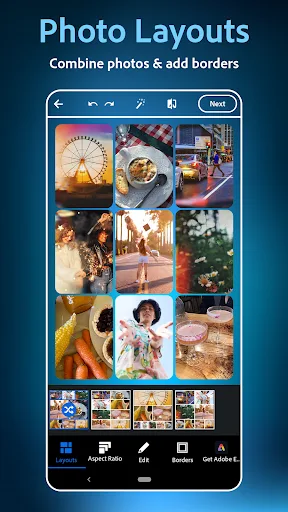
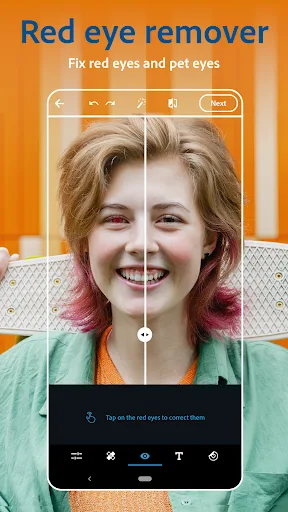
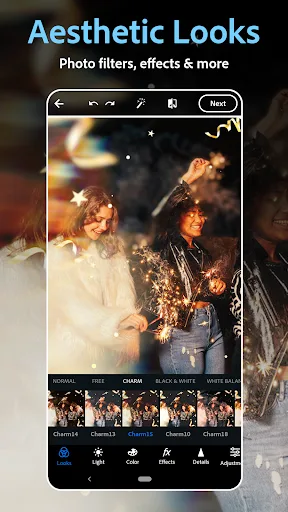
PHOTO EDITING MADE FUN AND EASY Tap into your creativity and capture the moment with a photo editor made for fun, fast, and easy one-tap photo edits. Trusted by millions, Photoshop Express is the picture editor perfect for turning creative ideas into reality. Add text to photos,…
Pros
- High user rating (4.55) with reliable performance
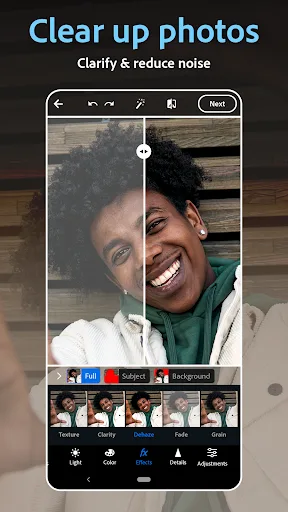
- Professional photo editing tools like curves, healing brush, and noise reduction
- One-tap fixes and social media templates for quick edits
- Collage maker and text overlay with many fonts
- No ads and works offline for basic edits
Cons
- Some advanced features require Adobe subscription
- No video editing capabilities beyond basic trimming
- Lacks trendy effects and filters popular on social media
Final Verdict
Our pick: Photoshop Express Photo Editor
For most users, Photoshop Express is the better choice due to its higher rating (4.55 vs 3.56), reliable performance, and robust photo editing features. It offers a more mature, ad-free experience with professional tools like curves and healing brush. CapCut is ideal if you primarily edit videos and want trendy effects, but its lower rating and ad-supported model may frustrate photo-focused editors. We recommend Photoshop Express for photo editing, but if you need video editing, CapCut is a strong contender.
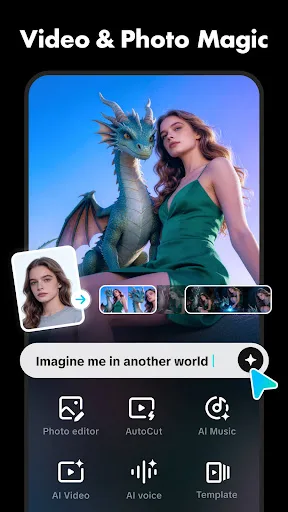
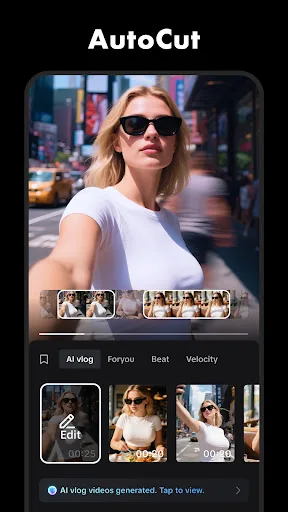
CapCut - Video Editor Screenshots
Official app screenshots from the Google Play Store.
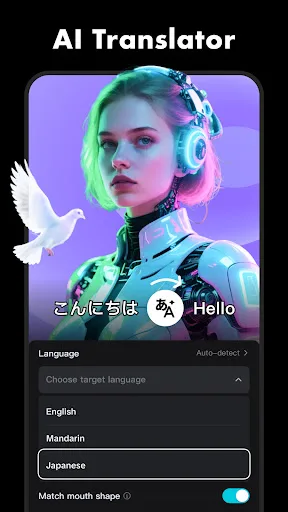
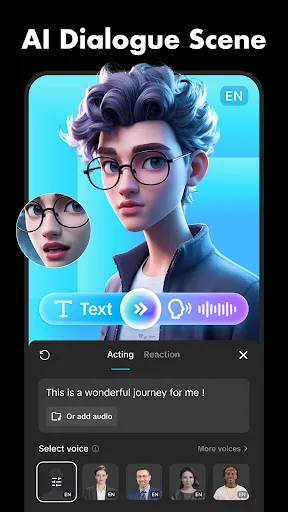
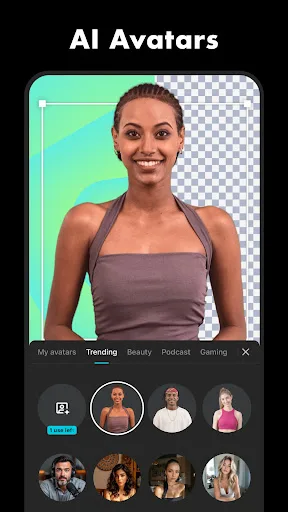
Photoshop Express Photo Editor Screenshots
Official app screenshots from the Google Play Store.
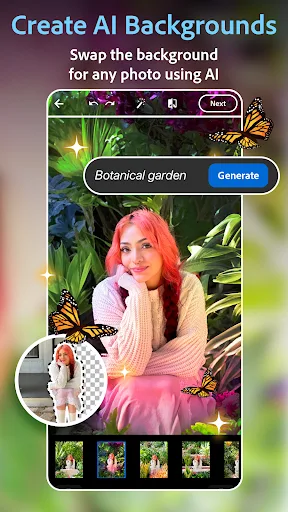
Frequently Asked Questions
Which app has a better rating?
Photoshop Express has a significantly higher rating of 4.55 compared to CapCut's 3.56, indicating greater user satisfaction.
Can I use these apps offline?
Photoshop Express works offline for basic edits like crop and filter, while CapCut requires internet for many features like effects and auto captions.
Do these apps have ads?
CapCut includes ads, which can be intrusive, while Photoshop Express is ad-free.
What are the device requirements?
Both apps require Android 5.0 or later. CapCut needs more RAM for video editing, while Photoshop Express runs smoothly on most devices.
Which app should I choose for photo editing?
For dedicated photo editing, choose Photoshop Express. If you also need video editing and social media effects, CapCut is a good alternative.
Related Comparisons
 VS
VS

Collage Maker vs Photoroom: Which Photo Editor Reigns Supreme in 2026
 VS
VS
InShot vs Google Photos: Which Photo Editor App Reigns Supreme
VS
Photoroom vs InShot: Best Photo & Video Editor for Android
 VS
VS
Canva vs Photoroom: AI Photo Editor Showdown – Which App Reigns Supreme?
 VS
VS
Picsart vs Canva: Which AI Photo Editor Reigns Supreme
VS