InShot vs Google Photos: Which Photo Editor App Reigns Supreme
InShot is a versatile all-in-one video and photo editor designed for content creators who need quick, professional-looking edits on mobile. It excels at adding music, text, and effects to videos, but also offers robust photo editing tools. Google Photos is a comprehensive cloud storage and AI-powered editing app, perfect for users who want seamless backup, organization, and intelligent enhancements. It's ideal for anyone who values automatic editing and easy access to their entire photo library.

Video Editor & Maker - InShot
Recommended- Rating
- ★ 4.84
- Downloads
- 500,000,000+
- Developer
- InShot Video Editor
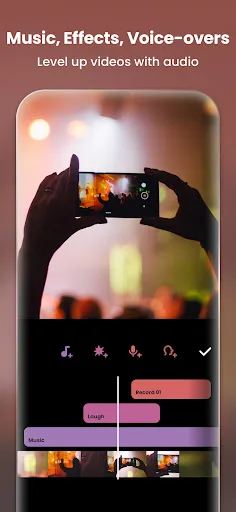
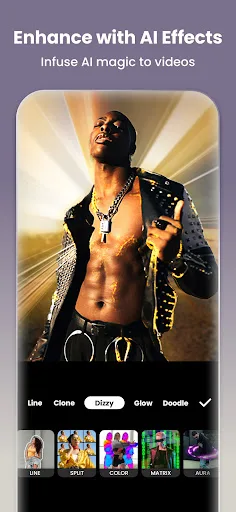
InShot - Powerful all-in-one Video Editor and Video Maker with professional features. Add music, text, transition effects for videos, make smooth slow motion, make video collage, blur background and etc! As an easy-to-use editing app, InShot makes creating vlogs a breeze and help…
Pros
- Comprehensive video and photo editing tools in one app
- Easy-to-use interface with a wide range of effects and filters
- Supports adding music, text, and transitions
- High user rating of 4.84 with over 500 million installs
- Regular updates with new features and templates
Cons
- Contains ads that can interrupt the editing experience
- Some advanced features require in-app purchases
- No cloud backup or sync across devices
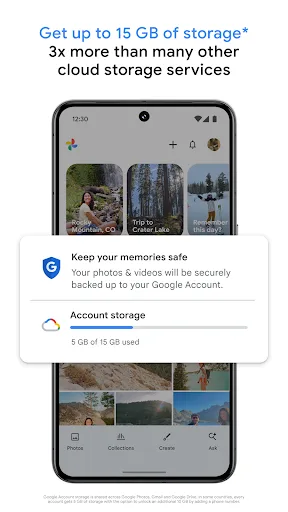
Google Photos is the home for all your photos and videos. Easily store, edit, organize, and search your memories with the help of Google AI. • 15 GB OF CLOUD STORAGE: Every Google account gets up to 15 GB of storage*, 3X more than many other cloud storage services. So you can b…
Pros
- Free unlimited high-quality photo and video backup (up to 15 GB)
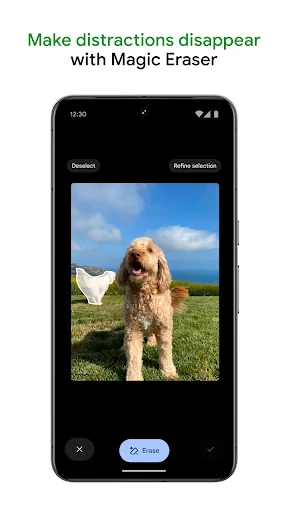
- AI-powered editing tools like Magic Eraser and Enhance
- Automatic organization and search by people, places, and things
- Seamless integration with Google ecosystem and other apps
- No ads and straightforward privacy controls
Cons
- Editing features are less advanced compared to dedicated editors
- Requires Google account and internet for full functionality
- Limited manual control over edits like curves or layers
Final Verdict
Our pick: Video Editor & Maker - InShot
For dedicated photo editing with advanced tools and effects, InShot is the better choice due to its extensive creative features and high user rating. However, if you prioritize automatic backup, AI-driven enhancements, and a seamless organizational experience, Google Photos is superior. InShot wins for creators needing granular control, while Google Photos excels for everyday users wanting simplicity and cloud integration. Overall, InShot is recommended for active editors, and Google Photos for casual users.
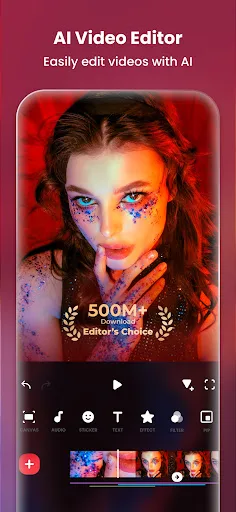
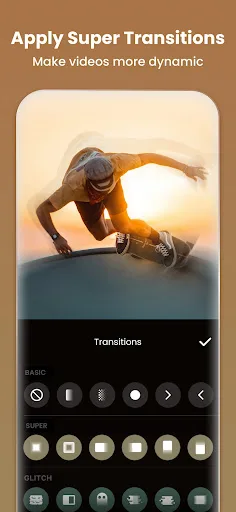
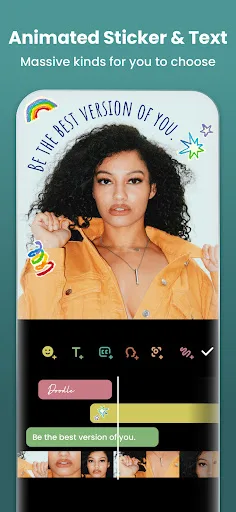
Video Editor & Maker - InShot Screenshots
Official app screenshots from the Google Play Store.
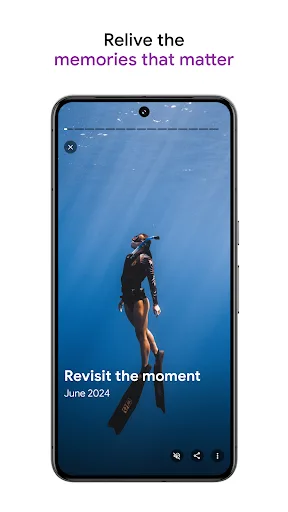
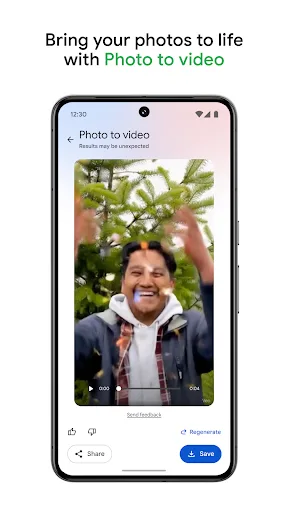
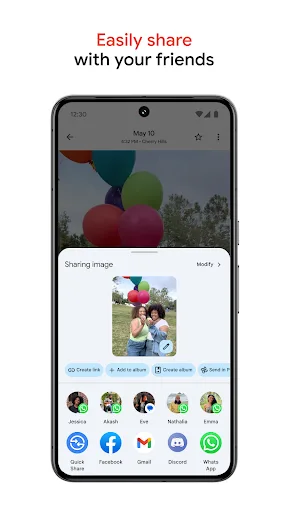
Google Photos Screenshots
Official app screenshots from the Google Play Store.
Frequently Asked Questions
Which app has a better rating on the Play Store?
InShot has a higher rating of 4.84 compared to Google Photos' 4.40, based on current Play Store data.
Can I use these apps offline for photo editing?
InShot works offline for most editing features, though some effects may require download. Google Photos requires an internet connection for backup and AI features, but basic editing can be done offline.
Do these apps contain ads?
InShot includes ads, which can be removed via in-app purchase. Google Photos is ad-free.
What are the device requirements for these apps?
Both apps require Android 5.0 or higher. InShot needs about 200 MB of storage, while Google Photos needs around 300 MB. Both run smoothly on most modern devices.
Which app should I choose for photo editing?
Choose InShot if you want a powerful editor with creative effects and don't mind ads. Choose Google Photos if you prefer automatic AI enhancements and cloud storage with basic editing.
Related Comparisons
 VS
VS

Collage Maker vs Photoroom: Which Photo Editor Reigns Supreme in 2026
 VS
VS
CapCut vs Photoshop Express: Best Photo Editor for You
VS
Photoroom vs InShot: Best Photo & Video Editor for Android
 VS
VS
Canva vs Photoroom: AI Photo Editor Showdown – Which App Reigns Supreme?
 VS
VS
Picsart vs Canva: Which AI Photo Editor Reigns Supreme
VS