Photoroom vs InShot: Best Photo & Video Editor for Android
Photoroom is an AI-powered photo editor designed for creating professional product images, perfect for e-commerce sellers and social media marketers who need quick background removal and studio-quality edits. InShot, on the other hand, is a comprehensive video editor and maker aimed at content creators and vloggers who want to edit videos with music, transitions, and effects. Both apps are highly rated, but they serve different primary purposes.

Photoroom: AI Photo Editor
- Rating
- ★ 4.67
- Downloads
- 100,000,000+
- Developer
- Photoroom AI Photo Editor

Video Editor & Maker - InShot
Recommended- Rating
- ★ 4.84
- Downloads
- 500,000,000+
- Developer
- InShot Video Editor
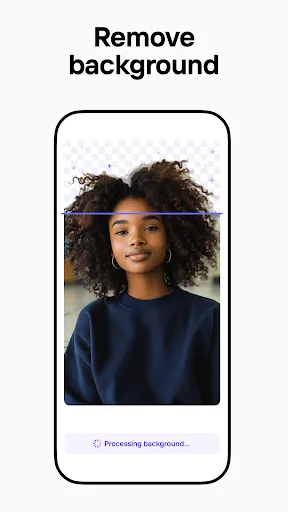
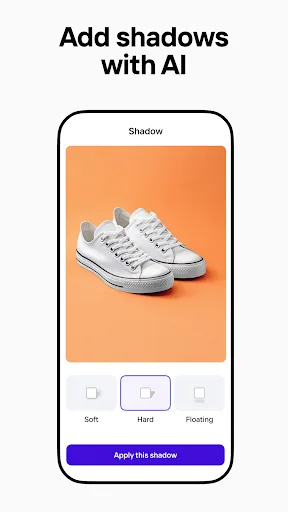
Create pro images that sell with Photoroom AI. Photoroom’s AI technology makes it easy to design, edit, and erase any background from your photos. Create professional-quality images that elevate your brand, boost engagement, and drive sales—all with the help of an intuitive e…
Pros
- AI-powered background removal with high accuracy
- One-tap design templates for product photos
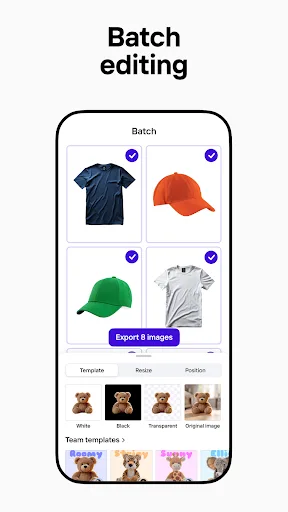
- Batch editing for multiple images
- No watermark on exported images
- Regular updates with new AI features
Cons
- Limited video editing capabilities
- Some advanced features require subscription
- Heavy reliance on internet for AI processing
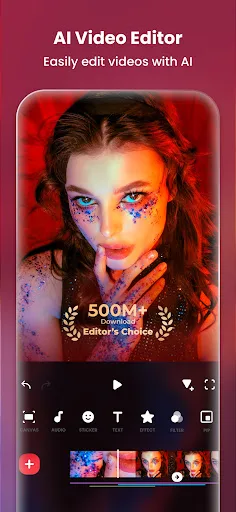
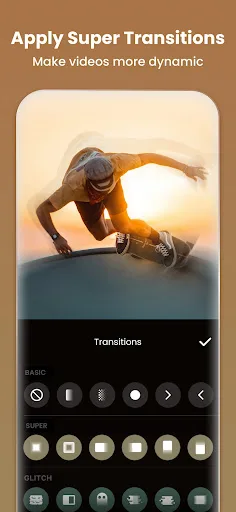
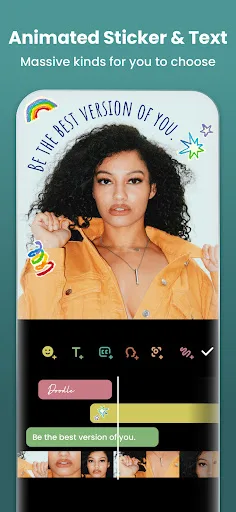
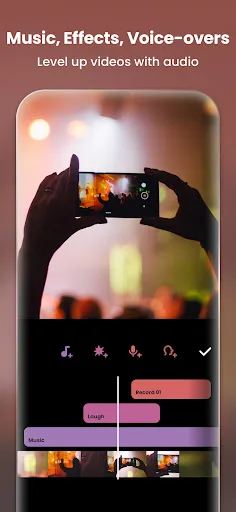
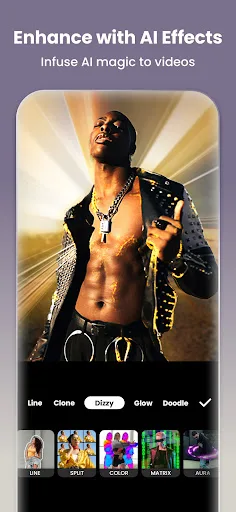
InShot - Powerful all-in-one Video Editor and Video Maker with professional features. Add music, text, transition effects for videos, make smooth slow motion, make video collage, blur background and etc! As an easy-to-use editing app, InShot makes creating vlogs a breeze and help…
Pros
- Comprehensive video editing with timeline control
- Wide range of filters, effects, and transitions
- Supports multiple aspect ratios for different platforms
- Built-in music library and sound effects
- High export quality up to 4K
Cons
- Photo editing features are basic compared to dedicated editors
- Contains ads in the free version
- Some premium features require in-app purchases
Final Verdict
Our pick: Video Editor & Maker - InShot
Choosing between Photoroom and InShot depends on your primary need. If you mainly edit photos for product listings or social media posts, Photoroom's AI background removal and design tools are unmatched. However, if you need a robust video editor with a wide range of effects and high-quality output, InShot is the better choice. For a balanced recommendation, InShot offers more versatility with both video and basic photo editing, making it suitable for most content creators. We recommend InShot for its broader feature set and higher rating. Winner: InShot.
Photoroom: AI Photo Editor Screenshots
Official app screenshots from the Google Play Store.


Video Editor & Maker - InShot Screenshots
Official app screenshots from the Google Play Store.
Frequently Asked Questions
Which app has a higher rating?
InShot has a slightly higher rating of 4.841 compared to Photoroom's 4.666.
Can I use Photoroom or InShot offline?
Photoroom requires internet for most AI features, while InShot works offline for basic editing but needs internet for music downloads and some effects.
Do these apps have ads?
InShot displays ads in the free version, while Photoroom is ad-free but offers in-app purchases for premium features.
What are the device requirements for these apps?
Both apps require Android 5.0 or higher. Photoroom works best with 3GB RAM or more for AI features, while InShot runs smoothly on 2GB RAM devices.
Which app should I choose for photo editing?
For dedicated photo editing with AI tools, choose Photoroom. For a mix of video and basic photo editing, InShot is more versatile.
Related Comparisons
 VS
VS
Collage Maker vs Photoroom: Which Photo Editor Reigns Supreme in 2026
 VS
VS

CapCut vs Photoshop Express: Best Photo Editor for You
VS

InShot vs Google Photos: Which Photo Editor App Reigns Supreme
 VS
VS
Canva vs Photoroom: AI Photo Editor Showdown – Which App Reigns Supreme?
 VS
VS
Picsart vs Canva: Which AI Photo Editor Reigns Supreme
VS