Picsart vs Canva: Which AI Photo Editor Reigns Supreme
Picsart is a comprehensive AI-powered creative suite ideal for users who want an all-in-one tool for photo editing, video editing, and graphic design with a focus on quick edits and AI-generated art. Canva, on the other hand, excels as a versatile design platform perfect for creating social media graphics, presentations, and marketing materials with its intuitive drag-and-drop interface and extensive template library. Both apps offer robust AI features, but they cater to slightly different audiences: Picsart is great for casual creators and social media enthusiasts, while Canva is a go-to for professionals and businesses needing polished designs.

Picsart AI Photo Editor, Video
- Rating
- ★ 4.00
- Downloads
- 1,000,000,000+
- Developer
- PicsArt, Inc.

Canva: AI Photo & Video Editor
Recommended- Rating
- ★ 4.77
- Downloads
- 500,000,000+
- Developer
- Canva
Ignite your creative potential with Picsart — the all-in-one AI photo editor, AI video editor, and design studio that’s free and easy to use. From business designs to AI art, go from inspiration to creation fast. Create with an AI photo generator and AI video generator, edit…
Pros
- Powerful AI photo generator and object remover for quick edits.
- Extensive library of stickers, filters, and effects for creative fun.
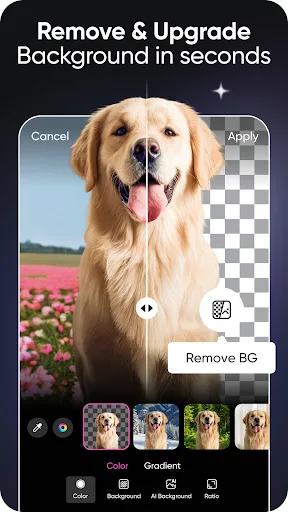
- Integrated video editing with AI video generator and background remover.
- Large community and social features to share and discover content.
- Free version offers substantial functionality with minimal limitations.
Cons
- Contains frequent ads and pop-ups promoting premium features.
- Some AI features require a subscription or are limited in the free tier.
- Interface can feel cluttered due to the sheer number of tools and options.
Canva is your free photo editor, logo maker, collage maker, and video editor in one editing app! Design digital art faster with powerful magic AI tools built-in, like the AI image generator that allows you to transform text to image in just a few minutes Make stunning social medi…
Pros
- Vast collection of professionally designed templates for all purposes.
- Excellent collaboration features for team projects and shared designs.
- Intuitive drag-and-drop interface with minimal learning curve.
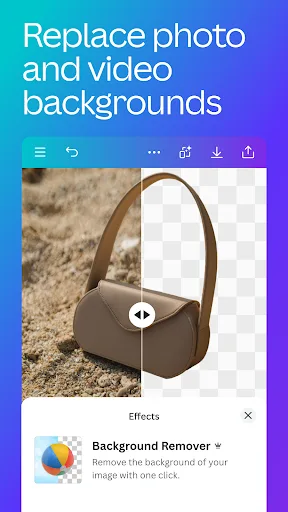
- AI-powered tools like Magic Design and Background Remover are highly effective.
- Free version includes a generous library of elements and templates.
Cons
- Some advanced features like transparent backgrounds require a paid plan.
- Photo editing capabilities are less comprehensive than dedicated editors.
- Performance can be sluggish on older devices with complex designs.
Final Verdict
Our pick: Canva: AI Photo & Video Editor
For most users, Canva emerges as the winner due to its superior template library, ease of use, and slightly higher rating. Its AI tools like Magic Design and text-to-image generation are seamlessly integrated, making it ideal for both beginners and professionals. However, if you prioritize advanced photo editing with AI effects and a more playful, social-media-focused approach, Picsart is a strong contender. Ultimately, Canva's broader appeal and consistent updates give it the edge. We recommend Canva for general design tasks and Picsart for those who want a fun, AI-driven photo editing experience.
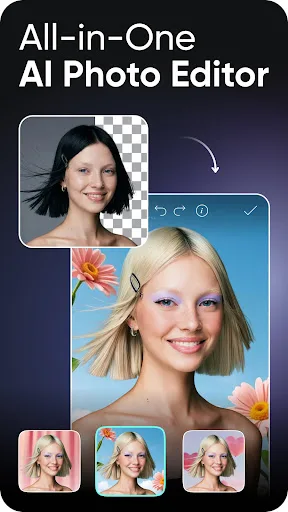
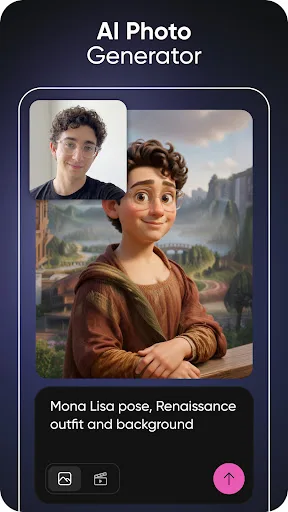
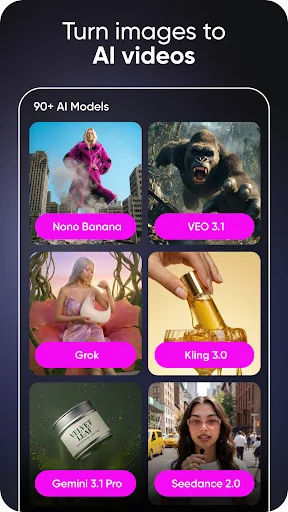
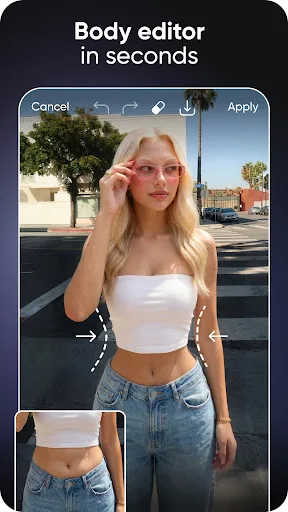
Picsart AI Photo Editor, Video Screenshots
Official app screenshots from the Google Play Store.
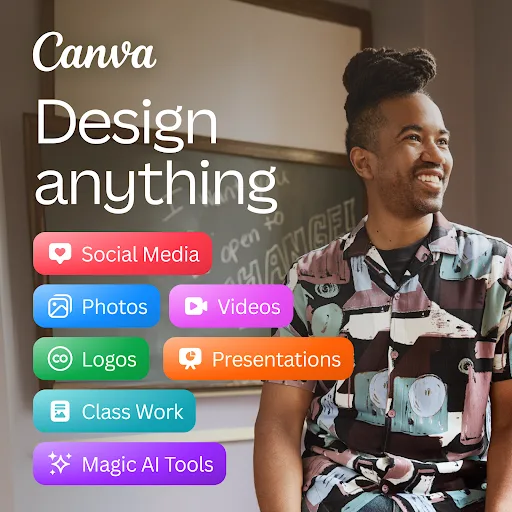
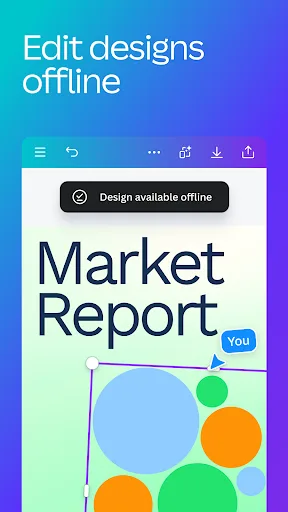
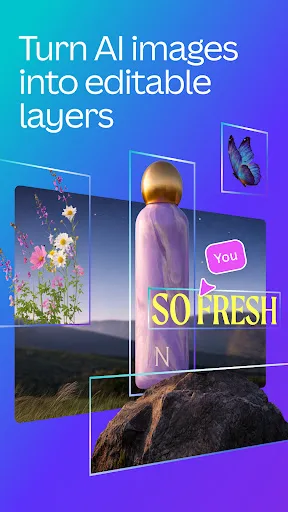
Canva: AI Photo & Video Editor Screenshots
Official app screenshots from the Google Play Store.

Frequently Asked Questions
Which app has a better rating?
Canva has a significantly higher rating of 4.77 compared to Picsart's 4.00. This reflects user satisfaction with Canva's reliability and ease of use.
Can I use these apps offline?
Picsart offers limited offline functionality for basic editing, but most features require an internet connection. Canva also requires online access for template loading and AI features, though you can view saved projects offline.
Do these apps have ads?
Picsart includes ads in its free version, which can be intrusive. Canva's free version is ad-free but prompts users to upgrade for premium assets.
What are the device requirements?
Both apps require Android 5.0 or later and at least 2GB of RAM. For optimal performance, Android 8.0 or later and 4GB RAM are recommended.
Which app should I choose for social media design?
Canva is ideal for social media graphics due to its extensive template library and easy resizing. Picsart is better for creating unique, AI-enhanced photos and videos for platforms like Instagram and TikTok.
Related Comparisons
 VS
VS

Collage Maker vs Photoroom: Which Photo Editor Reigns Supreme in 2026
 VS
VS
CapCut vs Photoshop Express: Best Photo Editor for You
 VS
VS
InShot vs Google Photos: Which Photo Editor App Reigns Supreme
VS
Photoroom vs InShot: Best Photo & Video Editor for Android
VS
Canva vs Photoroom: AI Photo Editor Showdown – Which App Reigns Supreme?
VS