Easy Notes vs Google Keep: Which Note-Taking App Reigns Supreme?
Easy Notes is a feature-rich note-taking app designed for users who want customizable themes, sticky notes widgets, and a simple interface for quick memos and lists. Google Keep, developed by Google LLC, offers seamless integration with Google services, voice memos, and advanced security, making it ideal for users deeply embedded in the Google ecosystem. Both apps have high ratings, but they cater to different priorities: Easy Notes focuses on personalization and offline use, while Google Keep emphasizes collaboration and cross-platform sync.
Easy Notes - Note Taking Apps
- Rating
- ★ 4.70
- Downloads
- 10,000,000+
- Developer
- Gulooloo Tech Co., Ltd.

Google Keep - Notes and lists
Recommended- Rating
- ★ 4.69
- Downloads
- 1,000,000,000+
- Developer
- Google LLC
Create notes, memos and lists with the best note-taking app for Android! Want free note-taking apps to take notes and memo? Want sticky notes widget with colorful notepad themes? Want free goodnotes app to take good notes? Then, this notepad free, memo, notebook app is exactly wh…
Pros
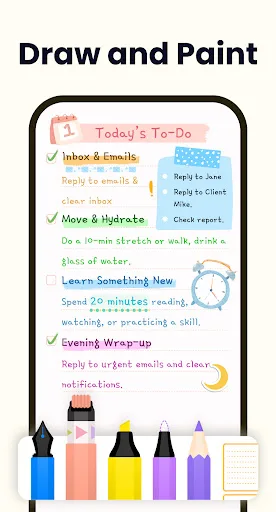
- Highly customizable with colorful themes and sticky note widgets
- Excellent offline functionality without requiring an account
- Lightweight and fast performance even on low-end devices
- Includes a variety of note-taking modes: text, checklist, and voice
- No ads, providing a clean and uninterrupted experience
Cons
- Limited collaboration features; no real-time sharing
- No cloud sync across devices unless manually backed up
- Lacks advanced features like OCR or location reminders
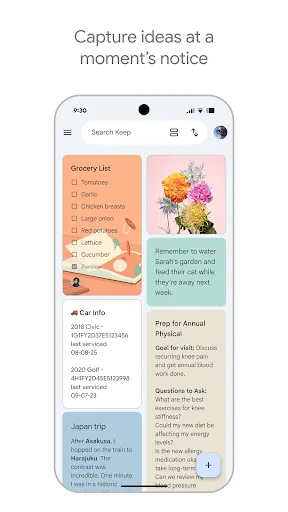
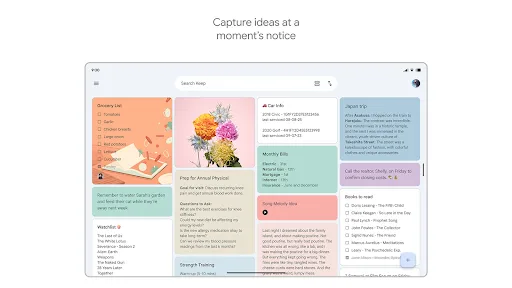
Quickly capture and share your thoughts, manage your to-dos, and stay organized. Google Keep has all of the functionality you need, with advanced security and privacy measures to keep your information safe. Capture what’s on your mind • Inspiration strikes anywhere. Jot down…
Pros
- Seamless integration with Google Drive, Gmail, and other Google services
- Real-time collaboration and sharing with other users
- Voice memos and image OCR for extracting text from photos
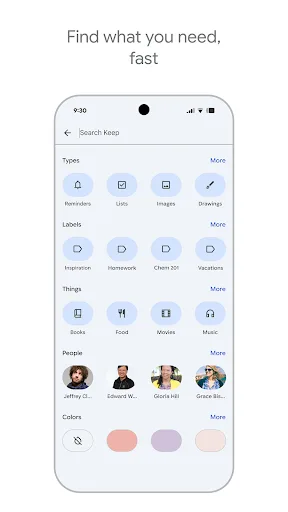
- Advanced search with labels, colors, and reminders
- Automatic sync across all devices with Google account
Cons
- Requires a Google account for full functionality
- Limited customization options compared to Easy Notes
- Occasional sync delays or issues with large attachments
Final Verdict
Our pick: Google Keep - Notes and lists
For most users, Google Keep is the better choice due to its robust integration with Google services, superior collaboration features, and reliable sync across devices. It offers voice memos, OCR for images, and advanced search, all backed by Google's security infrastructure. Easy Notes excels in customization and offline functionality, making it a strong contender for users who prioritize aesthetics and privacy. However, Keep's broader feature set and seamless ecosystem integration give it the edge. If you frequently use Google apps and need real-time collaboration, choose Google Keep. For a simple, customizable offline notebook, Easy Notes is a solid alternative.
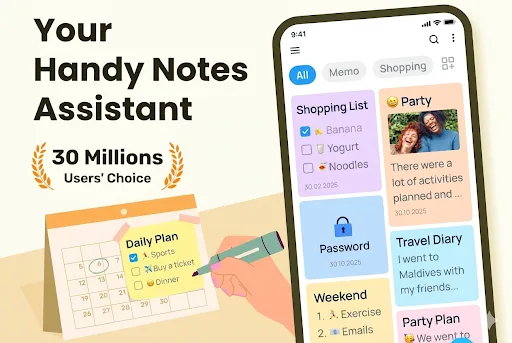
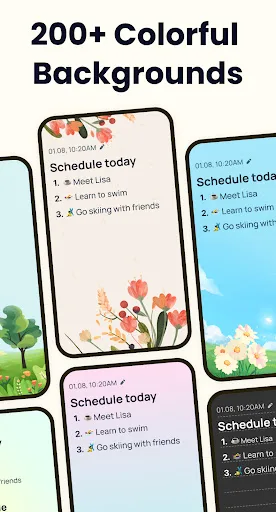
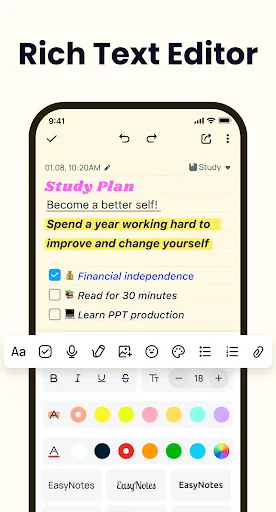
Easy Notes - Note Taking Apps Screenshots
Official app screenshots from the Google Play Store.

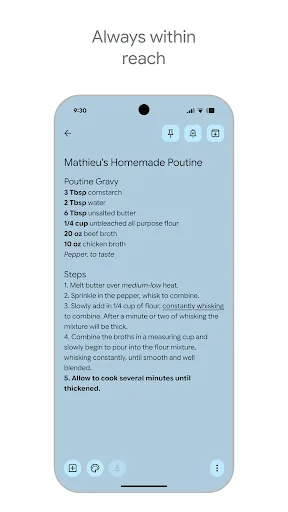
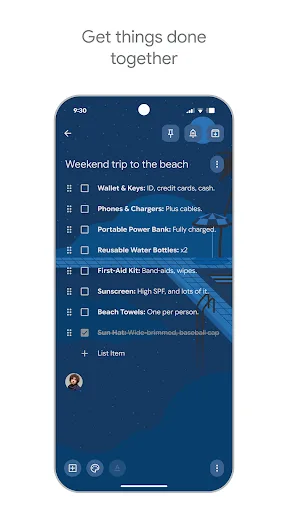
Google Keep - Notes and lists Screenshots
Official app screenshots from the Google Play Store.
Frequently Asked Questions
Which app has a higher rating, Easy Notes or Google Keep?
Easy Notes has a slightly higher rating of 4.699 compared to Google Keep's 4.692, but both are highly rated by users.
Can I use these apps offline?
Both apps support offline use, but Easy Notes works fully offline without an account, while Google Keep requires an account for sync but allows offline access to previously synced notes.
Do these apps contain ads?
Easy Notes is ad-free, and Google Keep is also ad-free as part of Google's suite of apps.
What are the device requirements for each app?
Easy Notes runs on Android 5.0+ and is lightweight, suitable for low-end devices. Google Keep requires Android 5.0+ and works best with a Google account for full features.
Which app should I choose for note-taking?
If you value customization and offline use, choose Easy Notes. If you need collaboration, cross-platform sync, and integration with Google services, choose Google Keep.
Related Comparisons
 VS
VS

ColorNote vs Noteshelf 3: Which Note-Taking App Reigns Supreme
VS
Google Keep vs Microsoft OneNote: Which Note-Taking App Wins
 VS
VS
Freenotes vs Easy Notes: Which Note-Taking App Reigns Supreme?
 VS
VS
Samsung Notes vs Notion: Which Note-Taking App Reigns Supreme
VS

ColorNote vs Zoho Notebook: Which Notes App is Best for You?
VS