Easy Notes vs Microsoft OneNote: Best Note-Taking App for Android
Easy Notes is a lightweight, feature-rich note-taking app designed for quick notes, memos, and checklists with colorful themes and widgets. It's ideal for casual users who want a simple, offline-friendly notepad. Microsoft OneNote, on the other hand, is a powerhouse for productivity, offering seamless sync across devices, robust organization, and integration with Microsoft 365. It's perfect for students, professionals, and anyone needing a comprehensive digital notebook.
Easy Notes - Note Taking Apps
- Rating
- ★ 4.70
- Downloads
- 10,000,000+
- Developer
- Gulooloo Tech Co., Ltd.

Microsoft OneNote: Save Notes
Recommended- Rating
- ★ 4.57
- Downloads
- 1,000,000,000+
- Developer
- Microsoft Corporation
Create notes, memos and lists with the best note-taking app for Android! Want free note-taking apps to take notes and memo? Want sticky notes widget with colorful notepad themes? Want free goodnotes app to take good notes? Then, this notepad free, memo, notebook app is exactly wh…
Pros
- High rating (4.7) with millions of installs
- Lightweight and fast, works offline perfectly
- Colorful themes and sticky notes widget
- Simple interface for quick notes and checklists
- No sign-in required; privacy-focused
Cons
- No cross-platform sync (Android only)
- Limited organization: no notebooks or sections
- Lacks advanced formatting and drawing tools
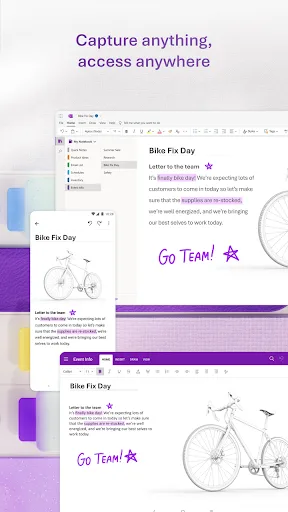
Supercharge your productivity with OneNote. Organize your thoughts and ideas, and simplify planning important moments with your digital note-taking. Secure notes on your phone can sync across all smart devices with Microsoft OneNote. Start your week off strong by organizing your…
Pros
- Cross-platform sync across all devices (iOS, Android, PC, Mac)
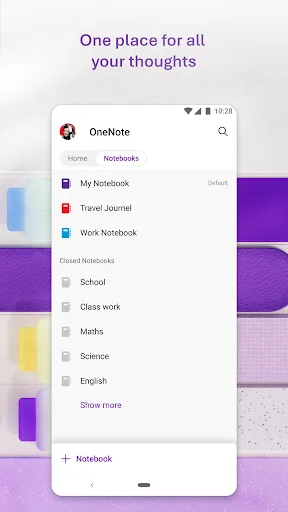
- Powerful organization with notebooks, sections, and tags
- Supports handwriting, drawing, and audio notes
- Integrated with Microsoft 365 and Outlook tasks
- Free with 5GB OneDrive storage; no ads
Cons
- Requires Microsoft account for full features
- Can be overwhelming for simple note-taking
- Offline access limited without syncing
Final Verdict
Our pick: Microsoft OneNote: Save Notes
For most users, Microsoft OneNote is the superior choice due to its cross-platform sync, advanced organization, and free unlimited storage. However, Easy Notes wins on simplicity and offline capabilities. If you need a straightforward, beautiful note-taking app without the complexity, go with Easy Notes. For productivity and sync across all your devices, OneNote is unbeatable. Ultimately, OneNote's 1B+ installs and Microsoft backing make it the safer long-term bet.
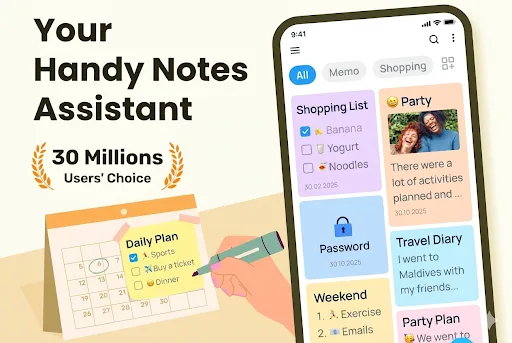
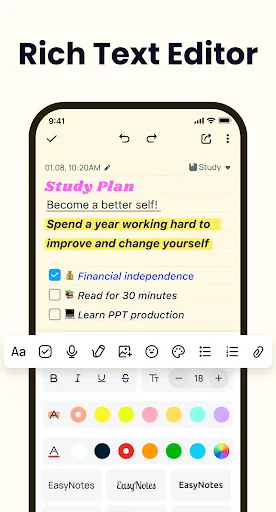
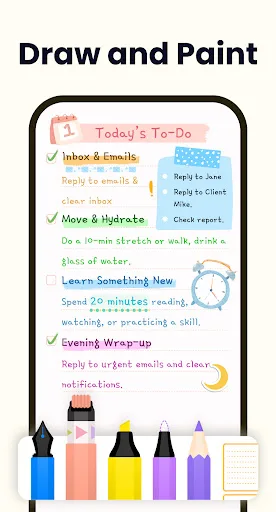
Easy Notes - Note Taking Apps Screenshots
Official app screenshots from the Google Play Store.


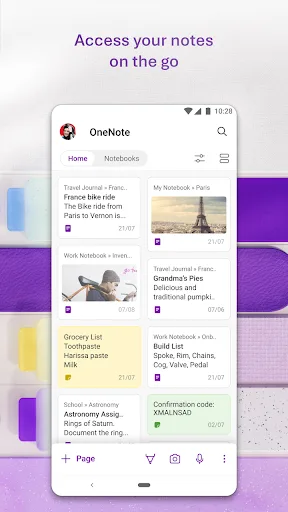
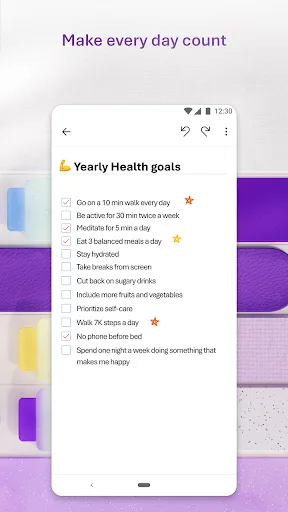
Microsoft OneNote: Save Notes Screenshots
Official app screenshots from the Google Play Store.

Frequently Asked Questions
Which app has a higher rating?
Easy Notes has a slightly higher rating of 4.699 compared to OneNote's 4.573, but both are highly rated.
Can I use these apps offline?
Yes, both apps work offline. Easy Notes is fully offline without any sign-in. OneNote allows offline access to notes that have been synced previously.
Are there any ads in these apps?
Easy Notes may contain ads (based on free version), while OneNote is ad-free.
What are the device requirements for each app?
Easy Notes requires Android 5.0+ and is lightweight. OneNote requires Android 6.0+ and needs more storage for features like handwriting.
Which app should I choose for simple notes?
If you only need quick notes, memos, and checklists without syncing, Easy Notes is the better choice. For advanced organization and multi-device access, choose OneNote.
Related Comparisons
 VS
VS

ColorNote vs Noteshelf 3: Which Note-Taking App Reigns Supreme
 VS
VS
Google Keep vs Microsoft OneNote: Which Note-Taking App Wins
 VS
VS
Freenotes vs Easy Notes: Which Note-Taking App Reigns Supreme?
 VS
VS

Samsung Notes vs Notion: Which Note-Taking App Reigns Supreme
VS

ColorNote vs Zoho Notebook: Which Notes App is Best for You?
VS