Gallery vs InShot: Best Photography & Video Editing App for You
Gallery by Google is a lightweight, offline photo and video organizer designed for users who want automatic sorting and basic editing without data usage. InShot is a feature-rich video editor and maker aimed at social media creators who need advanced tools like music, transitions, and slow motion. Both apps are free and highly rated, but serve different primary purposes.

Video Editor & Maker - InShot
Recommended- Rating
- ★ 4.84
- Downloads
- 500,000,000+
- Developer
- InShot Video Editor
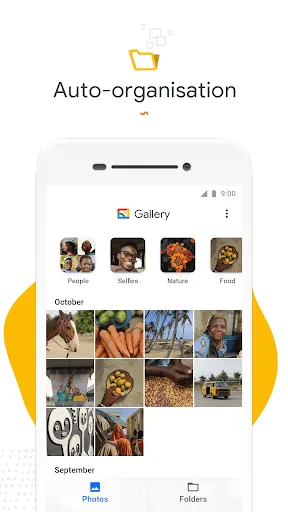
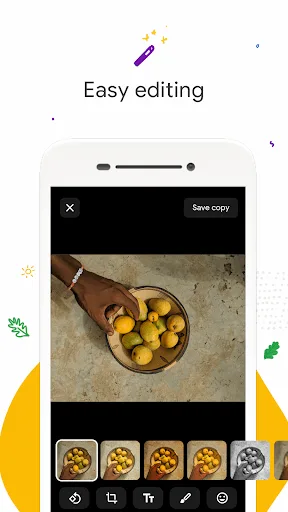
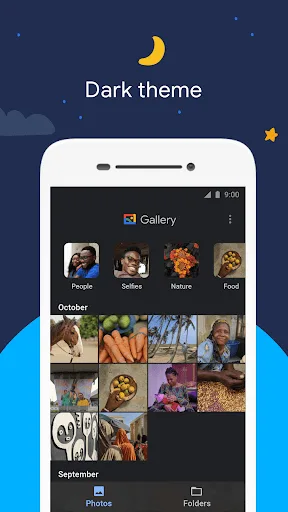
Meet Gallery, a smart, light and fast photo and video gallery built by Google to help you: ✨ Find photos faster with automatic organization 😎 Look your best with editing tools like auto-enhance 🏝️ Use less data - works offline, all in a small app size AUTOMATIC ORGANIZA…
Pros
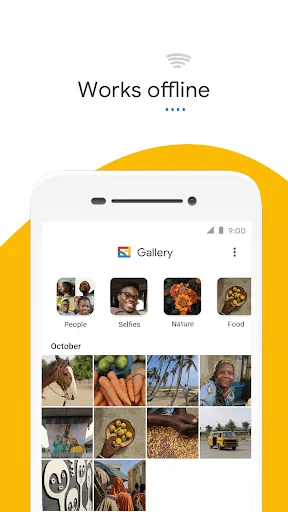
- Lightweight and works offline
- Automatic daily photo organization
- Built-in auto-enhance editing tool
- Small app size saves storage
- Free with no ads
Cons
- Limited video editing capabilities
- No advanced filters or effects
- Basic photo editing features only
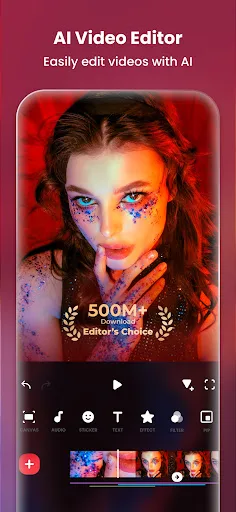
InShot - Powerful all-in-one Video Editor and Video Maker with professional features. Add music, text, transition effects for videos, make smooth slow motion, make video collage, blur background and etc! As an easy-to-use editing app, InShot makes creating vlogs a breeze and help…
Pros
- Comprehensive video editing tools
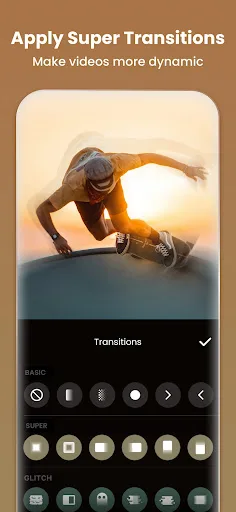
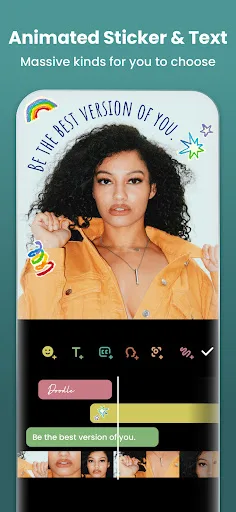
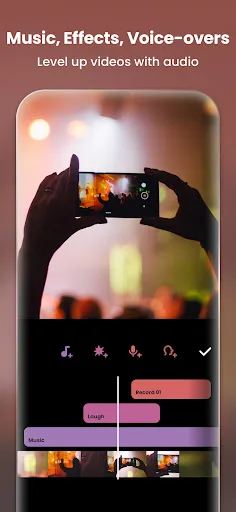
- Add music, text, transitions, slow motion
- Video collage and blur background features
- Optimized for social media platforms
- High rating of 4.84
Cons
- Requires internet for some features
- Contains ads in free version
- Larger app size compared to Gallery
Final Verdict
Our pick: Video Editor & Maker - InShot
If your priority is a fast, simple, offline photo gallery with automatic organization and minimal editing, choose Gallery. If you need a powerful video editor with music, effects, and social media optimization, choose InShot. For most users, InShot offers more creative control and versatility, making it the winner for content creators. Gallery excels for everyday photo management.

Gallery Screenshots
Official app screenshots from the Google Play Store.
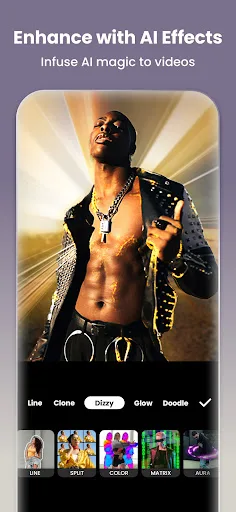
Video Editor & Maker - InShot Screenshots
Official app screenshots from the Google Play Store.
Frequently Asked Questions
Which app has a higher rating?
InShot has a higher rating of 4.84 compared to Gallery's 4.22.
Can I use Gallery offline?
Yes, Gallery works fully offline, making it ideal for saving data.
Does InShot have ads?
Yes, the free version of InShot contains ads, but you can remove them via in-app purchase.
What are the device requirements for these apps?
Gallery requires Android 5.0+ and minimal storage. InShot requires Android 5.0+ and more storage for video processing.
Which app should I choose for creating social media videos?
InShot is the better choice for social media video creation due to its advanced editing features and platform optimization.
Related Comparisons
 VS
VS

Lensa vs Instagram: Which Photo App Wins in 2026
 VS
VS

Pixel Camera vs Canva: AI Photo & Video Editor – Which Photography App Reigns Supreme
VS

Instagram vs Camera360: Which Photo App Wins for Social Sharing & Selfie Editing?
 VS
VS
Lightroom vs InShot: Which Photo & Video Editor Reigns Supreme?
VS

Lensa vs Snapseed: Which Photo Editor Reigns Supreme?
VS