Google Calendar vs Simple Calendar: Which Android Calendar App Wins
Google Calendar is a powerhouse for users deeply integrated into Google's ecosystem, offering seamless syncing across devices and smart event creation from Gmail. Simple Calendar, on the other hand, is a lightweight, privacy-focused alternative perfect for those who want a straightforward, offline-capable planner without ads or unnecessary features. Whether you need robust collaboration or minimal distraction, this comparison helps you decide.

Google Calendar
Recommended- Rating
- ★ 4.64
- Downloads
- 10,000,000,000+
- Developer
- Google LLC
Simple Calendar - easy planner
- Rating
- ★ 4.73
- Downloads
- 5,000,000+
- Developer
- Komorebi Inc.
Get the official Google Calendar app, for your Android phone, tablet, or Wear OS device to stay organized and plan your day. Make the most of your day with easy event creation, multiple calendars, customizable views, widgets, tasks, and more With Google Calendar, you can: • Get…
Pros
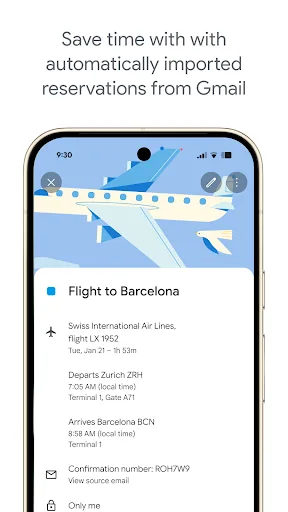
- Seamless integration with Gmail, automatically adding events from flights, hotels, and reservations.
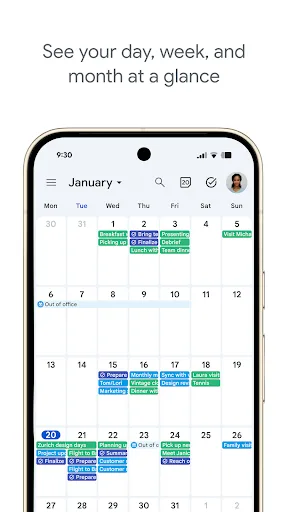
- Multiple calendar views (day, week, month, schedule) with customizable widgets.
- Supports multiple calendars, sharing, and collaboration with others.
- Smart suggestions and goals feature to help manage time effectively.
- Works across Android, Wear OS, and web with real-time sync.
Cons
- Requires Google account and internet for full functionality; offline mode limited.
- Can be overwhelming with too many features and notifications for basic users.
- Privacy concerns due to data collection and ad targeting by Google.
Keep your time management simple with Simple Calendar app: a free organizer for all your activities: family, work, studies, holidays and important dates. Simple as ABC: it takes one tap to open a daily planner, choose time and schedule a new event or task for any day. If necessar…
Pros
- Completely offline with no internet required for core features.
- No ads, no trackers, and minimal permissions, prioritizing user privacy.
- Lightweight and fast, with a clean, intuitive interface.
- Customizable colors, themes, and widget options.
- Includes a built-in task manager and reminder system.
Cons
- Lacks smart event detection from emails or other apps.
- No collaboration or sharing features for events.
- Limited integration with other services; no web or desktop version.
Final Verdict
Our pick: Google Calendar
For most users, Google Calendar is the superior choice due to its seamless integration with Google services, smart event detection, and extensive sharing capabilities. However, if you prioritize privacy, offline functionality, and a clutter-free experience, Simple Calendar is an excellent lightweight alternative. Google Calendar's 5 billion+ installs and 4.64 rating speak to its reliability, while Simple Calendar's 5 million+ installs and 4.72 rating show strong user satisfaction among those seeking simplicity. We recommend Google Calendar for power users and Simple Calendar for minimalists.
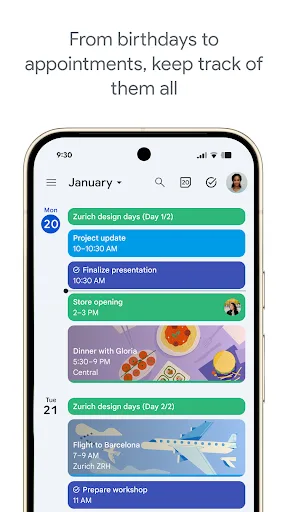
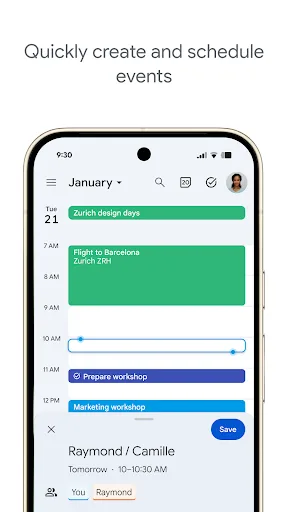
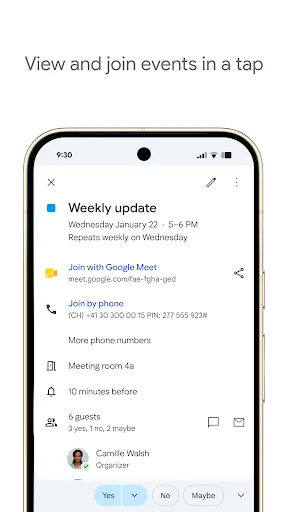
Google Calendar Screenshots
Official app screenshots from the Google Play Store.
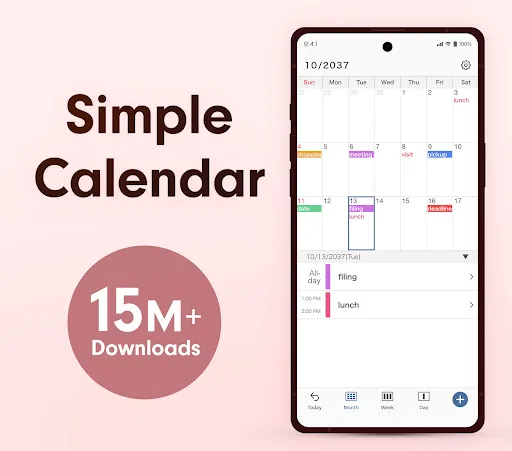
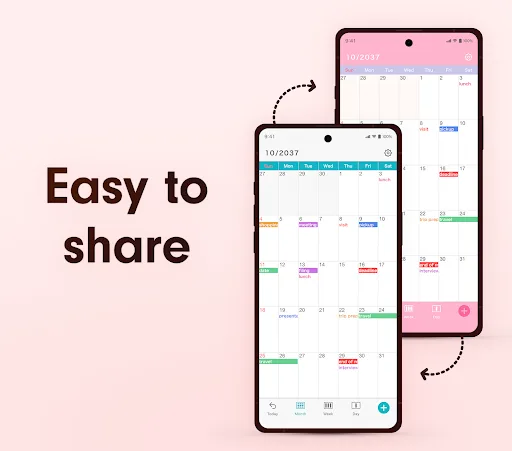
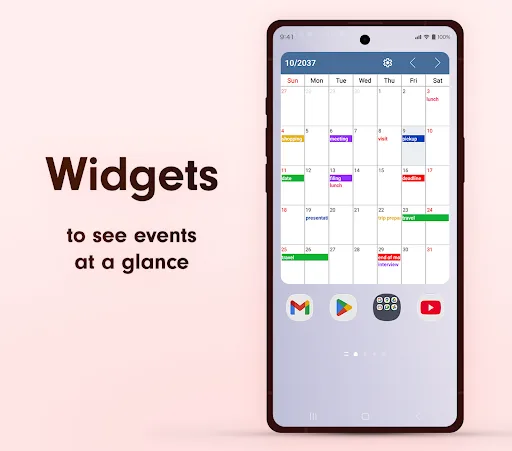
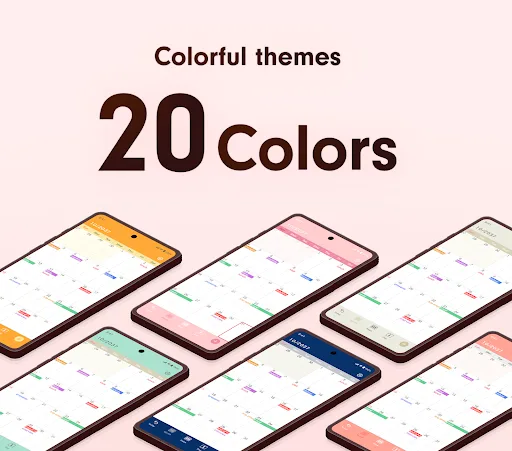
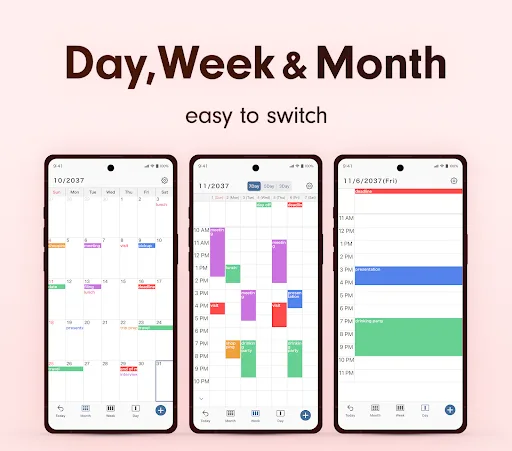
Simple Calendar - easy planner Screenshots
Official app screenshots from the Google Play Store.
Frequently Asked Questions
Which app has a higher rating?
Simple Calendar has a slightly higher rating (4.72) compared to Google Calendar (4.64), but both are highly rated.
Can I use these apps offline?
Simple Calendar works fully offline. Google Calendar has limited offline functionality (viewing and editing existing events) but requires internet for syncing and smart features.
Do these apps contain ads?
Google Calendar is ad-free. Simple Calendar is also ad-free and open-source.
What are the device requirements?
Both apps require Android 5.0 or later. Google Calendar may need Google Play Services, while Simple Calendar has minimal requirements.
Which calendar app should I choose?
Choose Google Calendar if you rely on Google services and need collaboration. Choose Simple Calendar if you want a private, offline, and simple planner.
Related Comparisons
 VS
VS

Daily Planner vs TickTick: Best Calendar & To-Do App for 2026
 VS
VS
TimeTree vs Samsung Calendar: Which Shared Calendar App Wins for Families?
VS
TickTick vs TimeTree: Which Calendar & To-Do App Wins
 VS
VS
Any.do vs Todolize: Which To-Do List & Calendar App Reigns Supreme?
VS
Google Calendar vs Business Calendar 2: Which Android Calendar App Wins?
VS