Google Keep vs MyScript Notes: Best Note-Taking App for You
Google Keep is ideal for users who need a fast, simple, and cross-platform note-taking app with seamless integration into Google services. MyScript Notes, on the other hand, is perfect for students and professionals who prefer handwriting and require advanced AI-powered handwriting recognition. Keep excels at quick lists and voice memos, while MyScript offers an infinite canvas for brainstorming and PDF annotation. Your choice depends on whether you prioritize simplicity and sync or powerful handwriting tools.

Google Keep - Notes and lists
Recommended- Rating
- ★ 4.69
- Downloads
- 1,000,000,000+
- Developer
- Google LLC
MyScript Notes: AI Note Taking
- Rating
- ★ 4.54
- Downloads
- 1,000,000+
- Developer
- MyScript
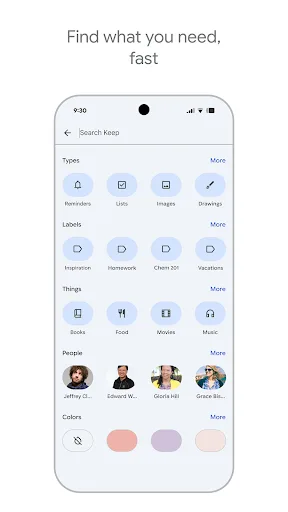
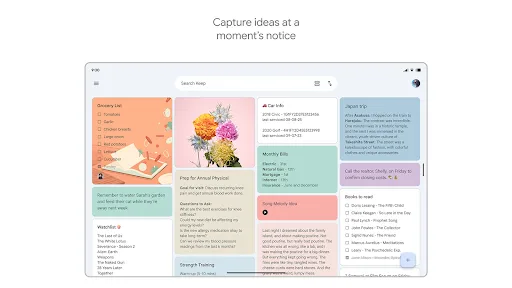
Quickly capture and share your thoughts, manage your to-dos, and stay organized. Google Keep has all of the functionality you need, with advanced security and privacy measures to keep your information safe. Capture what’s on your mind • Inspiration strikes anywhere. Jot down…
Pros
- Free to use with no ads or subscriptions
- Seamless sync across all devices via Google account
- Excellent voice memo and image capture features
- Tight integration with Google Docs, Gmail, and Calendar
- Simple, clean interface with color coding and labels
Cons
- Limited formatting options compared to dedicated editors
- No handwriting recognition or drawing tools
- Note organization can become messy without folders
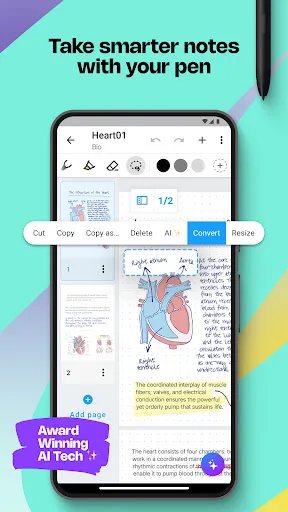
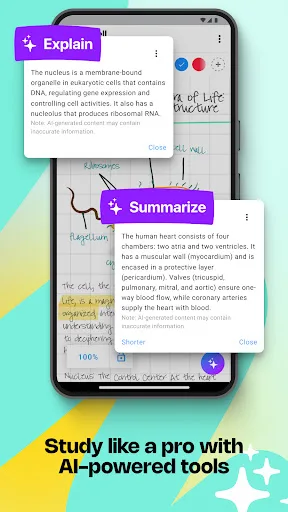
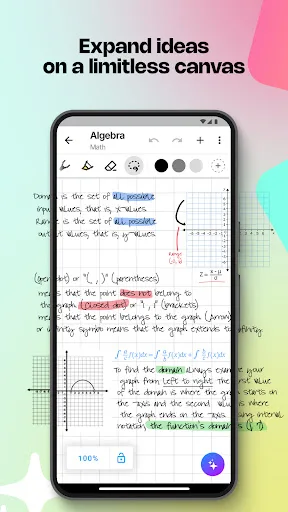
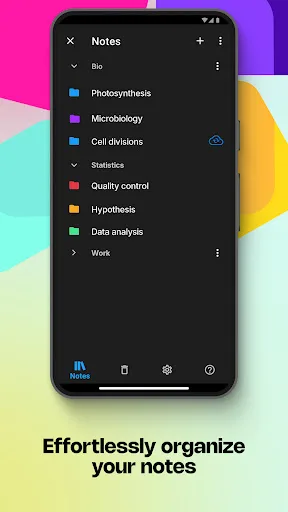
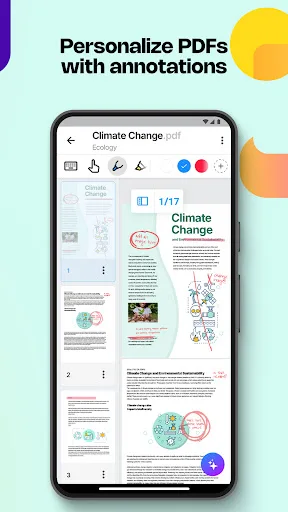
Create stunning notes and professional documents effortlessly by hand, brainstorm ideas on an infinite canvas, and annotate PDFs seamlessly. Powered by the world's leading AI handwriting recognition technology, MyScript Notes offers a dynamic platform where handwriting, text, dra…
Pros
- World-leading AI handwriting recognition with high accuracy
- Infinite canvas for free-form brainstorming and diagrams
- Supports handwritten notes, text, drawings, and images in one note
- Ability to annotate PDFs directly
- Export notes as professional documents (Word, PDF, HTML)
Cons
- Premium features require a paid subscription after trial
- Limited cross-platform support (no web app)
- Smaller user base means fewer community resources
Final Verdict
Our pick: Google Keep - Notes and lists
For most users, Google Keep is the better choice due to its massive install base, free price, and seamless integration with Google Workspace. Its simplicity and reliability make it perfect for quick notes, lists, and reminders. However, if you frequently take handwritten notes or need to convert handwriting to text, MyScript Notes is unmatched. Its AI recognition is top-tier, but the limited installs and higher price point may deter casual users. Ultimately, Keep wins for general use, but MyScript is a specialist tool worth considering for handwriting enthusiasts.
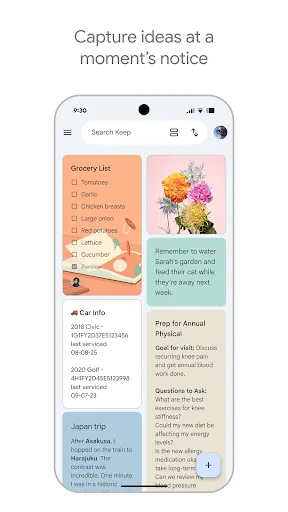
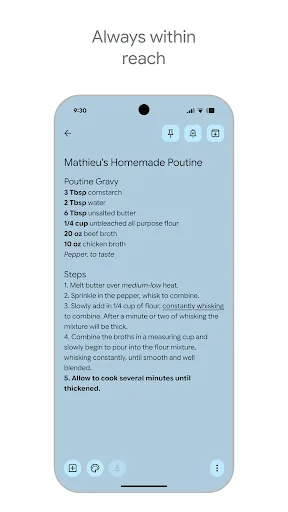
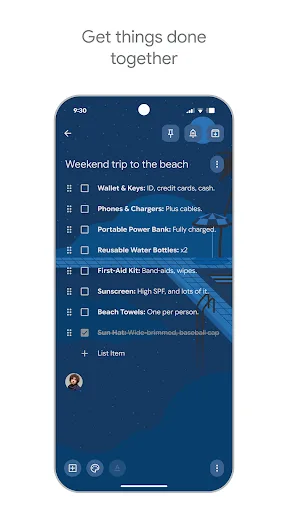
Google Keep - Notes and lists Screenshots
Official app screenshots from the Google Play Store.
MyScript Notes: AI Note Taking Screenshots
Official app screenshots from the Google Play Store.
Frequently Asked Questions
Which app has a higher rating?
Google Keep has a rating of 4.69, while MyScript Notes is rated 4.50. Keep is slightly higher rated.
Can I use these apps offline?
Both apps support offline use. Google Keep allows offline access to recent notes, and MyScript Notes works offline for note-taking and handwriting recognition.
Do these apps have ads?
Google Keep is completely free and ad-free. MyScript Notes has a free trial, but the full version requires a subscription and has no ads.
What are the device requirements?
Google Keep runs on Android 5.0+ and works on phones, tablets, and Wear OS. MyScript Notes requires Android 8.0+ and is optimized for larger screens.
Which app should I choose for handwriting?
MyScript Notes is the clear choice for handwriting, as it offers industry-leading AI recognition and an infinite canvas. Google Keep does not support handwriting at all.
Related Comparisons
 VS
VS

ColorNote vs Noteshelf 3: Which Note-Taking App Reigns Supreme
VS

Google Keep vs Microsoft OneNote: Which Note-Taking App Wins
 VS
VS
Freenotes vs Easy Notes: Which Note-Taking App Reigns Supreme?
 VS
VS
Samsung Notes vs Notion: Which Note-Taking App Reigns Supreme
VS

ColorNote vs Zoho Notebook: Which Notes App is Best for You?
VS