Google Photos vs Lumii AI Photo Editor: Which Photography App Reigns Supreme?
Google Photos is ideal for users who need robust cloud storage, automatic backup, and AI-powered organization across devices. Lumii AI Photo Editor, on the other hand, targets creative individuals seeking advanced editing tools, filters, and background removal without professional skills. Google Photos excels in storage and search, while Lumii focuses on transformative editing. Choose based on whether you prioritize storage and organization or artistic photo enhancement.

Google Photos
Recommended- Rating
- ★ 4.40
- Downloads
- 10,000,000,000+
- Developer
- Google LLC
AI Photo Editor - Lumii
- Rating
- ★ 4.75
- Downloads
- 100,000,000+
- Developer
- InShot Video Editor
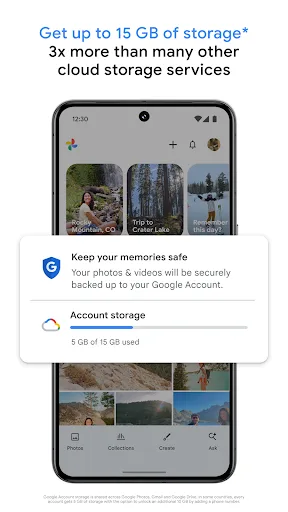
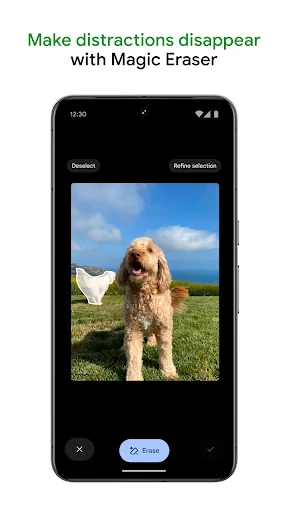
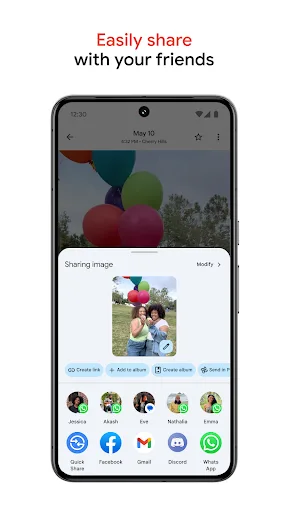
Google Photos is the home for all your photos and videos. Easily store, edit, organize, and search your memories with the help of Google AI. • 15 GB OF CLOUD STORAGE: Every Google account gets up to 15 GB of storage*, 3X more than many other cloud storage services. So you can b…
Pros
- 15GB free cloud storage, 3x more than many competitors
- AI-powered search by people, places, and objects
- Automatic backup across all devices
- Basic editing tools like crop, adjust, and filters
- Free unlimited high-quality storage (compressed) for photos
Cons
- Limited advanced editing features compared to dedicated editors
- Requires Google account and internet for full functionality
- Privacy concerns with AI analysis of photos
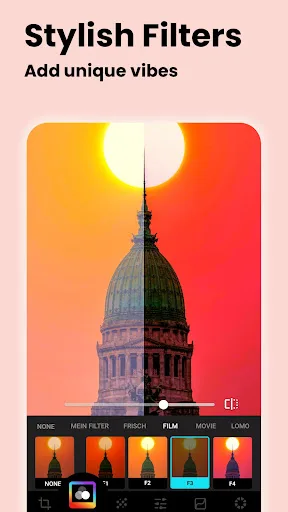
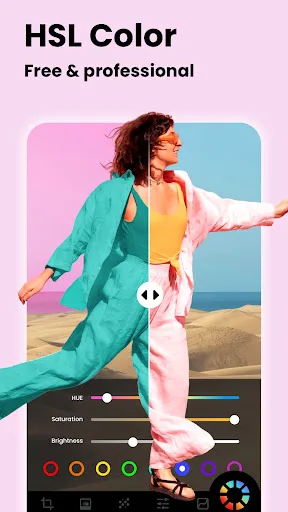
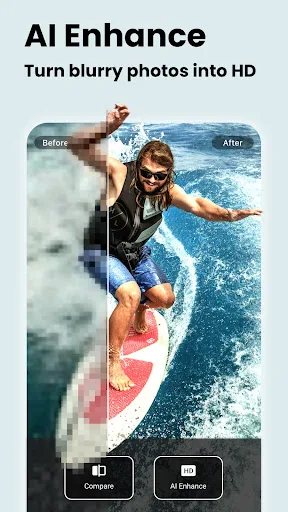
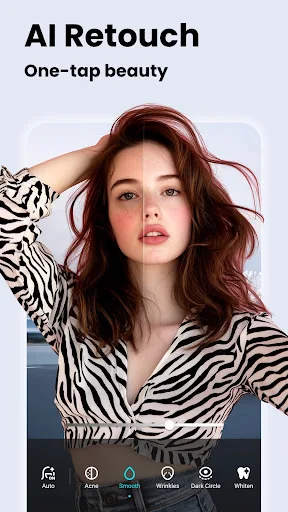
Lumii is a powerful AI Photo Editor that combines professional tools with smart AI editing features. Easily enhance photo quality, remove backgrounds, retouch selfies, and apply 100+ trendy photo filters and effects to edit photos. Create artistic, high-quality photos effortlessl…
Pros
- 100+ trendy filters and effects for creative editing
- AI-powered background removal and retouching
- Professional tools like curves, HSL, and masking
- No subscription needed for core features
- Fast performance and intuitive interface
Cons
- No cloud storage or backup functionality
- Some advanced features require in-app purchases
- Ads present in free version
Final Verdict
Our pick: Google Photos
For most users, Google Photos wins due to its unparalleled cloud storage (15GB free), AI-driven search, and seamless integration across Android devices. However, if your primary need is powerful, easy-to-use photo editing with trendy filters and background removal, Lumii is the better choice. Google Photos offers basic editing but lacks the creative depth of Lumii. Ultimately, the winner depends on your workflow: storage and backup vs. artistic editing. We recommend Google Photos for its all-around utility, but Lumii for dedicated editors.
Google Photos Screenshots
Official app screenshots from the Google Play Store.

AI Photo Editor - Lumii Screenshots
Official app screenshots from the Google Play Store.

Frequently Asked Questions
Which app has a higher rating?
Lumii has a higher rating (4.75) compared to Google Photos (4.40), but both are highly rated with millions of installs.
Can I use these apps offline?
Google Photos allows viewing and editing offline but requires internet for backup and search. Lumii works fully offline for editing, though some features may need internet.
Do these apps contain ads?
Google Photos is ad-free. Lumii includes ads in the free version, which can be removed via in-app purchase.
What are the device requirements?
Both apps require Android 5.0+ and are optimized for most devices. Google Photos needs Google Play Services; Lumii works on a wide range of phones.
Which app should I choose for photography?
Choose Google Photos for storage, backup, and organization. Choose Lumii for advanced editing, filters, and creative effects. Many users install both for complementary use.
Related Comparisons
 VS
VS

Lensa vs Instagram: Which Photo App Wins in 2026
 VS
VS

Pixel Camera vs Canva: AI Photo & Video Editor – Which Photography App Reigns Supreme
VS

Instagram vs Camera360: Which Photo App Wins for Social Sharing & Selfie Editing?
 VS
VS

Lightroom vs InShot: Which Photo & Video Editor Reigns Supreme?
VS

Lensa vs Snapseed: Which Photo Editor Reigns Supreme?
VS