Google Photos vs Pixel Camera: Which Photography App Reigns Supreme?
Google Photos is a comprehensive cloud storage and editing solution for anyone who wants to back up, organize, and enhance their entire photo library with AI-powered tools. Pixel Camera, on the other hand, is a specialized camera app designed exclusively for Pixel devices to capture stunning photos with advanced computational photography features. If you need a universal app for managing and editing photos across devices, Google Photos is your go-to. If you own a Pixel phone and want the best possible camera experience, Pixel Camera is essential.
Google Photos
Recommended- Rating
- ★ 4.40
- Downloads
- 10,000,000,000+
- Developer
- Google LLC
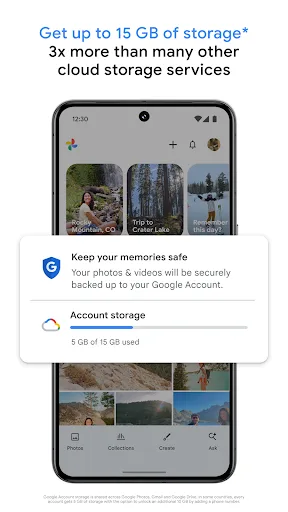
Google Photos is the home for all your photos and videos. Easily store, edit, organize, and search your memories with the help of Google AI. • 15 GB OF CLOUD STORAGE: Every Google account gets up to 15 GB of storage*, 3X more than many other cloud storage services. So you can b…
Pros
- Free 15GB cloud storage with automatic backup across devices.
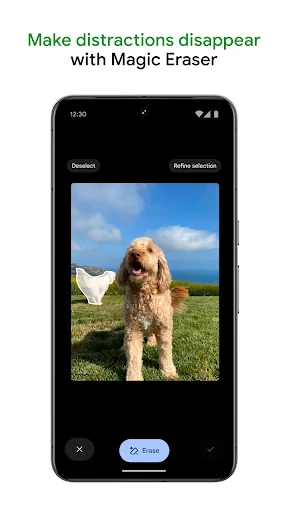
- AI-powered editing tools like Magic Eraser and color pop.
- Advanced search using object recognition and faces.
- Seamless integration with Google ecosystem and sharing.
- Works on any Android device with 10B+ installs.
Cons
- Requires internet for full cloud features.
- Limited editing compared to dedicated editors.
- Storage shared with Google Drive and Gmail.
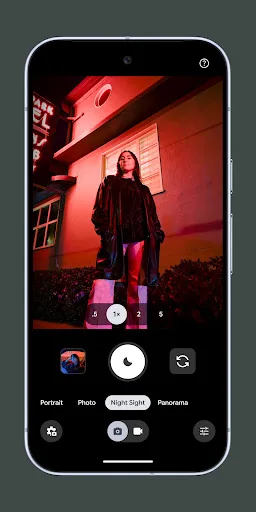
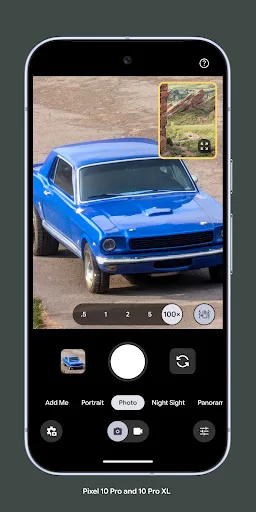
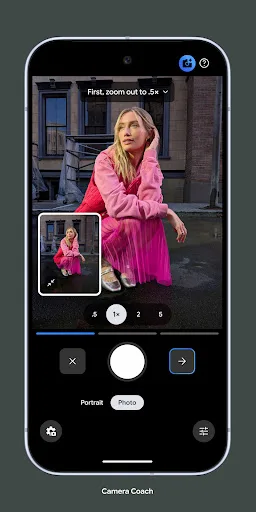
Never miss a moment with Pixel Camera! Take fantastic photos and videos using features like Portrait, Night Sight, Time Lapse, and Cinematic Blur. Take stunning photos • HDR+ with Exposure and White Balance Controls - Take incredible photos using HDR+, especially in low-light o…
Pros
- Best-in-class computational photography for Pixel devices.
- Night Sight captures stunning low-light photos without flash.
- Cinematic Blur and Portrait mode for professional effects.
- HDR+ with manual exposure and white balance controls.
- Exclusive to Pixel, optimized for hardware.
Cons
- Only works on Google Pixel phones (1+ installs).
- No cloud storage or backup features.
- Limited editing and organization capabilities.
Final Verdict
Our pick: Google Photos
For most users, Google Photos is the clear winner due to its massive install base, robust cloud backup, and versatile editing tools. However, if you're a Pixel owner seeking the best camera performance, Pixel Camera is indispensable. Google Photos offers far more value with its 15GB free storage and cross-platform support, while Pixel Camera is limited to Pixel devices and lacks cloud features. We recommend Google Photos for its broader utility and higher user satisfaction.
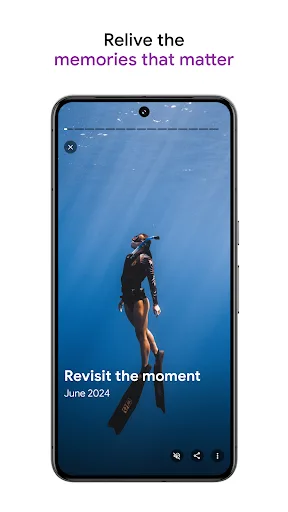
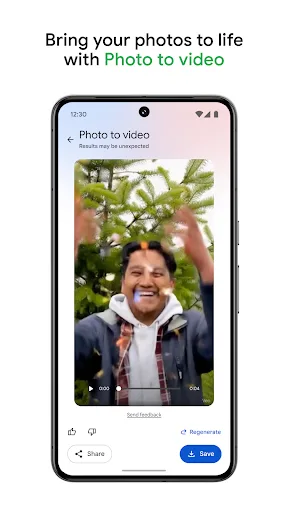
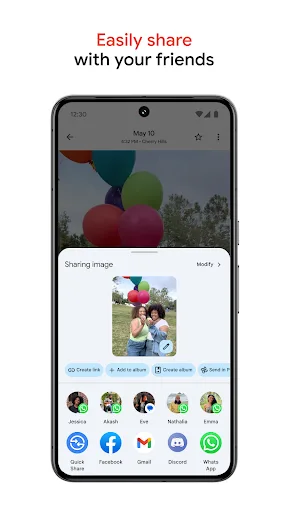
Google Photos Screenshots
Official app screenshots from the Google Play Store.

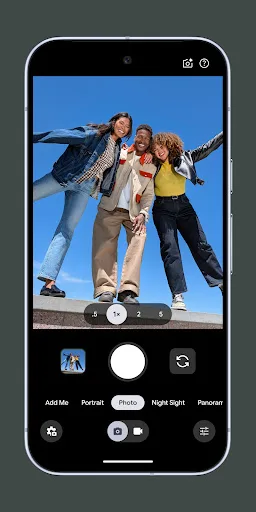
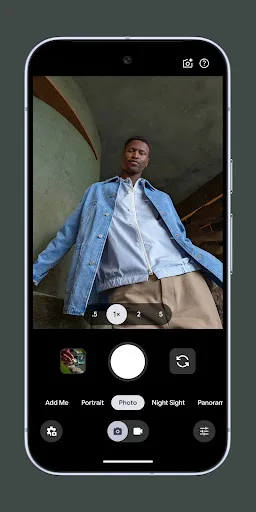
Pixel Camera Screenshots
Official app screenshots from the Google Play Store.
Frequently Asked Questions
What are the ratings of Google Photos and Pixel Camera?
Google Photos has a rating of 4.4018636, while Pixel Camera has a rating of 2.8934097. Google Photos is significantly more popular and better rated.
Can I use these apps offline?
Google Photos offers offline access to downloaded photos and some editing features, but full cloud functionality requires internet. Pixel Camera works offline for capturing photos, but editing features may be limited.
Do these apps contain ads?
Both Google Photos and Pixel Camera are free and ad-free. Google Photos may offer paid storage upgrades but no ads.
What are the device requirements for each app?
Google Photos runs on any Android device with Android 5.0+. Pixel Camera is exclusive to Google Pixel phones (Pixel 2 and later) and requires specific hardware support.
Which app should I choose for everyday photography?
If you want a universal app for backing up and editing photos across devices, choose Google Photos. If you own a Pixel and want the best camera quality, use Pixel Camera for shooting and Google Photos for storage.
Related Comparisons
 VS
VS
Lensa vs Instagram: Which Photo App Wins in 2026
VS

Pixel Camera vs Canva: AI Photo & Video Editor – Which Photography App Reigns Supreme
VS

Instagram vs Camera360: Which Photo App Wins for Social Sharing & Selfie Editing?
 VS
VS

Lightroom vs InShot: Which Photo & Video Editor Reigns Supreme?
VS

Lensa vs Snapseed: Which Photo Editor Reigns Supreme?
VS