Lensa vs Google Gallery: Which Photo App is Best for You?
Lensa is a powerful photo editor and AI art generator, ideal for users who want to retouch selfies and create artistic portraits. Google Gallery offers a lightweight, offline-friendly gallery with smart organization and basic editing, perfect for managing large photo libraries. Lensa targets creative users looking for advanced filters and AI enhancements, while Gallery serves those needing a fast, simple gallery app with automatic sorting. Both are free but cater to different photography needs.

Lensa: photo editor & AI art
- Rating
- ★ 4.06
- Downloads
- 10,000,000+
- Developer
- Prisma Labs, Inc.
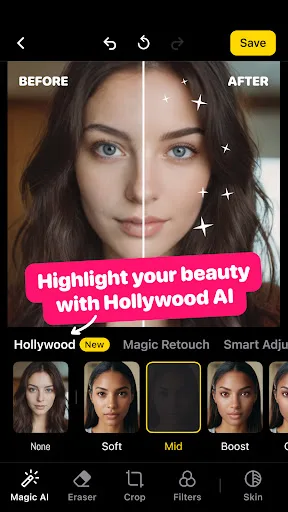
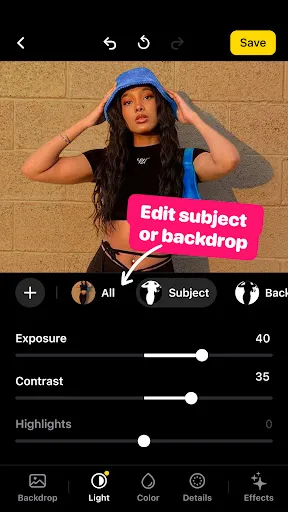
Lensa is a photo editor tool for retouching portrait selfies. The app has many photo editing filters and techniques for pictures to get a sweet selfie, remove any blur background or do any other necessary editing. With its simple editing features and camera editor effects, you ca…
Pros
- Advanced AI art generation and portrait retouching tools.
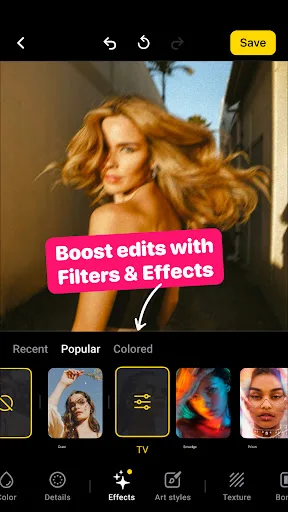
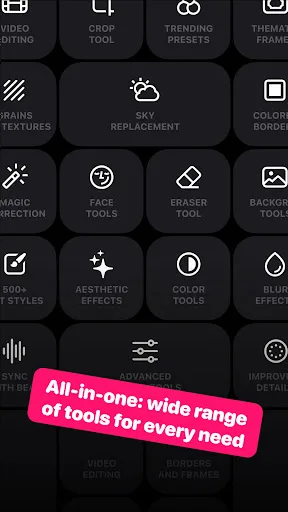
- Wide variety of filters and effects for creative edits.
- Intuitive interface for quick selfie enhancements.
- Regular updates with new artistic styles.
- Ability to remove background blur and adjust focus.
Cons
- Requires internet connection for some AI features.
- Larger app size and storage usage.
- Limited photo organization capabilities compared to Gallery.
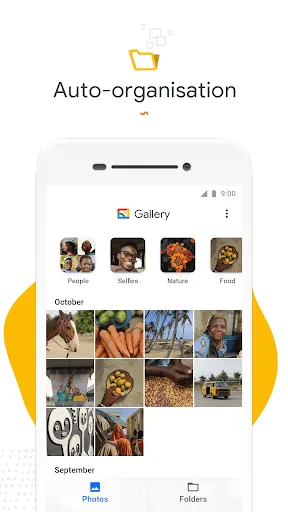
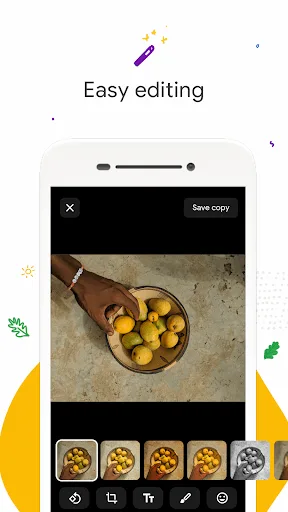
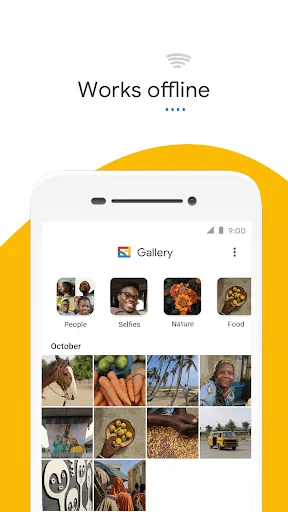
Meet Gallery, a smart, light and fast photo and video gallery built by Google to help you: ✨ Find photos faster with automatic organization 😎 Look your best with editing tools like auto-enhance 🏝️ Use less data - works offline, all in a small app size AUTOMATIC ORGANIZA…
Pros
- Extremely lightweight and fast, even on low-end devices.
- Automatic photo organization by people, places, and things.
- Works offline with essential editing tools like auto-enhance.
- Integrated with Google Photos backup and sharing.
- Over 1 billion installs with high user rating (4.21).
Cons
- No AI art generation or advanced portrait retouching.
- Basic editing features may not satisfy power users.
- Less creative filters compared to dedicated editor apps.
Final Verdict
Our pick: Gallery
For most users, Google Gallery is the better choice due to its seamless integration, offline capabilities, and lightweight design. It excels at organizing photos automatically and offers essential editing tools without bloating your device. However, if you prioritize advanced portrait retouching and AI-generated art, Lensa is a strong contender. Lensa's cons include a smaller install base and higher storage requirements. Ultimately, choose Gallery for everyday photo management and Lensa for creative editing projects.
Lensa: photo editor & AI art Screenshots
Official app screenshots from the Google Play Store.


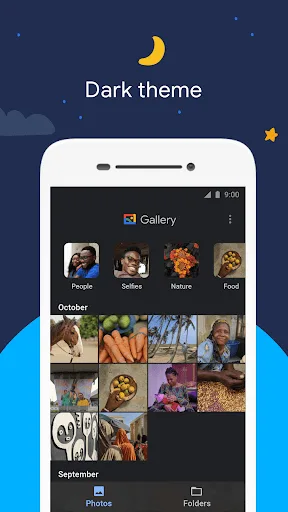
Gallery Screenshots
Official app screenshots from the Google Play Store.
Frequently Asked Questions
Which app has a higher rating?
Google Gallery has a higher rating of 4.21 compared to Lensa's 4.06.
Can I use these apps offline?
Google Gallery works fully offline. Lensa requires internet for some AI features but basic editing may work offline.
Do these apps contain ads?
Both apps are ad-free. Lensa offers in-app purchases for premium features.
What are the device requirements?
Google Gallery is lightweight and runs on most Android devices. Lensa requires a more powerful device for AI features and more storage.
Which app should I choose for photo editing vs organization?
For advanced editing and AI art, choose Lensa. For automatic organization and basic edits, choose Google Gallery.
Related Comparisons
VS

Lensa vs Instagram: Which Photo App Wins in 2026
 VS
VS

Pixel Camera vs Canva: AI Photo & Video Editor – Which Photography App Reigns Supreme
VS

Instagram vs Camera360: Which Photo App Wins for Social Sharing & Selfie Editing?
 VS
VS

Lightroom vs InShot: Which Photo & Video Editor Reigns Supreme?
VS

Lensa vs Snapseed: Which Photo Editor Reigns Supreme?
VS