Lightroom vs Snapseed: The Ultimate Photo Editor Showdown
Lightroom is ideal for photographers who want a comprehensive, subscription-based editing suite with cloud sync and advanced color grading. Snapseed is perfect for casual users seeking a free, ad-free, one-tap enhancement tool with powerful filters. Both apps offer professional-level controls but cater to different workflows. Lightroom excels in raw editing and organization, while Snapseed shines in quick, intuitive edits.
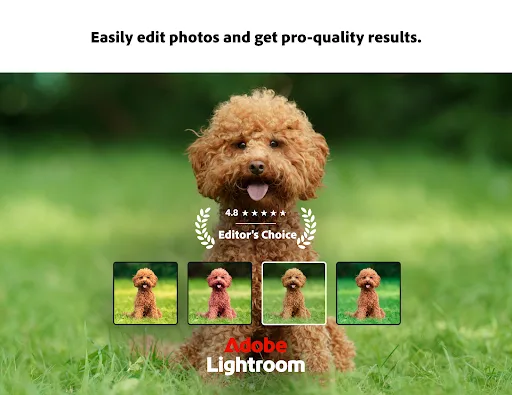
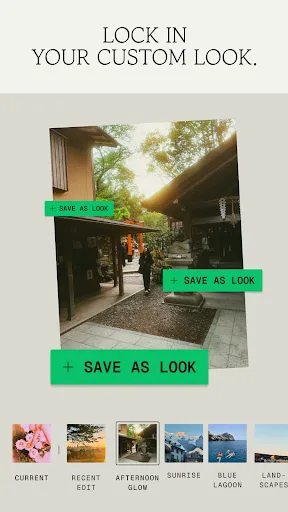
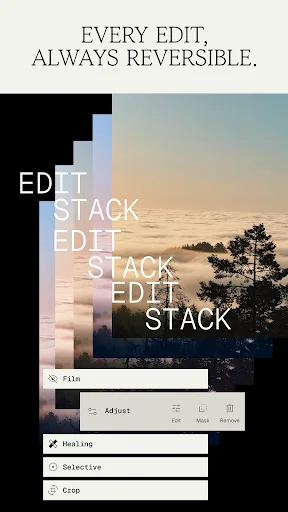
Ever wish your photos could really show what makes a moment special? Adobe Lightroom is a free photo and video editor that helps you do just that. From your dog’s goofy grin to that sunset that took your breath away, Adobe Lightroom makes it simple to bring those moments to lif…
Pros
- Professional-grade color grading and preset system
- Seamless cloud sync across devices and desktop
- Advanced raw editing with camera support
- Regular updates with new features and AI tools
- Integration with Adobe Creative Cloud ecosystem
Cons
- Requires subscription for full features
- Heavy app size and slower on older devices
- Limited free version with basic tools only
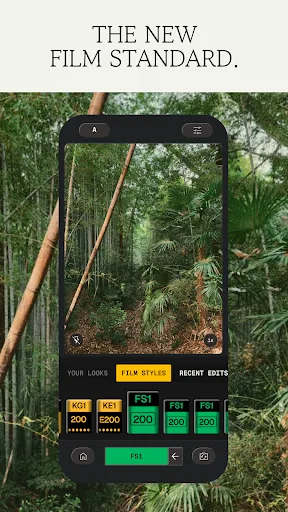
Snapseed is a complete and professional photo editor developed by Google. Pro-level tools, authentic film simulations, smart masking and more — all with no strings attached. == KEY FEATURES == • No Strings Attached: Get 30+ pro tools and filters - no subscriptions, purchases,…
Pros
- 100% free with no ads, purchases, or watermarks
- One-tap enhancements and 30+ filters/tools
- Selective adjustments with masking and brush
- Fast performance and small app size
- No account or sign-in required
Cons
- No raw camera capture or editing
- No cloud backup or sync across devices
- Lacks advanced curves and color grading depth
Final Verdict
Our pick: Snapseed
For most users, Snapseed is the better choice due to its completely free, ad-free experience with no subscription required. It offers 30+ pro tools and filters, including selective adjustments and healing, all without any strings attached. However, if you need advanced features like raw camera support, cloud storage, and desktop integration, Lightroom is worth the subscription. Lightroom's higher rating (4.51 vs 3.60) reflects its robust ecosystem, but Snapseed's simplicity and zero cost make it a strong contender. Ultimately, Snapseed wins for value and ease of use.

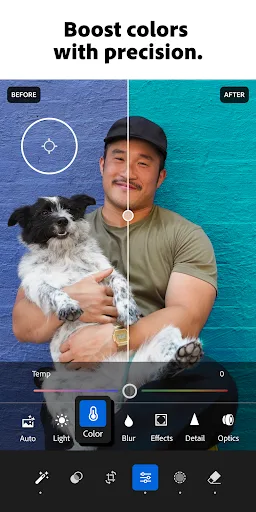
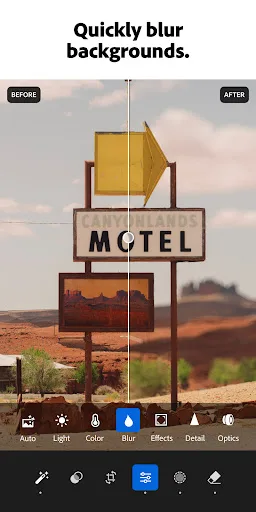
Lightroom Photo & Video Editor Screenshots
Official app screenshots from the Google Play Store.



Snapseed Screenshots
Official app screenshots from the Google Play Store.


Frequently Asked Questions
Which app has a higher rating?
Lightroom has a higher rating of 4.51 compared to Snapseed's 3.60.
Can I use these apps offline?
Both apps work offline for editing. Lightroom requires internet for cloud sync and some features, while Snapseed is fully functional offline.
Do these apps have ads?
Lightroom has no ads but requires a subscription. Snapseed is completely ad-free.
What are the device requirements?
Both apps require Android 6.0+ and 2GB+ RAM. Lightroom needs more storage (approx. 200MB) vs Snapseed (approx. 50MB).
Which app should I choose?
Choose Snapseed for a free, quick, and powerful editor. Choose Lightroom if you need professional raw editing, cloud storage, and desktop integration.
Related Comparisons
 VS
VS

Lensa vs Instagram: Which Photo App Wins in 2026
 VS
VS

Pixel Camera vs Canva: AI Photo & Video Editor – Which Photography App Reigns Supreme
VS

Instagram vs Camera360: Which Photo App Wins for Social Sharing & Selfie Editing?
VS

Lightroom vs InShot: Which Photo & Video Editor Reigns Supreme?
VS
Lensa vs Snapseed: Which Photo Editor Reigns Supreme?
VS