MyScript Notes vs Samsung Notes: Best Note-Taking App for Handwriting and Collaboration
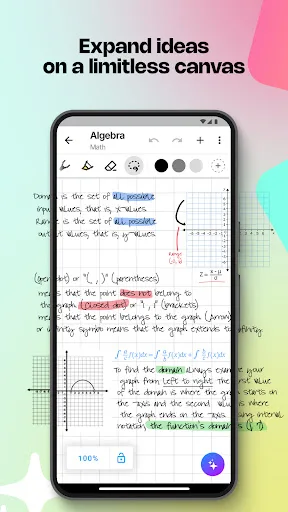
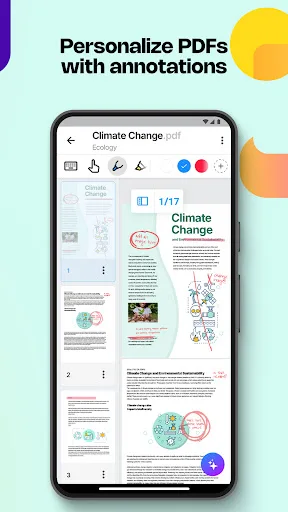
MyScript Notes is designed for users who prefer handwriting with advanced AI recognition, offering an infinite canvas for brainstorming and PDF annotation. Samsung Notes is a versatile, cross-platform note-taking app deeply integrated into the Samsung ecosystem, ideal for S Pen users and those needing collaboration features. Both apps serve different primary audiences: MyScript Notes appeals to creative professionals and students who want natural handwriting conversion, while Samsung Notes targets Samsung device owners seeking a seamless, feature-rich note-taking experience.
MyScript Notes: AI Note Taking
- Rating
- ★ 4.54
- Downloads
- 1,000,000+
- Developer
- MyScript
Samsung Notes
Recommended- Rating
- ★ 4.78
- Downloads
- 1,000,000,000+
- Developer
- Samsung Electronics Co., Ltd.
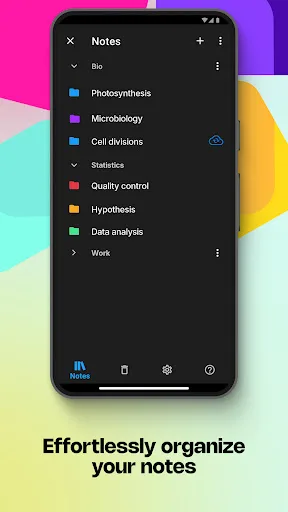
Create stunning notes and professional documents effortlessly by hand, brainstorm ideas on an infinite canvas, and annotate PDFs seamlessly. Powered by the world's leading AI handwriting recognition technology, MyScript Notes offers a dynamic platform where handwriting, text, dra…
Pros
- World-leading AI handwriting recognition with accurate conversion to text
- Infinite canvas for free-form brainstorming and ideation
- Seamless coexistence of handwriting, text, drawings, diagrams, and images
- Powerful PDF annotation capabilities
- Intuitive and responsive interface for natural note-taking
Cons
- Limited cross-platform support; primarily Android and iOS
- No built-in collaboration features for sharing and editing with others
- Lacks integration with popular document formats like Word and PowerPoint
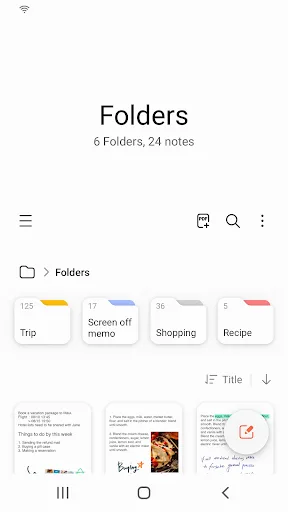
Samsung Notes can create and edit documents on mobile, tablet, or PC and collaborate with others. User can add annotations to the PDF using S Pen and create documents with images or voices. It can also be used by connecting documents with various apps such as PDF, Microsoft Word,…
Pros
- Deep integration with Samsung devices and S Pen for precise input
- Cross-platform availability on mobile, tablet, and PC
- Collaboration features enabling shared editing and real-time sync
- Supports PDF annotation and document export to Word, PowerPoint, and more
- High reliability with billions of installs and consistent updates
Cons
- Best experience limited to Samsung devices; less optimized on others
- Handwriting recognition not as advanced as dedicated AI solutions
- Interface can be cluttered with many features for casual users
Final Verdict
Our pick: Samsung Notes
For most users, especially those deeply invested in the Samsung ecosystem, Samsung Notes is the clear winner due to its higher rating, massive install base, and seamless integration with Samsung devices and other productivity apps. It offers robust collaboration and file export options that MyScript Notes lacks. However, if handwriting recognition quality and an infinite canvas are your top priorities, MyScript Notes provides superior AI-driven handwriting conversion. Overall, Samsung Notes is recommended for its versatility and ecosystem benefits, while MyScript Notes is a niche choice for handwriting enthusiasts.
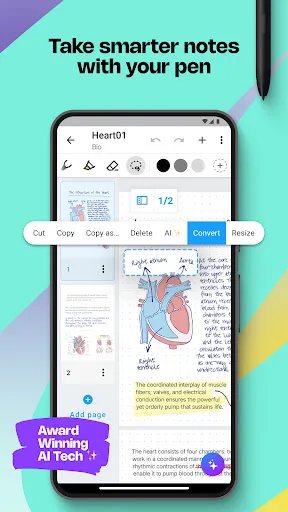
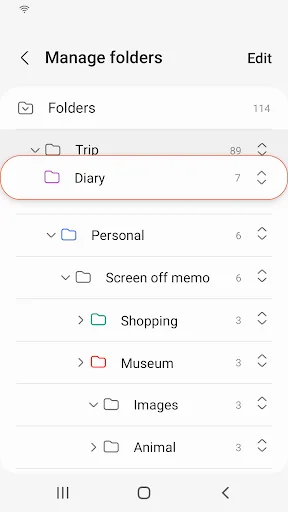
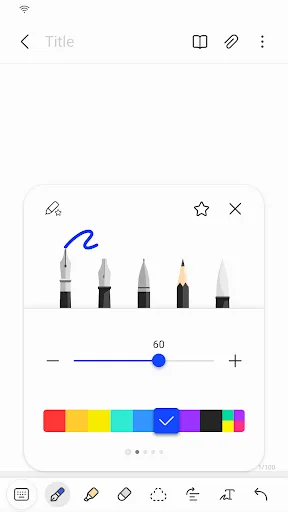
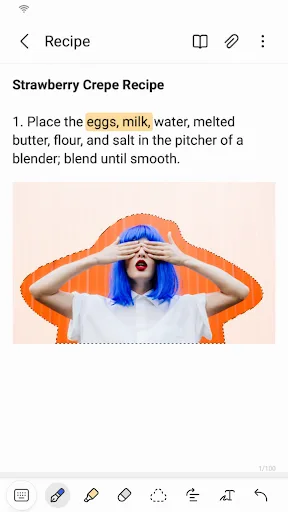
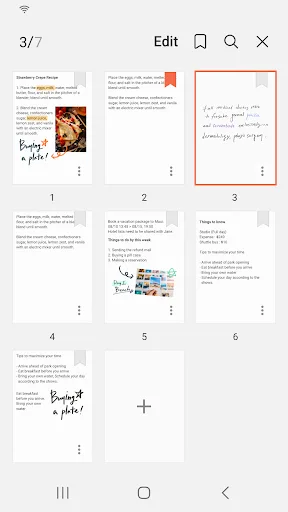
MyScript Notes: AI Note Taking Screenshots
Official app screenshots from the Google Play Store.
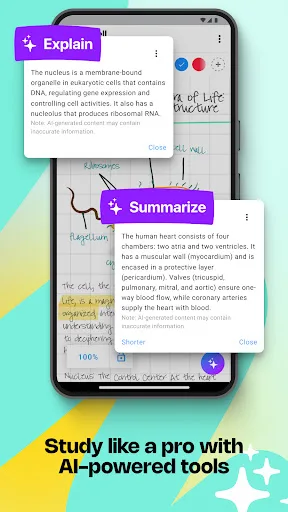
Samsung Notes Screenshots
Official app screenshots from the Google Play Store.
Frequently Asked Questions
How do the ratings compare between MyScript Notes and Samsung Notes?
MyScript Notes has a rating of 4.5263157, while Samsung Notes has a higher rating of 4.783173. Both are well-regarded, but Samsung Notes has a slight edge in user satisfaction.
Can I use these apps offline?
Both apps support offline functionality for creating and editing notes. However, features like cloud sync and collaboration require an internet connection. Samsung Notes syncs via Samsung Cloud, while MyScript Notes may need connectivity for some AI features.
Do these apps contain ads?
Neither MyScript Notes nor Samsung Notes contain ads. Both are free to use, though Samsung Notes may offer optional premium features through Samsung Cloud storage plans.
What are the device requirements for each app?
MyScript Notes requires Android 5.0+ and works on a wide range of devices. Samsung Notes is optimized for Samsung devices but can be installed on other Android devices; however, some features like S Pen support are exclusive to Samsung hardware.
Which app should I choose for handwriting and collaboration?
For superior handwriting recognition and an infinite canvas, choose MyScript Notes. For collaboration, cross-platform sync, and integration with productivity tools, choose Samsung Notes. Your choice depends on whether handwriting quality or ecosystem connectivity matters more.
Related Comparisons
 VS
VS

ColorNote vs Noteshelf 3: Which Note-Taking App Reigns Supreme
 VS
VS
Google Keep vs Microsoft OneNote: Which Note-Taking App Wins
 VS
VS
Freenotes vs Easy Notes: Which Note-Taking App Reigns Supreme?
VS
Samsung Notes vs Notion: Which Note-Taking App Reigns Supreme
VS
ColorNote vs Zoho Notebook: Which Notes App is Best for You?
VS