Pixel Camera vs AI Photo Editor Lumii: Best Photography App for Android?
Pixel Camera is Google's dedicated camera app for Pixel devices, focusing on computational photography with features like Night Sight and HDR+. It's ideal for users who want to capture stunning photos directly from their camera. AI Photo Editor Lumii, developed by InShot Video Editor, is a comprehensive photo editing tool that uses AI to enhance, retouch, and apply filters to existing photos. It's perfect for users who want to edit and beautify their pictures with minimal effort.
AI Photo Editor - Lumii
Recommended- Rating
- ★ 4.75
- Downloads
- 100,000,000+
- Developer
- InShot Video Editor
Never miss a moment with Pixel Camera! Take fantastic photos and videos using features like Portrait, Night Sight, Time Lapse, and Cinematic Blur. Take stunning photos • HDR+ with Exposure and White Balance Controls - Take incredible photos using HDR+, especially in low-light o…
Pros
- Exceptional Night Sight for low-light photography
- HDR+ with exposure and white balance controls
- Cinematic Blur and Portrait mode for professional effects
- Time Lapse and other creative video features
- Seamless integration with Pixel devices and Google services
Cons
- Only available on Google Pixel devices
- Limited editing capabilities compared to dedicated editors
- Relatively low rating (2.9) may indicate bugs or compatibility issues
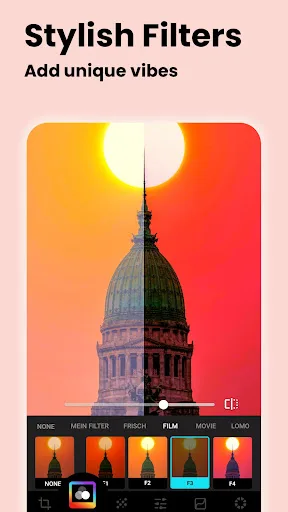
Lumii is a powerful AI Photo Editor that combines professional tools with smart AI editing features. Easily enhance photo quality, remove backgrounds, retouch selfies, and apply 100+ trendy photo filters and effects to edit photos. Create artistic, high-quality photos effortlessl…
Pros
- AI-powered photo enhancement and retouching
- 100+ trendy filters and effects
- Background removal and artistic presets
- High rating (4.75) with over 100 million installs
- User-friendly interface, no professional skills needed
Cons
- Not a camera app; requires existing photos to edit
- Some features may require in-app purchases
- Ads may be present in the free version
Final Verdict
Our pick: AI Photo Editor - Lumii
For users who primarily want to take great photos with their Pixel device, Pixel Camera is the clear winner thanks to its advanced computational features. However, if you're looking for a powerful editing suite to enhance and transform your existing photos, Lumii offers more versatility with AI tools and a vast filter library. Given the broader appeal and higher rating, Lumii is recommended for most users who need an all-in-one photo editor. But for pure photography, Pixel Camera excels.

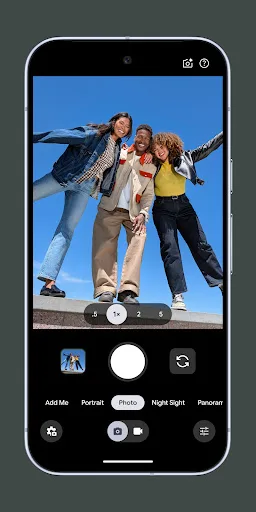
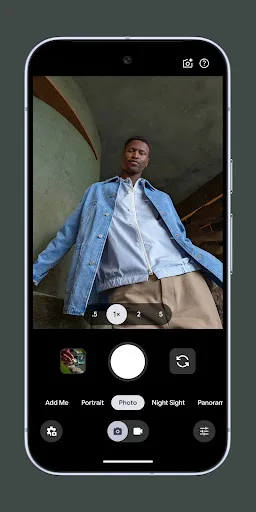
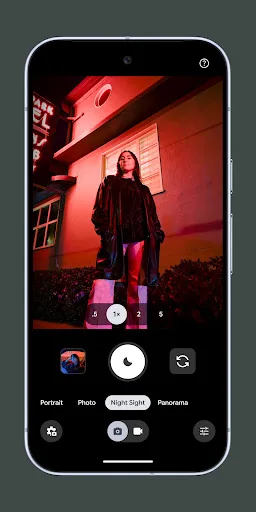
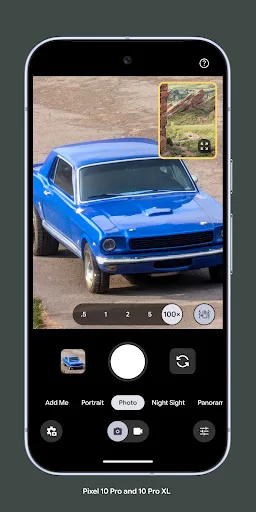
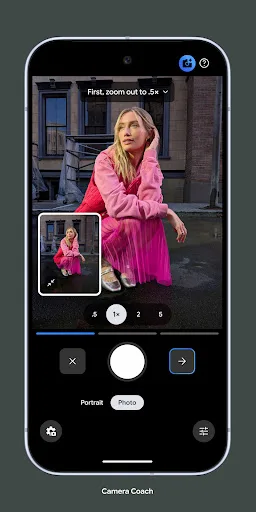
Pixel Camera Screenshots
Official app screenshots from the Google Play Store.
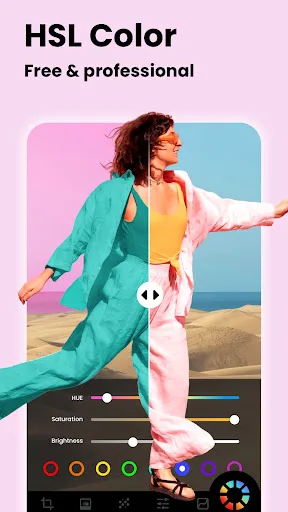
AI Photo Editor - Lumii Screenshots
Official app screenshots from the Google Play Store.



Frequently Asked Questions
Which app has a higher rating?
AI Photo Editor Lumii has a significantly higher rating of 4.75 compared to Pixel Camera's 2.90.
Can I use these apps offline?
Pixel Camera works fully offline for taking photos. Lumii can edit photos offline, but some features like AI processing may require an internet connection.
Do these apps contain ads?
Pixel Camera is ad-free. Lumii may contain ads in its free version, but they can be removed via in-app purchase.
What are the device requirements?
Pixel Camera is exclusive to Google Pixel devices. Lumii runs on most Android devices with Android 5.0+ and sufficient storage.
Which app should I choose?
Choose Pixel Camera if you own a Pixel and want to capture better photos. Choose Lumii if you need a powerful photo editor to enhance and stylize your pictures.
Related Comparisons
 VS
VS

Lensa vs Instagram: Which Photo App Wins in 2026
VS

Pixel Camera vs Canva: AI Photo & Video Editor – Which Photography App Reigns Supreme
VS

Instagram vs Camera360: Which Photo App Wins for Social Sharing & Selfie Editing?
 VS
VS

Lightroom vs InShot: Which Photo & Video Editor Reigns Supreme?
VS

Lensa vs Snapseed: Which Photo Editor Reigns Supreme?
VS