Pixel Camera vs Gallery: Which Google Photography App Should You Use?
Pixel Camera is designed for Pixel device owners who want advanced camera features like Night Sight and HDR+ controls. Gallery, on the other hand, is a lightweight photo management app for organizing and editing photos, ideal for users with large galleries. Both are developed by Google but serve different purposes: one captures photos, the other manages them.
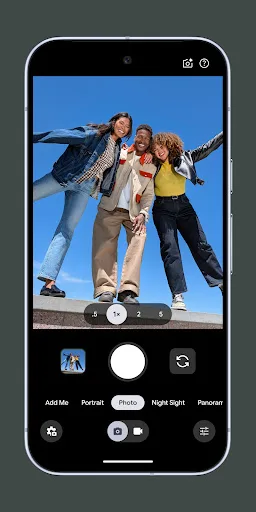
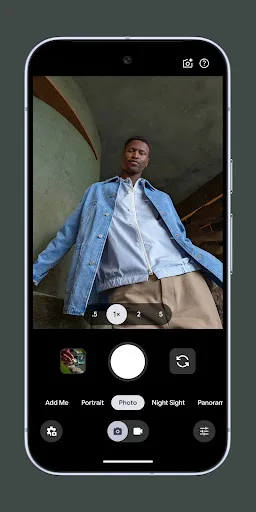
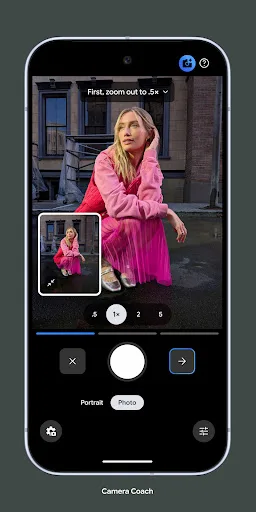
Never miss a moment with Pixel Camera! Take fantastic photos and videos using features like Portrait, Night Sight, Time Lapse, and Cinematic Blur. Take stunning photos • HDR+ with Exposure and White Balance Controls - Take incredible photos using HDR+, especially in low-light o…
Pros
- Advanced HDR+ with exposure and white balance controls
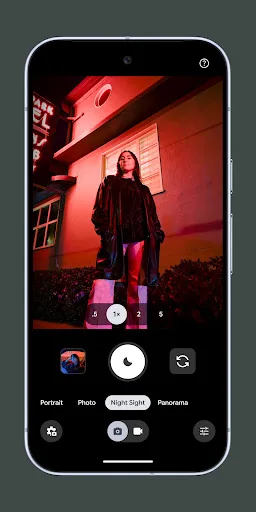
- Night Sight for low-light photography without flash
- Portrait mode with Cinematic Blur for professional-looking photos
- Time Lapse and other creative video features
- Seamless integration with Pixel hardware
Cons
- Only works on Pixel devices, limiting audience
- Low rating (2.9) suggests bugs or limited features
- No photo organization or editing tools beyond capture
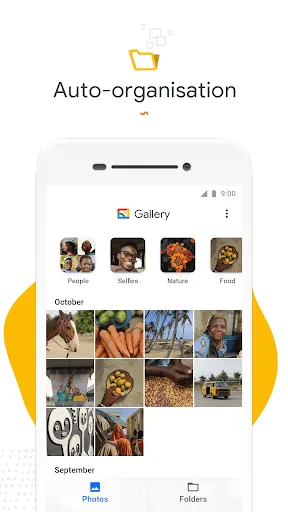
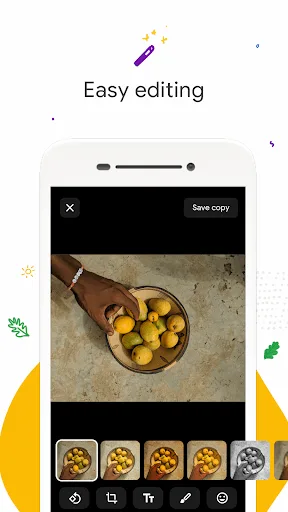
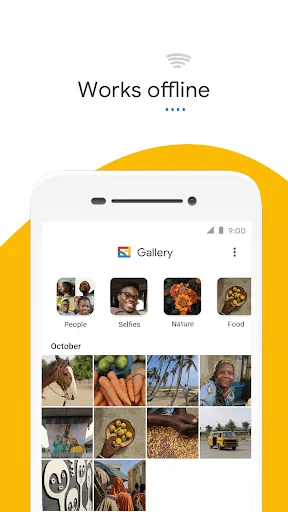
Meet Gallery, a smart, light and fast photo and video gallery built by Google to help you: ✨ Find photos faster with automatic organization 😎 Look your best with editing tools like auto-enhance 🏝️ Use less data - works offline, all in a small app size AUTOMATIC ORGANIZA…
Pros
- Automatic organization with smart albums and search
- Lightweight and fast, works offline
- Built-in editing tools like auto-enhance
- Over 1 billion installs with a high rating of 4.2
- Small app size, ideal for devices with limited storage
Cons
- No camera capture functionality
- Some features require nightly organization processing
- Limited advanced editing compared to pro apps
Final Verdict
Our pick: Gallery
If you own a Pixel device and want the best camera experience, Pixel Camera is essential. However, for most Android users, Gallery is the better choice because it offers powerful organization and editing tools in a small package, works offline, and has a much higher rating and install base. Pixel Camera is limited to Pixel phones and has a low rating, likely due to exclusivity. Gallery is universally useful, fast, and reliable. For photography enthusiasts needing both capture and management, use both apps together.

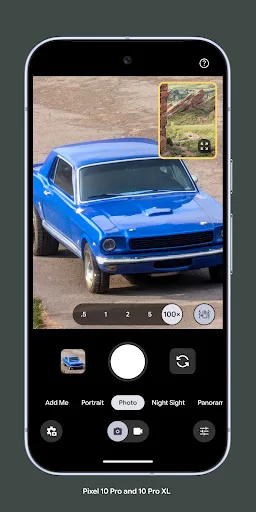
Pixel Camera Screenshots
Official app screenshots from the Google Play Store.

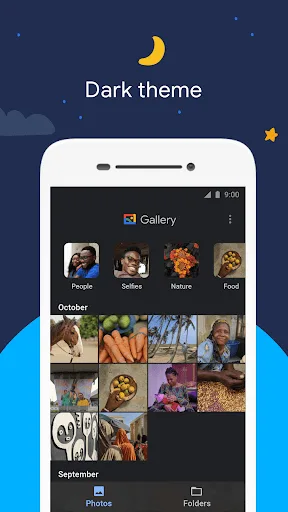
Gallery Screenshots
Official app screenshots from the Google Play Store.
Frequently Asked Questions
Which app has a higher rating?
Gallery has a rating of 4.23, while Pixel Camera has 2.90. Gallery is much more popular and better reviewed.
Can I use these apps offline?
Gallery works fully offline for viewing and editing photos. Pixel Camera requires no internet for capturing photos but may need it for some features.
Do these apps show ads?
Both apps are ad-free as they are developed by Google.
What are the device requirements?
Pixel Camera requires a Pixel device. Gallery works on any Android device running Android 5.0+.
Which app should I choose?
If you need a camera app for Pixel, choose Pixel Camera. For photo management and editing, Gallery is the best choice. Many users benefit from using both.
Related Comparisons
 VS
VS

Lensa vs Instagram: Which Photo App Wins in 2026
VS

Pixel Camera vs Canva: AI Photo & Video Editor – Which Photography App Reigns Supreme
VS

Instagram vs Camera360: Which Photo App Wins for Social Sharing & Selfie Editing?
 VS
VS

Lightroom vs InShot: Which Photo & Video Editor Reigns Supreme?
VS

Lensa vs Snapseed: Which Photo Editor Reigns Supreme?
VS