Snapseed vs Instagram: Which Photo Editing App Reigns Supreme?
Snapseed is a dedicated photo editor from Google, offering professional-grade tools and filters with no subscriptions or ads—ideal for serious photographers. Instagram is a social media giant that integrates basic editing with sharing, perfect for those who want to enhance photos quickly and post them. If you prioritize advanced editing, Snapseed is your go-to; for social sharing with basic edits, Instagram wins.
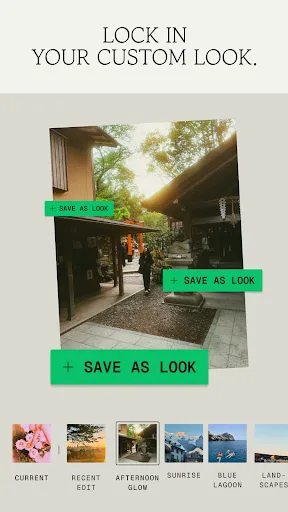
Snapseed is a complete and professional photo editor developed by Google. Pro-level tools, authentic film simulations, smart masking and more — all with no strings attached. == KEY FEATURES == • No Strings Attached: Get 30+ pro tools and filters - no subscriptions, purchases,…
Pros
- 30+ professional tools and filters completely free
- No ads, subscriptions, or watermarks
- Smart masking for selective edits
- Film simulation styles with grain and bloom
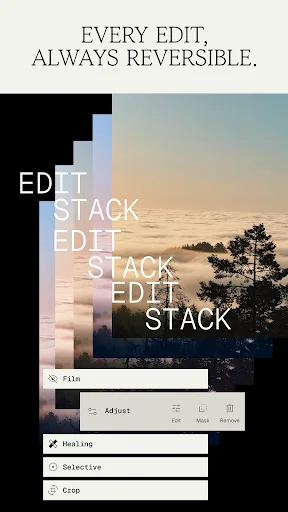
- Non-destructive editing with undo history
Cons
- No direct social sharing features
- Interface can feel cluttered for beginners
- Limited to photo editing; no video or social features
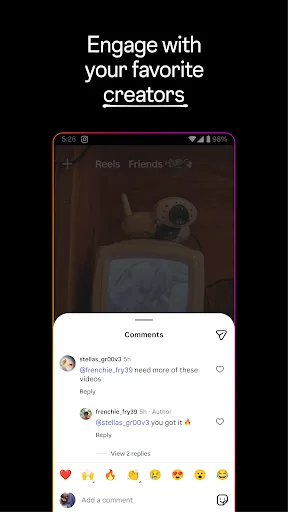
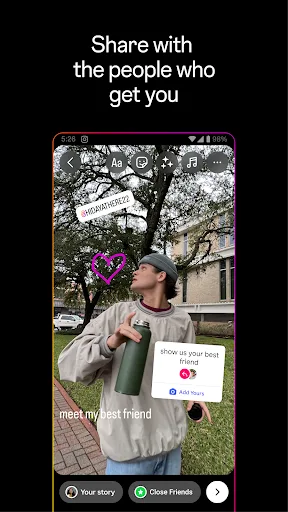
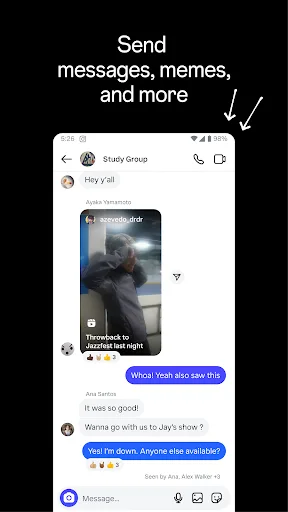
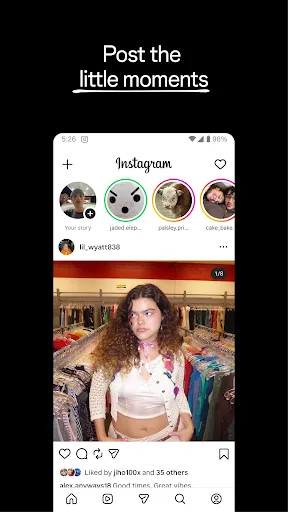
Little moments lead to big friendships. Share yours on Instagram. —From Meta Connect with friends, find other fans, and see what people around you are up to and into. Explore your interests and post what's going on, from your daily moments to life's highlights. Share what you�…
Pros
- Integrated social sharing and discovery
- Intuitive and beginner-friendly interface
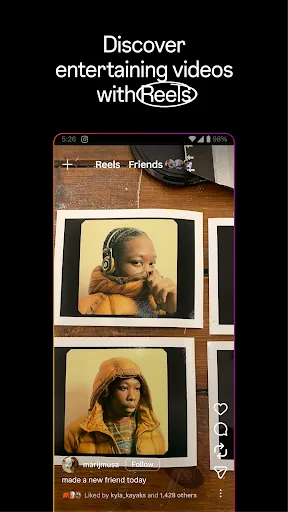
- Stories and Reels for video content
- Direct messaging and community features
- Regular updates with new filters and effects
Cons
- Editing tools are basic compared to Snapseed
- Requires internet for most features
- Privacy concerns and data collection
Final Verdict
Our pick: Snapseed
For pure photo editing power, Snapseed is the clear winner with its 30+ pro tools, film simulations, and smart masking, all completely free. Instagram excels at social integration and quick edits but lacks depth. If you need professional control without a subscription, choose Snapseed. If you're focused on social sharing and casual editing, Instagram suffices. Overall, Snapseed offers unmatched value for photographers.
Snapseed Screenshots
Official app screenshots from the Google Play Store.
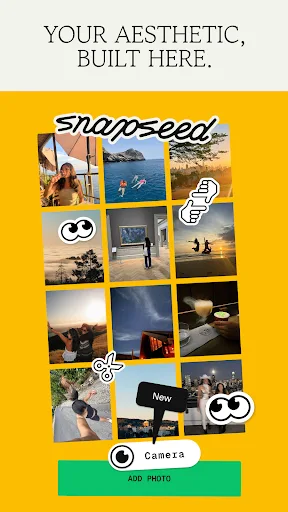
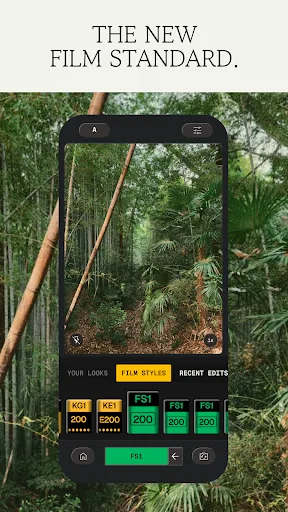
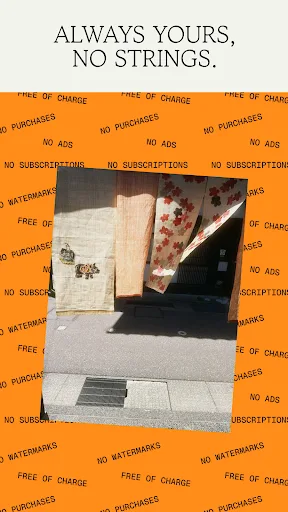
Instagram Screenshots
Official app screenshots from the Google Play Store.
Frequently Asked Questions
Which app has a better rating?
Instagram has a higher rating (3.9989) compared to Snapseed (3.5963), though ratings can vary by region.
Can I use these apps offline?
Snapseed works fully offline for editing; Instagram requires internet for social features but offers limited offline editing.
Do these apps contain ads?
Snapseed has no ads; Instagram includes ads in the feed and stories.
What are the device requirements?
Both apps require Android 5.0 or higher. Snapseed is lighter (~50MB) while Instagram is larger (~70MB) and needs more permissions.
Which app should I choose for professional editing?
Choose Snapseed for professional-grade tools and no cost. Instagram is better for social sharing with basic edits.
Related Comparisons
 VS
VS
Lensa vs Instagram: Which Photo App Wins in 2026
 VS
VS

Pixel Camera vs Canva: AI Photo & Video Editor – Which Photography App Reigns Supreme
VS
Instagram vs Camera360: Which Photo App Wins for Social Sharing & Selfie Editing?
 VS
VS

Lightroom vs InShot: Which Photo & Video Editor Reigns Supreme?
VS
Lensa vs Snapseed: Which Photo Editor Reigns Supreme?
VS