Snapseed vs InShot: Best Photo & Video Editor for Android
Snapseed, developed by Google LLC, is a professional-grade photo editor with over 30 pro tools and filters, no subscriptions, and no ads. It's ideal for photographers who want precise control over image editing. InShot, by InShot Video Editor, is a versatile all-in-one video and photo editor with over 500 million installs, perfect for social media content creators who need quick video editing, music, and effects. Both apps are free but cater to different primary use cases: Snapseed for deep photo editing, InShot for video creation and basic photo tweaks.

Video Editor & Maker - InShot
- Rating
- ★ 4.84
- Downloads
- 500,000,000+
- Developer
- InShot Video Editor
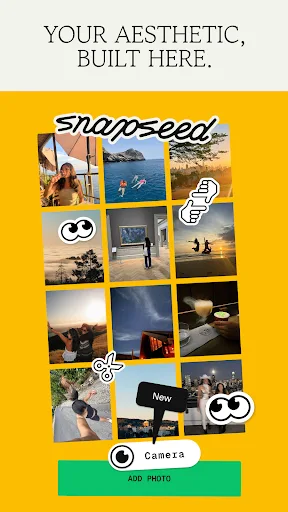
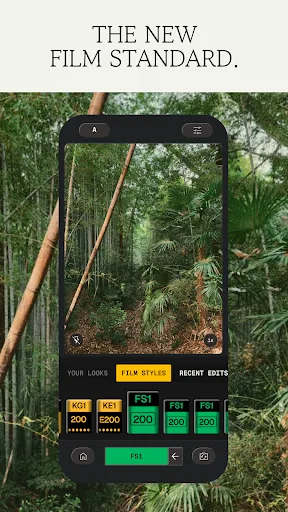
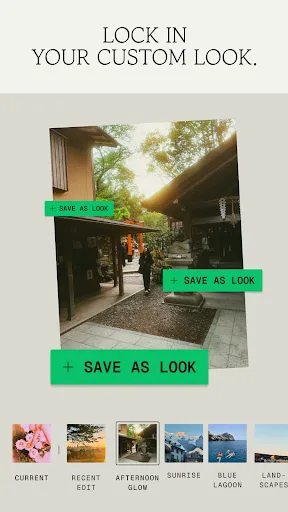
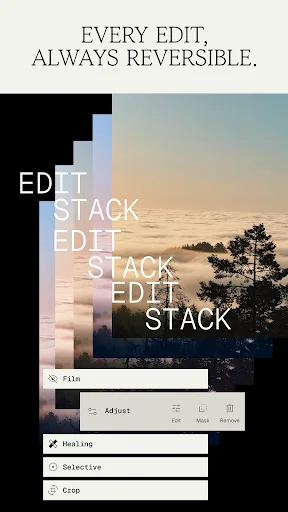
Snapseed is a complete and professional photo editor developed by Google. Pro-level tools, authentic film simulations, smart masking and more — all with no strings attached. == KEY FEATURES == • No Strings Attached: Get 30+ pro tools and filters - no subscriptions, purchases,…
Pros
- 30+ professional-grade photo editing tools and filters
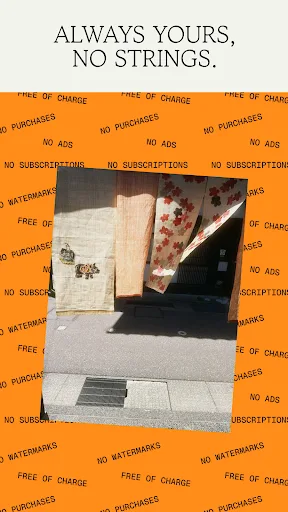
- No subscriptions, ads, or watermarks – completely free
- Selective adjustments and healing brush for precise edits
- Non-destructive editing with undo history
- Supports RAW files and high-resolution images
Cons
- No video editing capabilities at all
- Lacks social media sharing integration
- Interface can be overwhelming for beginners
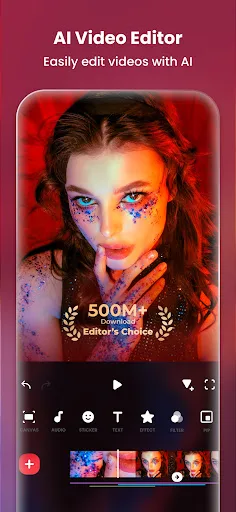
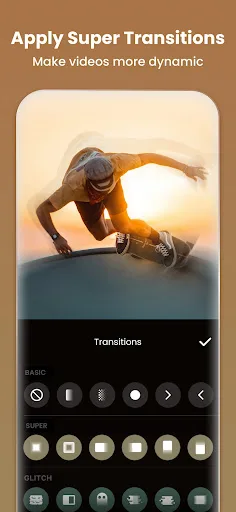
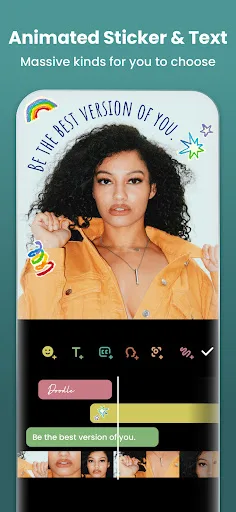
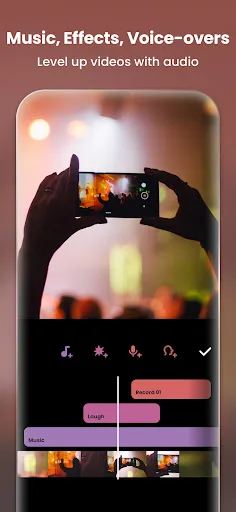
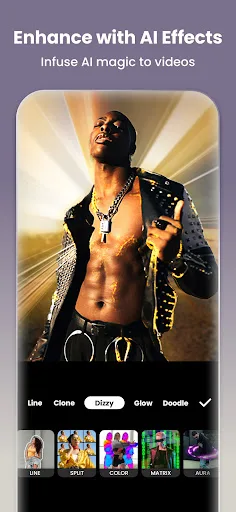
InShot - Powerful all-in-one Video Editor and Video Maker with professional features. Add music, text, transition effects for videos, make smooth slow motion, make video collage, blur background and etc! As an easy-to-use editing app, InShot makes creating vlogs a breeze and help…
Pros
- Powerful video editing with music, transitions, and effects
- Collage maker and photo editor in one app
- Easy-to-use interface designed for social media creators
- Supports slow motion, speed control, and reverse video
- High ratings (4.84) and over 500 million installs
Cons
- Contains ads and in-app purchases for premium features
- Photo editing tools are basic compared to Snapseed
- Some advanced video features require subscription
Final Verdict
Our pick: Snapseed
For pure photo editing, Snapseed is the winner with its advanced tools like selective adjustments and healing brush, all free and offline. InShot excels in video editing with music, transitions, and collage features, but its photo editing is more basic. If you're a photographer or need precise edits, choose Snapseed. If you create videos for social media, InShot is better. Overall, Snapseed's package ID is recommended for photography-focused users, while InShot is best for video-first creators.

Snapseed Screenshots
Official app screenshots from the Google Play Store.
Video Editor & Maker - InShot Screenshots
Official app screenshots from the Google Play Store.
Frequently Asked Questions
Which app has a better rating?
InShot has a significantly higher rating of 4.84 compared to Snapseed's 3.59, though Snapseed's rating may be deflated by older reviews.
Can I use these apps offline?
Both apps work offline for core editing features, but InShot may require internet for downloading additional music or effects.
Do these apps have ads?
Snapseed has no ads, while InShot displays ads and offers in-app purchases to remove them.
What are the device requirements?
Both apps require Android 5.0 or higher. Snapseed is lightweight (~50 MB), while InShot is larger (~100 MB) due to video features.
Which app should I choose for photo editing vs video editing?
For photo editing, choose Snapseed. For video editing and social media content, choose InShot. If you need both, consider using both apps together.
Related Comparisons
 VS
VS

Lensa vs Instagram: Which Photo App Wins in 2026
 VS
VS

Pixel Camera vs Canva: AI Photo & Video Editor – Which Photography App Reigns Supreme
VS

Instagram vs Camera360: Which Photo App Wins for Social Sharing & Selfie Editing?
 VS
VS
Lightroom vs InShot: Which Photo & Video Editor Reigns Supreme?
VS
Lensa vs Snapseed: Which Photo Editor Reigns Supreme?
VS