TickTick vs Google Calendar: Which Android Calendar App Wins
TickTick is a powerhouse task manager with built-in calendar, Pomodoro, and habit tracking, ideal for users seeking an all-in-one productivity suite. Google Calendar, on the other hand, is the default choice for seamless integration with Google services, perfect for those deeply embedded in the Google ecosystem. Both apps are highly rated, but they cater to different workflows and preferences.

TickTick:To Do List & Calendar
Recommended- Rating
- ★ 4.59
- Downloads
- 10,000,000+
- Developer
- TickTick Limited
🥇 Great to-do list app for new Android device - The Verge 🥇 The best to-do app for Android - MakeUseOf 🥇 The best to-do list app for 2020 - Wirecutter (A New York Times Company) 🙌 MKBHD's favorite productivity tool TickTick is your personal productivity powerhouse, ex…
Pros
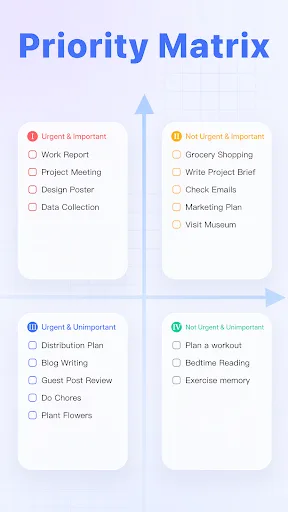
- Comprehensive task management with subtasks, tags, and priorities
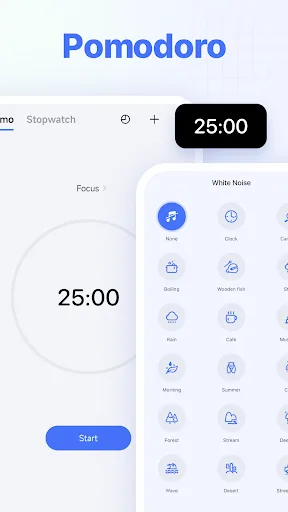
- Built-in Pomodoro timer and habit tracker
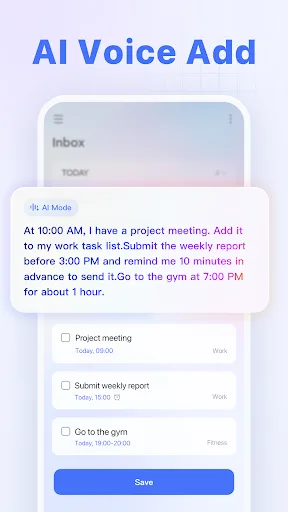
- Natural language input for quick task creation
- Cross-platform sync with web, iOS, and Android
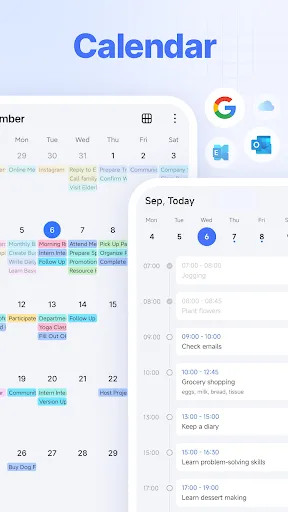
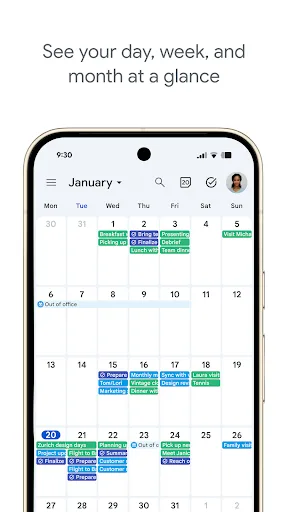
- Multiple calendar views (day, week, month, agenda)
Cons
- Free version limited to 9 smart lists and 5 collaborators
- Occasional sync delays on some devices
- UI can feel cluttered for users wanting simplicity
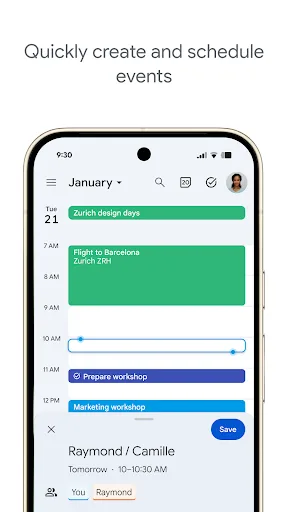
Get the official Google Calendar app, for your Android phone, tablet, or Wear OS device to stay organized and plan your day. Make the most of your day with easy event creation, multiple calendars, customizable views, widgets, tasks, and more With Google Calendar, you can: • Get…
Pros
- Seamless integration with Gmail, Google Meet, and Google Tasks
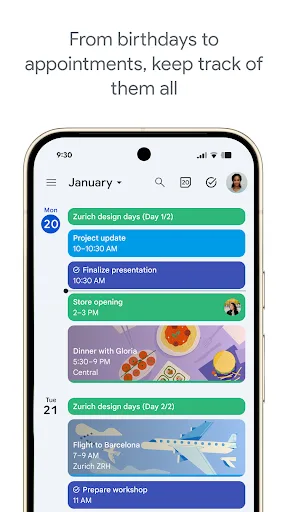
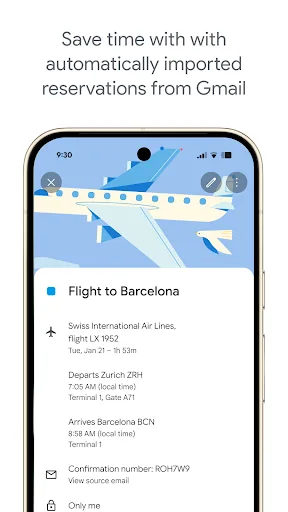
- Automatic event creation from Gmail (flights, hotels, etc.)
- Clean, minimalist interface with smooth performance
- Unlimited calendar sharing and color-coded calendars
- Widely pre-installed on Android devices
Cons
- Limited task management features compared to dedicated apps
- No built-in habit tracking or Pomodoro timer
- Requires Google account; offline mode less robust
Final Verdict
Our pick: TickTick:To Do List & Calendar
If you need a robust task manager with advanced features like natural language input, habit tracking, and a built-in Pomodoro timer, TickTick is the superior choice. However, for effortless integration with Gmail, Google Meet, and other Google services, plus a clean, minimalist interface, Google Calendar remains unbeatable. For most users who prioritize task management alongside calendar, TickTick wins. For pure calendar simplicity and ecosystem synergy, Google Calendar is best.
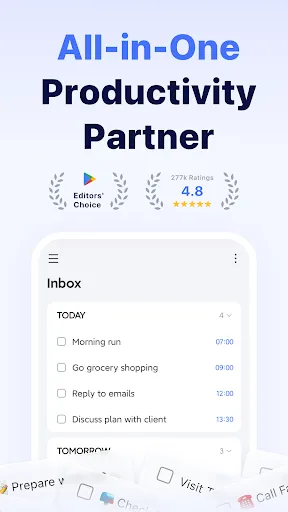
TickTick:To Do List & Calendar Screenshots
Official app screenshots from the Google Play Store.

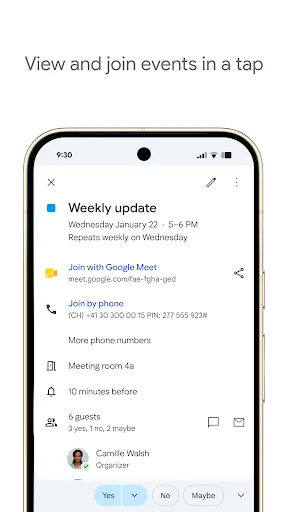
Google Calendar Screenshots
Official app screenshots from the Google Play Store.
Frequently Asked Questions
Which app has a higher rating on Google Play?
TickTick has a rating of 4.592 with 10M+ installs, while Google Calendar has 4.643 with 5B+ installs. Google Calendar's rating is slightly higher, but TickTick's rating is also excellent.
Can I use these apps offline?
Both apps offer offline functionality: TickTick allows creating tasks offline that sync later, and Google Calendar supports offline viewing of events for the past few weeks and upcoming events.
Do these apps show ads?
Neither TickTick nor Google Calendar display ads. TickTick offers a premium subscription, and Google Calendar is completely free.
What are the device requirements?
Both apps require Android 5.0 (Lollipop) or higher. Google Calendar may come pre-installed on many devices, while TickTick is available for download on all Android devices meeting the requirement.
Which app should I choose for task management?
If you need advanced task management with features like subtasks, tags, and habit tracking, choose TickTick. If you prefer a simple calendar integrated with Google services and don't need complex task features, choose Google Calendar.
Related Comparisons
 VS
VS
Daily Planner vs TickTick: Best Calendar & To-Do App for 2026
 VS
VS
TimeTree vs Samsung Calendar: Which Shared Calendar App Wins for Families?
VS
TickTick vs TimeTree: Which Calendar & To-Do App Wins
 VS
VS
Any.do vs Todolize: Which To-Do List & Calendar App Reigns Supreme?
VS
Google Calendar vs Business Calendar 2: Which Android Calendar App Wins?
VS