Lumii vs DoFoto: Best AI Photo Editor Comparison
Lumii by InShot Video Editor is a powerhouse AI photo editor with over 100 million installs, ideal for users who want professional-grade tools like background removal, retouching, and 100+ trendy filters. DoFoto by Photo Editor & AI Art is a face-focused editing app with 10 million installs, perfect for selfie enthusiasts who need AI retouch, face editor, and photo enhancer features. Both are free but cater to different audiences: Lumii for general photo enhancement, DoFoto for portrait perfection.
AI Photo Editor - Lumii
Recommended- Rating
- ★ 4.75
- Downloads
- 100,000,000+
- Developer
- InShot Video Editor

Photo Editor: Retouch, Enhance
- Rating
- ★ 4.68
- Downloads
- 10,000,000+
- Developer
- Photo Editor & AI Art
Lumii is a powerful AI Photo Editor that combines professional tools with smart AI editing features. Easily enhance photo quality, remove backgrounds, retouch selfies, and apply 100+ trendy photo filters and effects to edit photos. Create artistic, high-quality photos effortlessl…
Pros
- Over 100 million installs with a high 4.75 rating.
- Includes AI background removal and smart photo enhancement.
- 100+ trendy filters and effects for creative edits.
- Professional retouching tools for selfies and portraits.
- No professional skills required; user-friendly interface.
Cons
- May have ads in the free version.
- Some advanced features might require in-app purchases.
- Large app size could be heavy on older devices.
DoFoto is a free all-in-one face photo editing app that helps you create stunning photos with unlimited creativity! As a top free face photo editing app, DoFoto features a powerful AI Retouch & Face Editor for flawless photo retouch, a free AI Photo Enhancer to improve photo qual…
Pros
- 10 million installs with a solid 4.69 rating.
- Specialized AI retouch and face editor for flawless selfies.
- Free AI photo enhancer improves image quality.
- Aesthetic filters and AI effects for creative edits.
- Lightweight app compared to Lumii.
Cons
- Fewer installs and lower rating than Lumii.
- Focus on face editing may limit general photo editing.
- Some users report occasional crashes on low-end devices.
Final Verdict
Our pick: AI Photo Editor - Lumii
For most users, Lumii is the better choice due to its massive install base, higher rating (4.75 vs 4.69), and comprehensive set of AI editing tools. It offers more versatility for various photo types, not just faces. DoFoto excels in face-specific edits like retouching and AI enhancement, but its narrower focus and lower install count make it less reliable for general use. If you edit portraits frequently, DoFoto is a solid alternative; otherwise, Lumii is the recommended winner.
AI Photo Editor - Lumii Screenshots
Official app screenshots from the Google Play Store.
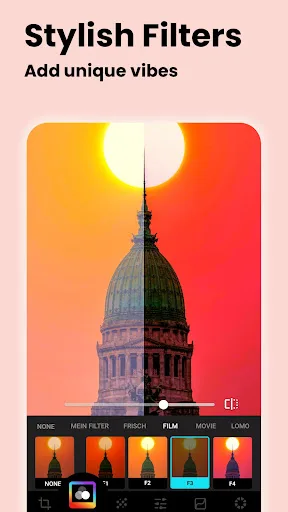
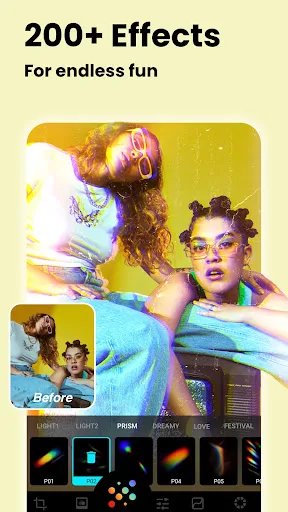
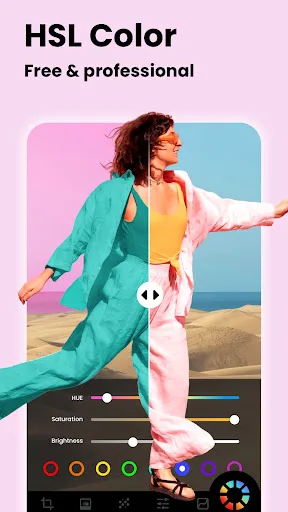

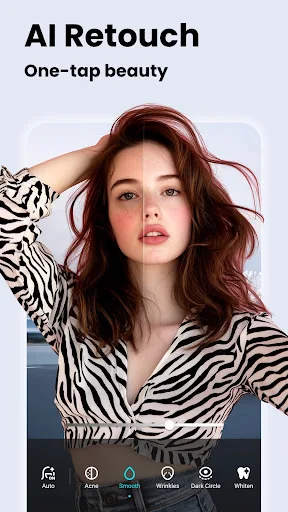
Photo Editor: Retouch, Enhance Screenshots
Official app screenshots from the Google Play Store.
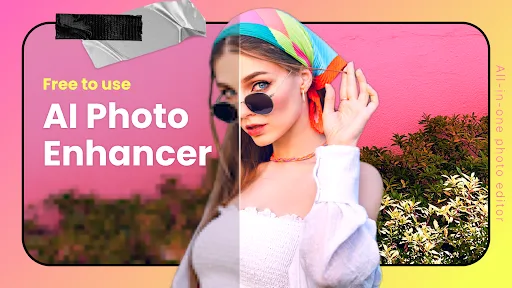


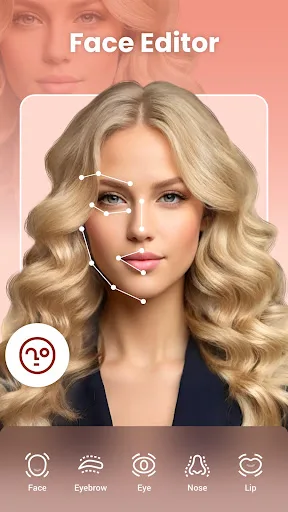
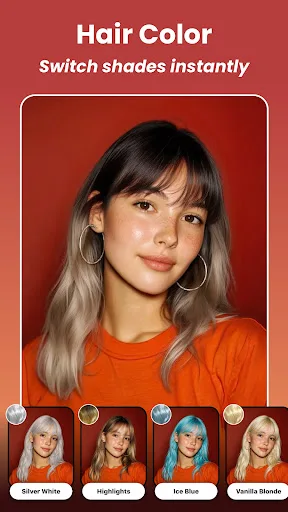
Frequently Asked Questions
Which app has a higher rating?
Lumii has a rating of 4.75, while DoFoto has 4.69. Both are highly rated, but Lumii scores slightly higher.
Can I use these apps offline?
Both apps require an internet connection for some AI features like background removal or enhancement. Basic filters and editing may work offline, but full functionality is online.
Do these apps have ads?
Yes, both apps are free with ads. You can remove ads via in-app purchases.
What are the device requirements?
Lumii requires Android 5.0+ and around 150 MB of space. DoFoto requires Android 5.0+ and about 100 MB. Both work on most modern devices.
Which app should I choose for portrait editing?
If you primarily edit selfies and portraits, DoFoto's AI retouch and face editor are more specialized. For general photo editing, Lumii offers more versatility.
Related Comparisons
 VS
VS

Collage Maker vs Photoroom: Which Photo Editor Reigns Supreme in 2026
 VS
VS

CapCut vs Photoshop Express: Best Photo Editor for You
 VS
VS

InShot vs Google Photos: Which Photo Editor App Reigns Supreme
VS
Photoroom vs InShot: Best Photo & Video Editor for Android
 VS
VS
Canva vs Photoroom: AI Photo Editor Showdown – Which App Reigns Supreme?
 VS
VS