Canva vs DoFoto: AI Photo Editor Showdown – Which App Reigns Supreme?
Canva is a powerhouse for graphic design, social media content, and video editing, ideal for creators and marketers who need a versatile tool with AI magic. DoFoto focuses on face retouching, photo enhancement, and creative filters, perfect for selfie lovers and quick touch-ups. Canva boasts over 500 million installs and a 4.77 rating, while DoFoto has 10 million installs and a 4.68 rating. Both are free with premium options, but they serve different primary audiences.

Canva: AI Photo & Video Editor
Recommended- Rating
- ★ 4.77
- Downloads
- 500,000,000+
- Developer
- Canva
Photo Editor: Retouch, Enhance
- Rating
- ★ 4.68
- Downloads
- 10,000,000+
- Developer
- Photo Editor & AI Art
Canva is your free photo editor, logo maker, collage maker, and video editor in one editing app! Design digital art faster with powerful magic AI tools built-in, like the AI image generator that allows you to transform text to image in just a few minutes Make stunning social medi…
Pros
- Over 500 million installs with a huge community and template library
- Powerful AI image generator from text prompts
- All-in-one: photo editor, video editor, logo maker, collage maker
- Extensive free assets including fonts, stickers, and stock photos
- Seamless cross-device sync and collaboration features
Cons
- Advanced features require Canva Pro subscription
- Can be overwhelming for simple face retouching tasks
- Some AI tools may not work offline
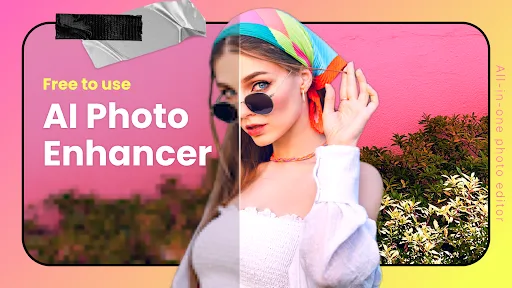
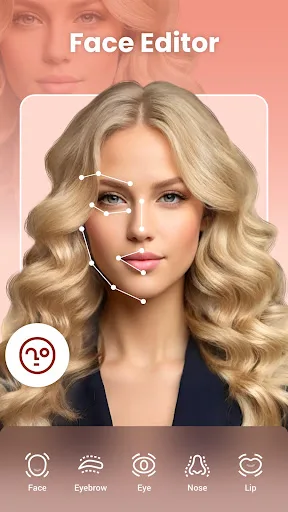
DoFoto is a free all-in-one face photo editing app that helps you create stunning photos with unlimited creativity! As a top free face photo editing app, DoFoto features a powerful AI Retouch & Face Editor for flawless photo retouch, a free AI Photo Enhancer to improve photo qual…
Pros
- Specialized AI retouch and face editor for flawless selfies
- Free AI photo enhancer to improve image resolution and quality
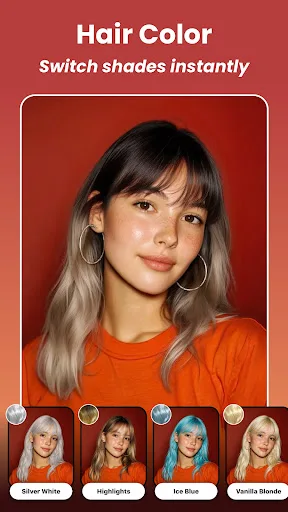
- Beauty filters and aesthetic effects tailored for portraits
- Lightweight app with fast performance on mid-range devices
- Intuitive interface focused on quick photo edits
Cons
- Limited to photo editing; no graphic design or video editing
- Fewer templates and creative assets compared to Canva
- Some premium filters and tools require in-app purchases
Final Verdict
Our pick: Canva: AI Photo & Video Editor
For most users, Canva is the winner due to its unmatched versatility, massive template library, and robust AI features like text-to-image generation. It’s an all-in-one solution for designing anything from logos to video reels. However, if your main need is flawless face retouching and skin smoothing, DoFoto’s AI retouch tools are more specialized and effective. Choose Canva for comprehensive design, and DoFoto for dedicated portrait editing. Overall, Canva’s broader feature set and larger user base make it the better choice for general use.
Canva: AI Photo & Video Editor Screenshots
Official app screenshots from the Google Play Store.
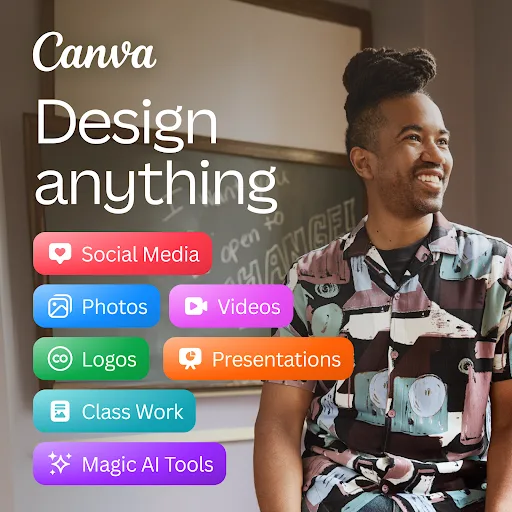

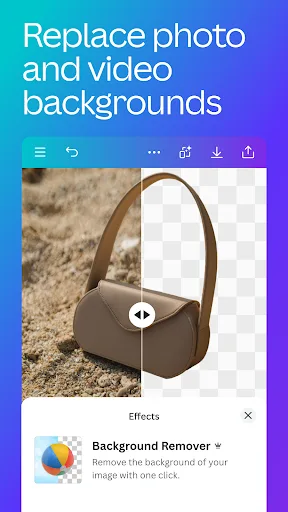
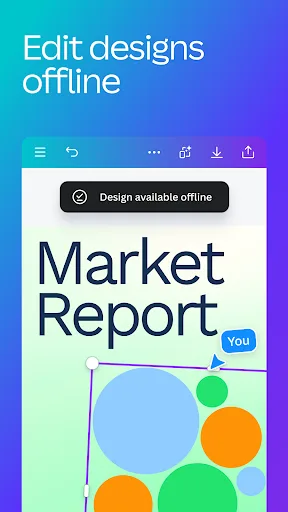
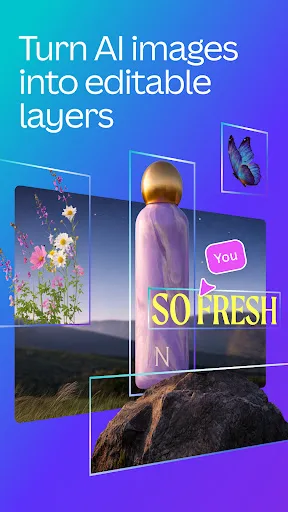
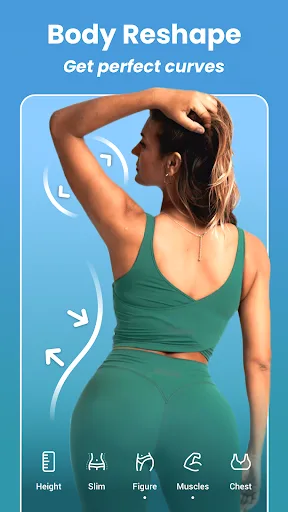
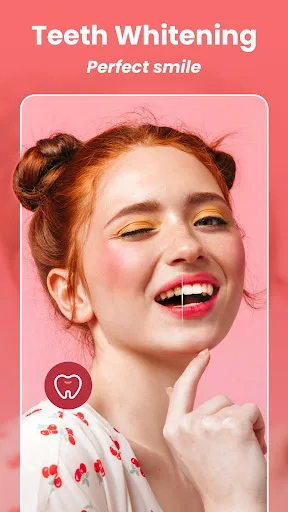
Photo Editor: Retouch, Enhance Screenshots
Official app screenshots from the Google Play Store.
Frequently Asked Questions
Which app has a higher rating?
Canva has a slightly higher rating of 4.77 compared to DoFoto's 4.68. Both are well-rated, but Canva leads by a small margin.
Can I use these apps offline?
Canva offers offline access to saved templates and projects, but AI features require internet. DoFoto also allows basic editing offline, but AI enhancements and filters need connectivity.
Do these apps have ads?
Both apps are free with ads. Canva displays occasional ads, while DoFoto shows more frequent ads in the free version. Premium subscriptions remove ads in both.
What are the device requirements?
Canva requires Android 6.0+ and at least 2GB RAM. DoFoto works on Android 5.0+ with 1GB RAM. Both run smoothly on most modern devices.
Which app should I choose?
Choose Canva if you need a versatile design tool for social media, presentations, and videos. Choose DoFoto if your priority is portrait retouching and face enhancement with simple, effective tools.
Related Comparisons
 VS
VS

Collage Maker vs Photoroom: Which Photo Editor Reigns Supreme in 2026
 VS
VS
CapCut vs Photoshop Express: Best Photo Editor for You
 VS
VS
InShot vs Google Photos: Which Photo Editor App Reigns Supreme
VS
Photoroom vs InShot: Best Photo & Video Editor for Android
VS
Canva vs Photoroom: AI Photo Editor Showdown – Which App Reigns Supreme?
 VS
VS