CapCut vs Picsart: Which Photo & Video Editor Reigns Supreme
CapCut, developed by Bytedance, is a powerful video editor tailored for TikTok creators, offering advanced features like keyframe animation and motion tracking. Picsart, by PicsArt, Inc., is an all-in-one creative suite excelling in photo editing, AI art, and design. If your focus is video editing with viral-ready effects, CapCut is ideal. For comprehensive photo editing and design, Picsart is the go-to. Both apps are free with optional subscriptions.

CapCut - Video Editor
- Rating
- ★ 3.56
- Downloads
- 1,000,000,000+
- Developer
- Bytedance Pte. Ltd.

Picsart AI Photo Editor, Video
Recommended- Rating
- ★ 4.00
- Downloads
- 1,000,000,000+
- Developer
- PicsArt, Inc.
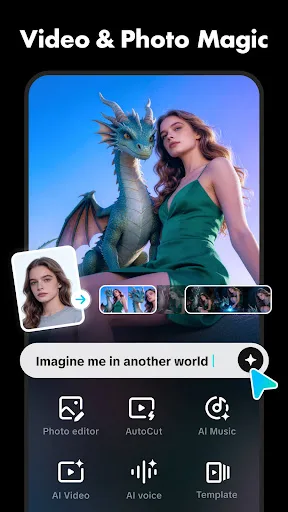
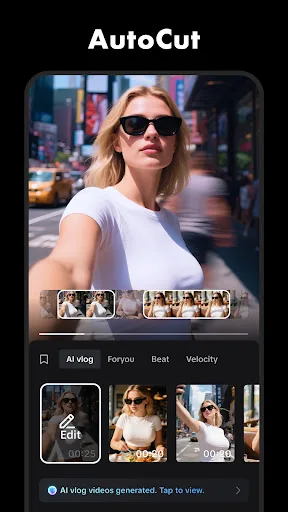
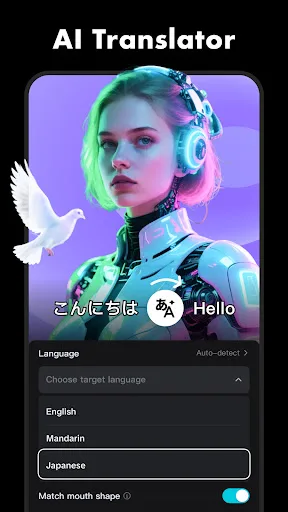
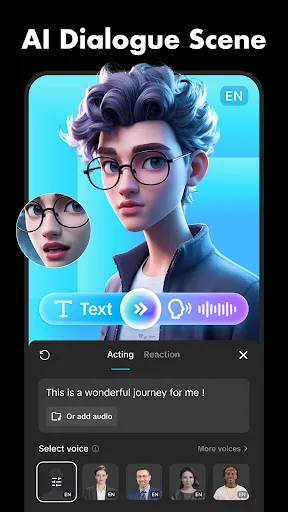
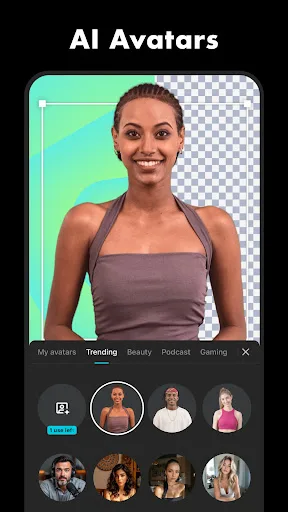
CapCut offers easy-to-use video editing functions, in-APP fonts and effects, advanced features such as keyframe animation, smooth slow-motion, chroma key, and stabilization, to help you capture and snip moments. Create fancy videos with other unique features: auto captions, text-…
Pros
- Excellent video editing tools like keyframe animation and chroma key
- Auto captions and text-to-speech for accessibility
- Motion tracking for dynamic effects
- Smooth slow-motion and stabilization
- Direct integration with TikTok for easy sharing
Cons
- Photo editing features are limited compared to dedicated editors
- Some advanced features require subscription
- Interface can be overwhelming for beginners
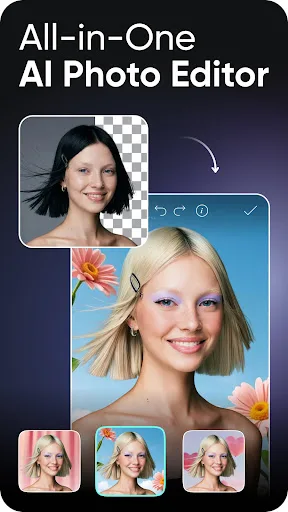
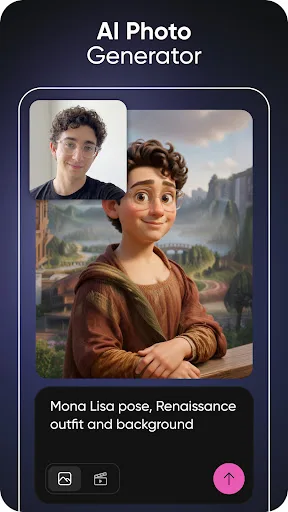
Ignite your creative potential with Picsart — the all-in-one AI photo editor, AI video editor, and design studio that’s free and easy to use. From business designs to AI art, go from inspiration to creation fast. Create with an AI photo generator and AI video generator, edit…
Pros
- Comprehensive AI photo and video editor with generative AI
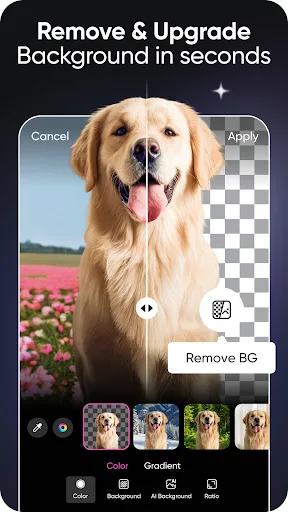
- Background remover and object remover work seamlessly
- Huge library of stickers, fonts, and templates
- All-in-one: edit photos, videos, and create designs
- Active community for inspiration and collaboration
Cons
- Free version includes ads
- Some AI features require subscription
- Video editing tools are less advanced than CapCut
Final Verdict
Our pick: Picsart AI Photo Editor, Video
While both apps are excellent, the winner depends on your primary need. For dedicated video editing with advanced tools like chroma key and auto captions, CapCut is superior. However, for a versatile all-in-one solution that includes powerful photo editing, AI generation, and design capabilities, Picsart edges ahead. Given its higher rating (4.0 vs 3.55) and broader creative scope, Picsart is the recommended choice for most users. It offers a more complete creative suite without sacrificing video editing features. Choose CapCut if video is your main focus.
CapCut - Video Editor Screenshots
Official app screenshots from the Google Play Store.
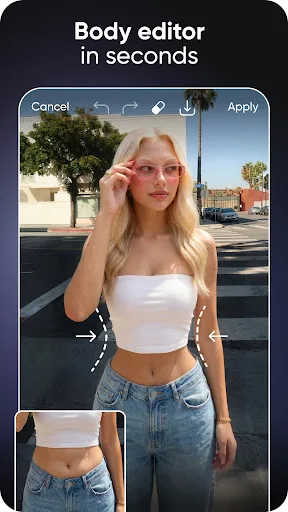
Picsart AI Photo Editor, Video Screenshots
Official app screenshots from the Google Play Store.

Frequently Asked Questions
Which app has a better rating?
Picsart has a higher rating of 4.00 compared to CapCut's 3.55, based on user reviews.
Can I use these apps offline?
Both apps offer some offline functionality, but many features like AI tools and templates require an internet connection.
Do these apps have ads?
Yes, both apps are free with ads. Paid subscriptions remove ads and unlock premium features.
What are the device requirements?
Both apps require Android 5.0 or higher and at least 2GB of RAM for smooth performance. Older devices may experience lag.
Which app should I choose for photo editing?
Picsart is the clear winner for photo editing, offering AI tools, background removal, and design capabilities. CapCut is primarily a video editor.
Related Comparisons
 VS
VS

Collage Maker vs Photoroom: Which Photo Editor Reigns Supreme in 2026
VS

CapCut vs Photoshop Express: Best Photo Editor for You
 VS
VS

InShot vs Google Photos: Which Photo Editor App Reigns Supreme
VS
Photoroom vs InShot: Best Photo & Video Editor for Android
 VS
VS
Canva vs Photoroom: AI Photo Editor Showdown – Which App Reigns Supreme?
VS