CapCut vs Snapseed: Best Photo Editor App for You
CapCut, developed by Bytedance Pte. Ltd., is a versatile video and photo editor with over 1 billion installs, ideal for creators who want trendy effects, keyframe animation, and seamless TikTok integration. Snapseed, by Google LLC, is a professional-grade photo editor with 100 million+ installs, perfect for photographers seeking advanced tools like film simulations and smart masking without ads or subscriptions. Both apps are free but cater to different audiences: CapCut excels in video editing and social media content, while Snapseed focuses on high-quality photo enhancement.

CapCut - Video Editor
- Rating
- ★ 3.56
- Downloads
- 1,000,000,000+
- Developer
- Bytedance Pte. Ltd.
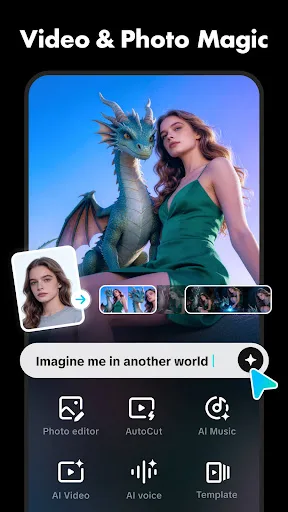
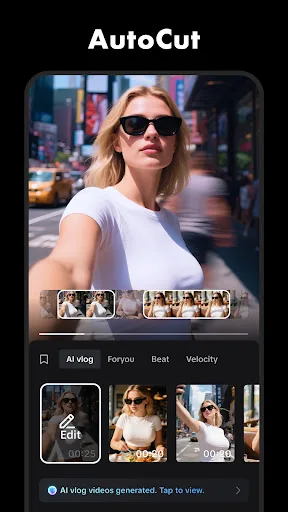
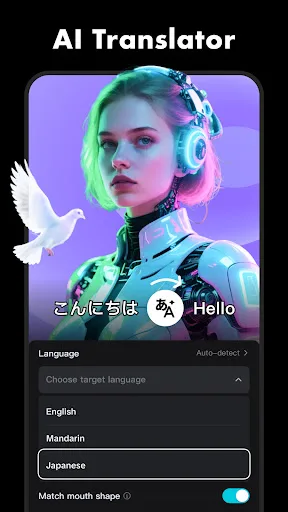
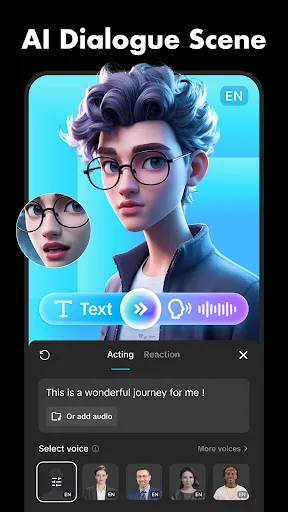
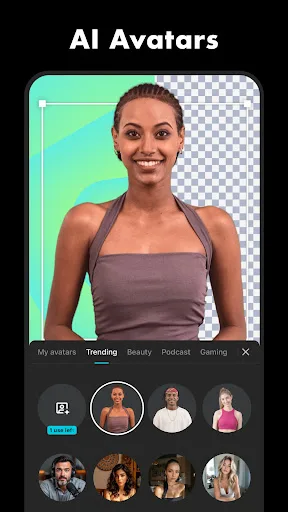
CapCut offers easy-to-use video editing functions, in-APP fonts and effects, advanced features such as keyframe animation, smooth slow-motion, chroma key, and stabilization, to help you capture and snip moments. Create fancy videos with other unique features: auto captions, text-…
Pros
- Powerful video editing with keyframe animation, chroma key, and motion tracking
- Auto captions and text-to-speech for easy content creation
- Background removal tool for quick editing
- Seamless integration with TikTok and Instagram trends
- Regular updates with new effects and fonts
Cons
- Contains ads in the free version
- Exports with watermark unless you pay for subscription
- Some advanced features require a learning curve
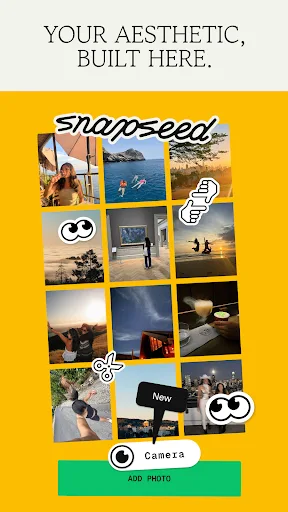
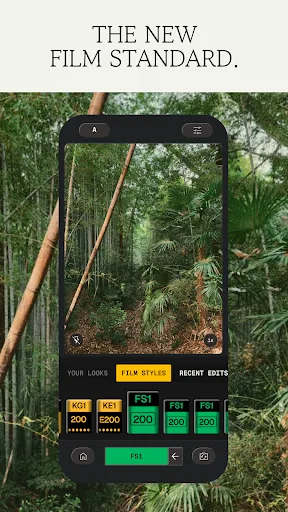
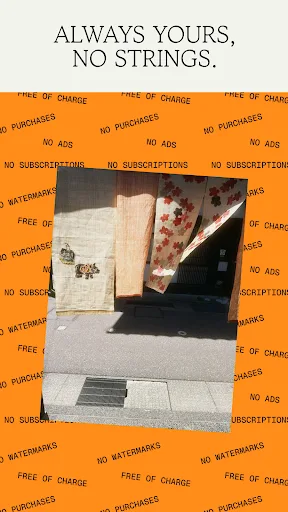
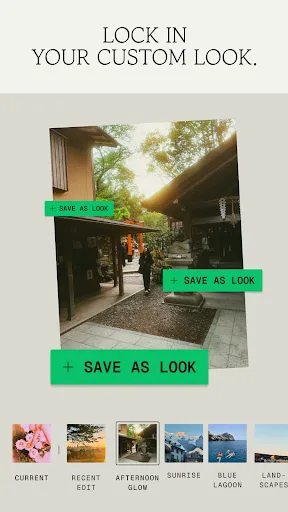
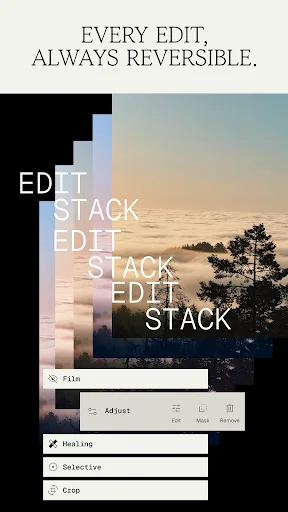
Snapseed is a complete and professional photo editor developed by Google. Pro-level tools, authentic film simulations, smart masking and more — all with no strings attached. == KEY FEATURES == • No Strings Attached: Get 30+ pro tools and filters - no subscriptions, purchases,…
Pros
- Completely free with no ads, subscriptions, or watermarks
- 30+ professional tools including healing, selective adjustments, and curves
- Authentic film simulations with vintage styles like Halation and Bloom
- Smart masking for precise edits on specific areas
- Developed by Google, ensuring regular updates and stability
Cons
- No video editing capabilities
- Limited to photo editing only
- Some users may find the interface less intuitive than simpler editors
Final Verdict
Our pick: Snapseed
For most users, Snapseed is the better choice for photo editing due to its professional tools, no ads, and no watermark policy. It offers 30+ pro tools and filters, including realistic film simulations and smart masking, all free forever. CapCut is ideal if you need a combined video and photo editor with trendy effects and social media features like auto captions and motion tracking. However, CapCut includes ads and watermarks in its free version, which can be intrusive. If you prioritize photo editing quality and a clean experience, choose Snapseed. For all-in-one video and photo editing with viral features, CapCut is a strong contender.
CapCut - Video Editor Screenshots
Official app screenshots from the Google Play Store.

Snapseed Screenshots
Official app screenshots from the Google Play Store.
Frequently Asked Questions
Which app has a higher rating?
Snapseed has a slightly higher rating of 3.597 compared to CapCut's 3.553. Both are well-rated, but Snapseed edges ahead.
Can I use these apps offline?
Yes, both CapCut and Snapseed work offline for basic editing. However, some features like auto captions in CapCut may require an internet connection.
Do these apps have ads?
CapCut contains ads in its free version, while Snapseed is completely ad-free. Snapseed also has no in-app purchases.
What are the device requirements?
Both apps require Android 5.0 or later. CapCut may need more storage for video projects, while Snapseed is lightweight. Both are optimized for most modern devices.
Which app should I choose for photo editing?
For dedicated photo editing, Snapseed is the better choice due to its professional tools and lack of ads/watermarks. CapCut is better if you need both photo and video editing with social media features.
Related Comparisons
 VS
VS

Collage Maker vs Photoroom: Which Photo Editor Reigns Supreme in 2026
VS
CapCut vs Photoshop Express: Best Photo Editor for You
 VS
VS

InShot vs Google Photos: Which Photo Editor App Reigns Supreme
VS
Photoroom vs InShot: Best Photo & Video Editor for Android
 VS
VS
Canva vs Photoroom: AI Photo Editor Showdown – Which App Reigns Supreme?
 VS
VS