Collage Maker vs Canva: Which Photo Editor Reigns Supreme?
Collage Maker is ideal for users who want a straightforward, grid-based collage app with fun 3D popout effects and basic editing tools. Canva is a comprehensive design platform perfect for creating social media graphics, presentations, and videos with powerful AI tools. Both apps offer photo editing and collage features, but cater to different audiences: Collage Maker for quick collages, Canva for professional design.

Collage Maker | Photo Editor
- Rating
- ★ 4.86
- Downloads
- 100,000,000+
- Developer
- Photo Editor & Collage Maker

Canva: AI Photo & Video Editor
Recommended- Rating
- ★ 4.77
- Downloads
- 500,000,000+
- Developer
- Canva
GridArt Collage Maker is your go-to photo collage maker and photo frame app in pics art trip. Just select several photos in your photo lab, Collage Maker instantly remix them into cool photo collage. Beyond standard grids, we now feature 3D Popout effect that allow your images to…
Pros
- Easy-to-use grid collage layouts with 3D popout effects
- Lightweight app with fast performance
- Free to use with no subscription required
- Great for quick photo remixing and framing
- Includes basic editing tools like filters and stickers
Cons
- Limited advanced editing and design features
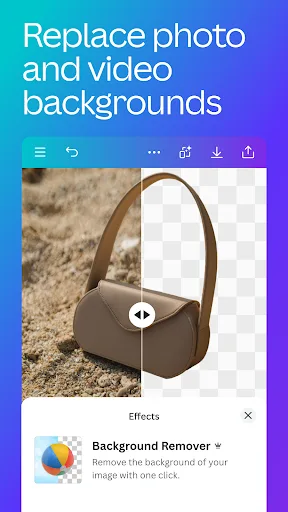
- No AI-powered tools like text-to-image or background removal
- Ads can be intrusive in the free version
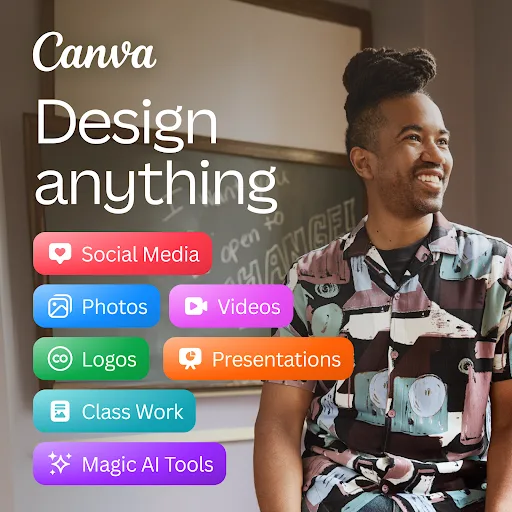
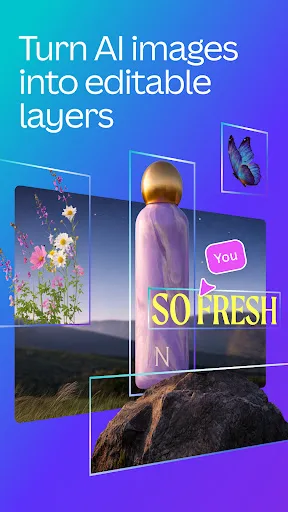
Canva is your free photo editor, logo maker, collage maker, and video editor in one editing app! Design digital art faster with powerful magic AI tools built-in, like the AI image generator that allows you to transform text to image in just a few minutes Make stunning social medi…
Pros
- Comprehensive design tool for graphics, videos, and documents
- AI image generator and magic edit tools for quick creations
- Vast library of templates, fonts, and stock images
- Collaboration features for team projects
- Free version offers many features with optional premium plans
Cons
- Can be overwhelming for users wanting a simple collage app
- Some advanced features require a paid subscription
- Larger app size and may require more device resources
Final Verdict
Our pick: Canva: AI Photo & Video Editor
For most users, Canva is the clear winner due to its versatility, massive template library, and AI-powered features like text-to-image generation. While Collage Maker excels at simple collages with unique 3D effects, Canva offers far more value for social media content, marketing materials, and video editing. However, if you only need a no-fuss collage maker with fun effects, Collage Maker is a solid choice. Overall, Canva's broader feature set and 500M+ installs make it the recommended app.
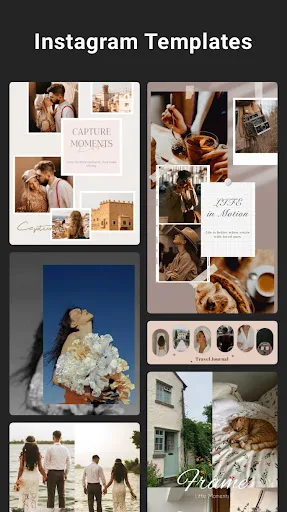
Collage Maker | Photo Editor Screenshots
Official app screenshots from the Google Play Store.




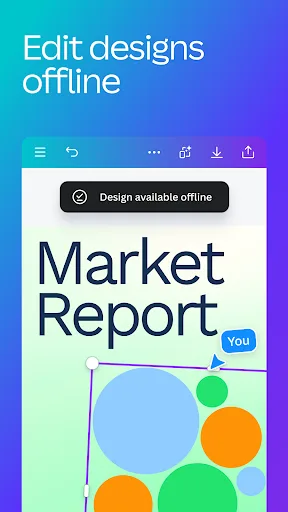
Canva: AI Photo & Video Editor Screenshots
Official app screenshots from the Google Play Store.

Frequently Asked Questions
Which app has a higher rating?
Collage Maker has a slightly higher rating of 4.864 compared to Canva's 4.772, but both are highly rated.
Can I use these apps offline?
Collage Maker works offline for basic editing and collages. Canva requires internet for most features, especially AI tools and template downloads.
Do these apps have ads?
Collage Maker includes ads in the free version. Canva's free version has minimal ads, but they are less intrusive.
What are the device requirements?
Both apps require Android 5.0 or later. Canva needs more storage (around 100MB) and RAM for smooth performance, while Collage Maker is lighter.
Which app should I choose for social media design?
Canva is the best choice for social media graphics, videos, and marketing materials due to its templates and AI tools. Collage Maker is better for simple photo collages.
Related Comparisons
VS

Collage Maker vs Photoroom: Which Photo Editor Reigns Supreme in 2026
 VS
VS
CapCut vs Photoshop Express: Best Photo Editor for You
 VS
VS

InShot vs Google Photos: Which Photo Editor App Reigns Supreme
VS
Photoroom vs InShot: Best Photo & Video Editor for Android
VS
Canva vs Photoroom: AI Photo Editor Showdown – Which App Reigns Supreme?
 VS
VS