Cx File Explorer vs Mi File Manager: Which File Manager Reigns Supreme?
Cx File Explorer is a powerful file manager and storage cleaner designed for users who need advanced features like cloud storage integration and PC access, all wrapped in a clean interface. Mi File Manager by Xiaomi is a lightweight, fast file manager pre-installed on many Xiaomi devices, perfect for quick file operations and offline sharing. This comparison helps you decide which app suits your needs based on features, ratings, and install base.

Cx File Explorer
Recommended- Rating
- ★ 4.75
- Downloads
- 10,000,000+
- Developer
- Cx File Explorer
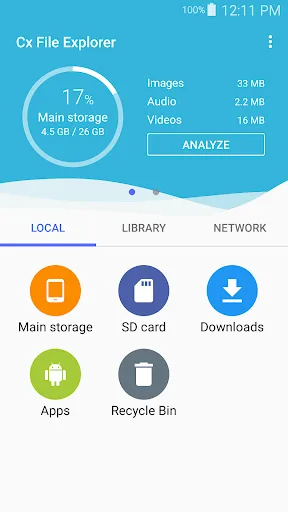
Cx File Explorer is a powerful file manager & storage cleaner app with a clean and intuitive interface. With this file manager app, you can quickly browse and manage the files on your mobile device, PC, and cloud storage, just like you use Windows Explorer or Finder on your PC or…
Pros
- Clean and intuitive interface similar to Windows Explorer
- Supports cloud storage (Google Drive, Dropbox, etc.) and PC access
- Built-in storage cleaner to free up space
- Advanced features like root explorer and FTP server
- High rating of 4.76 with over 10 million installs
Cons
- Some advanced features may be overwhelming for casual users
- Ads in the free version (though not intrusive)
- No built-in offline sharing feature like Mi File Manager
Mi File Manager is a free, secure tool that helps you find file faster, manage files easily, and share them offline with others. It supports tons of cool features: quick search, moving, deleting, opening, and sharing files, as well as renaming, unzipping, and copy-paste. Mi File…
Pros
- Pre-installed on Xiaomi devices, lightweight and fast
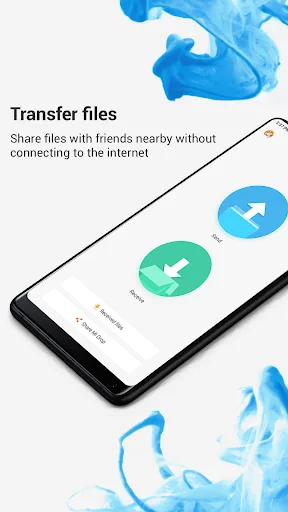
- Excellent offline sharing via Mi Drop (no internet needed)
- Supports multiple file formats including APKs and zips
- Simple and easy to use for basic file operations
- Over 1 billion installs, indicating wide trust and reliability
Cons
- Lower rating of 4.56 compared to Cx File Explorer
- Lacks advanced features like cloud storage integration
- Interface can feel cluttered with ads and suggestions
Final Verdict
Our pick: Cx File Explorer
For most users, Cx File Explorer is the better choice due to its higher rating (4.76 vs 4.56), cleaner interface, and robust feature set including cloud support and PC access. It offers a more versatile file management experience without bloat. While Mi File Manager is excellent for basic tasks and offline sharing, its lower rating and limited advanced features make it less suitable for power users. We recommend Cx File Explorer for its balance of power and simplicity.
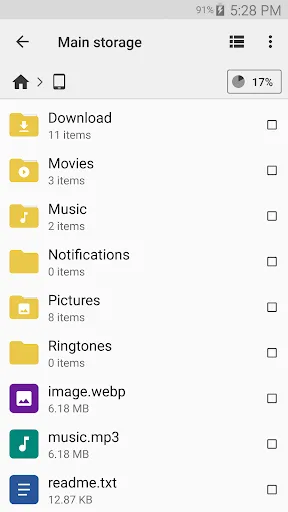
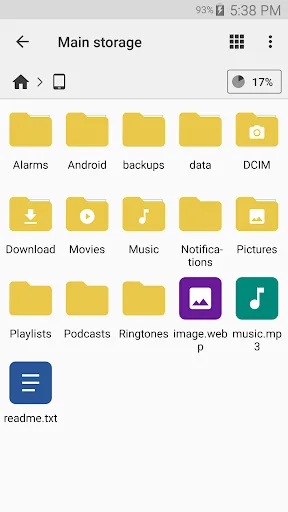
Cx File Explorer Screenshots
Official app screenshots from the Google Play Store.


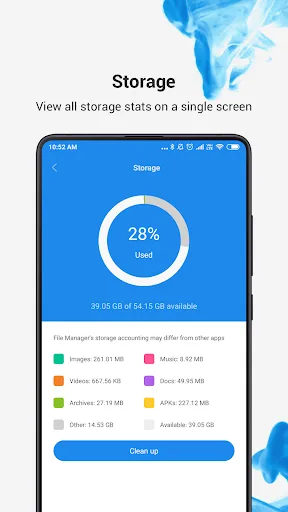
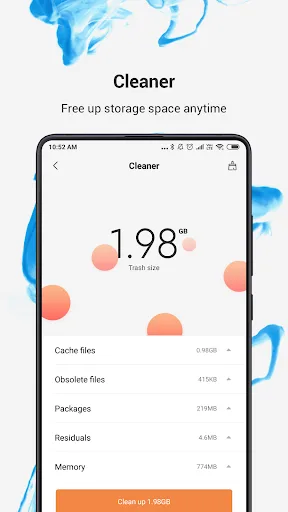
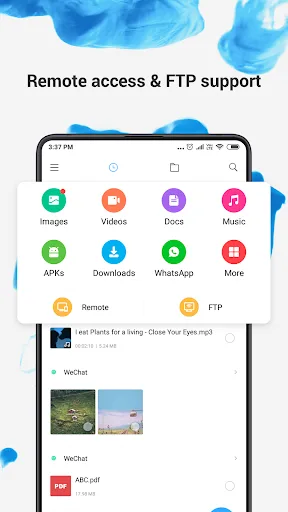
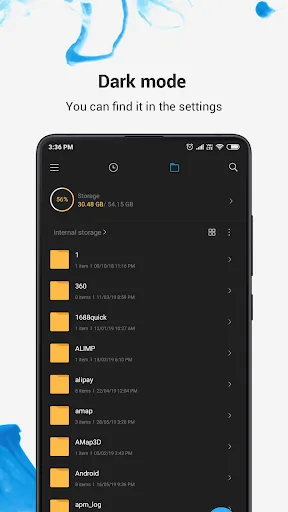
File Manager Screenshots
Official app screenshots from the Google Play Store.
Frequently Asked Questions
Which app has a higher rating?
Cx File Explorer has a higher rating of 4.76, while Mi File Manager has 4.56.
Can I use these apps offline?
Both apps work offline for local file management. Mi File Manager also includes offline sharing via Mi Drop.
Do these apps contain ads?
Both apps have ads in their free versions, but Cx File Explorer's ads are less intrusive.
What are the device requirements?
Both apps require Android 5.0 or later and are optimized for a wide range of devices.
Which app should I choose?
Choose Cx File Explorer for advanced features and higher rating. Choose Mi File Manager if you need fast offline sharing and prefer a simple interface.
Related Comparisons
 VS
VS

Xender vs Files by Google: Which File Manager & Transfer App Wins in 2026
 VS
VS

Google Drive vs Dropbox: The Ultimate File Manager Showdown
 VS
VS
Solid Explorer vs Google Drive: Best File Manager for Android
VS
Cx File Explorer vs Solid Explorer: Which File Manager Reigns Supreme?
VS

Cx File Explorer vs Samsung My Files: Which File Manager Reigns Supreme?
VS