Document Reader vs MobiOffice: Best PDF Tool for Android
Document Reader - PDF Editor by Simple Design Ltd. is a lightweight all-in-one file viewer ideal for users who need quick access to various document formats including PDF, DOC, XLS, and more. With over 50 million installs and a stellar 4.74 rating, it excels in simplicity and speed. On the other hand, MobiOffice by MobiSystems is a full-featured office suite designed for power users who need to create, edit, and manage documents, spreadsheets, and presentations, along with PDF viewing and signing. Boasting over 100 million installs and a solid 4.33 rating, it offers comprehensive productivity tools. This comparison helps you decide which app suits your workflow.
Document Reader - PDF Editor
Recommended- Rating
- ★ 4.73
- Downloads
- 50,000,000+
- Developer
- Simple Design Ltd.

MobiOffice: Word, Sheets, PDF
- Rating
- ★ 4.35
- Downloads
- 100,000,000+
- Developer
- MobiSystems
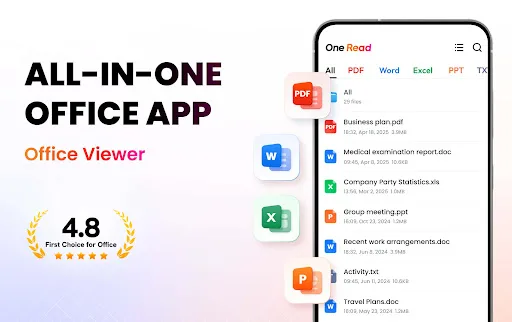
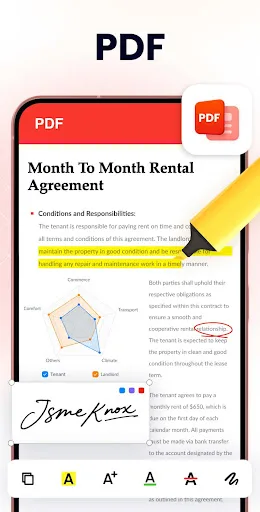
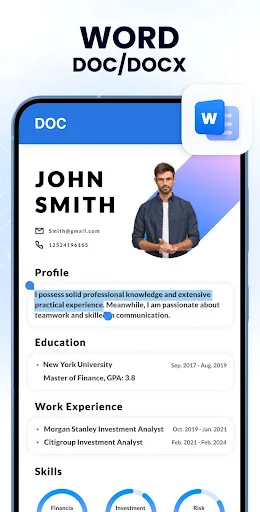
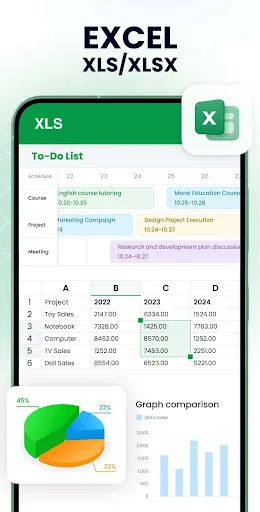
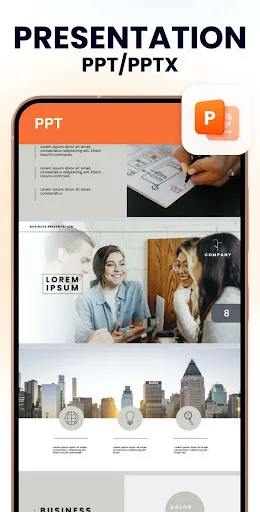
Want to quickly open all formats of files on your phone with just ONE app anytime, anywhere? Try All Document Reader! This all-in-one file viewer is perfectly compatible with all Office files, helping you easily process files in all formats, such as PDF, DOC, DOCX, XLS, XLXS, PPT…
Pros
- Extremely fast file opening and smooth navigation even with large PDFs
- Supports a wide range of formats including PDF, DOC, XLS, PPT, and images
- Lightweight app with minimal battery and storage impact
- Automatic file scanning and organization for easy access
- High user rating of 4.74 reflects excellent user satisfaction
Cons
- Limited editing capabilities compared to full office suites
- Contains ads that can be intrusive during use
- No cloud storage integration or advanced collaboration features
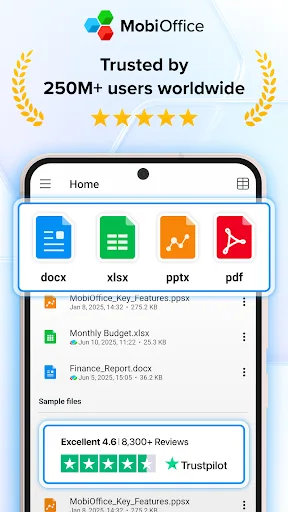
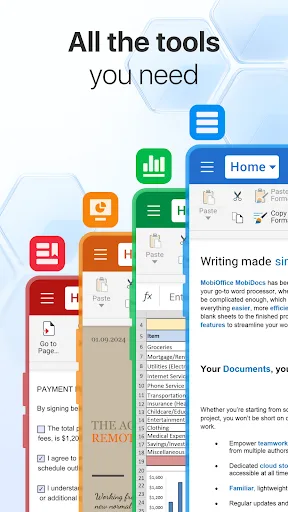
MobiOffice is the smart choice for office productivity. With this powerful office pack, you can create, edit, comment, format, convert, and protect documents, spreadsheets and presentations - as well as the ability to view and sign PDF files. Compatible with Microsoft Office (Wor…
Pros
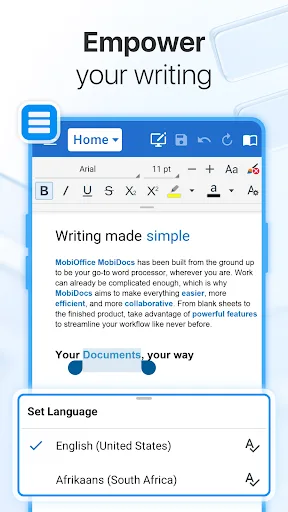
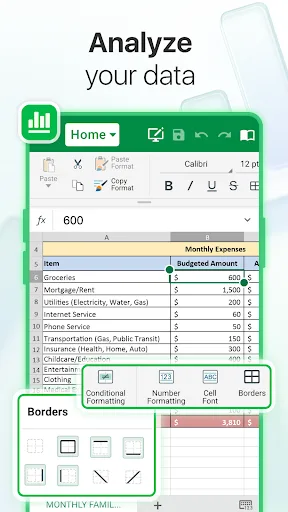
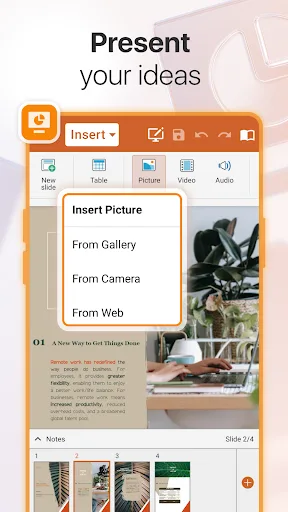
- Full office suite with ability to create, edit, and format documents, spreadsheets, and presentations
- Supports PDF viewing, signing, and form filling
- Integrates with cloud services like Google Drive, Dropbox, and OneDrive
- Compatible with Microsoft Office formats and other major office suites
- Offers advanced features like track changes, comments, and password protection
Cons
- Heavier app with more features leading to slower performance on older devices
- Lower user rating of 4.33 due to occasional bugs and complexity
- Some advanced features require a subscription or in-app purchases
Final Verdict
Our pick: Document Reader - PDF Editor
For users who primarily need a fast, reliable document viewer with minimal editing capabilities, Document Reader is the clear winner due to its higher rating, ease of use, and lower resource consumption. However, if you require a full office suite to create and edit documents, spreadsheets, and presentations, MobiOffice is the better choice despite its lower rating. Document Reader's simplicity and performance make it ideal for casual users, while MobiOffice caters to professionals. Overall, if you value speed and simplicity, choose Document Reader; if you need comprehensive editing, choose MobiOffice. We recommend Document Reader for most users.
Document Reader - PDF Editor Screenshots
Official app screenshots from the Google Play Store.
MobiOffice: Word, Sheets, PDF Screenshots
Official app screenshots from the Google Play Store.
Frequently Asked Questions
Which app has a higher rating?
Document Reader - PDF Editor has a higher rating of 4.74 compared to MobiOffice's 4.33, indicating greater user satisfaction for viewing documents.
Can both apps be used offline?
Yes, both apps allow offline viewing and editing of locally stored files. However, some features like cloud sync require an internet connection.
Do these apps contain ads?
Document Reader contains ads, which can be removed via in-app purchase. MobiOffice has ads in the free version and offers an ad-free subscription.
What are the device requirements for each app?
Document Reader runs on Android 5.0+ with minimal RAM, while MobiOffice requires Android 7.0+ and more RAM for smooth performance.
Which app should I choose for basic PDF viewing?
For basic PDF viewing, choose Document Reader - PDF Editor for its speed, simplicity, and high rating. For editing and office tasks, choose MobiOffice.
Related Comparisons
 VS
VS
Mobi PDF vs MobiOffice: Which MobiSystems PDF Tool is Best for You?
VS
Document Reader vs MobiPDF: Which PDF Tool Reigns Supreme?
 VS
VS
iLovePDF vs Document Reader & PDF Editor: Best PDF Tool for Android
 VS
VS
Xodo vs Document Reader: Best PDF Tool for Android
 VS
VS

PDFgear vs CS PDF Reader: Best Free PDF Editor for Android
 VS
VS