Document Reader vs PDF Reader: Which PDF Tool Reigns Supreme?
Document Reader - PDF Editor by Simple Design Ltd is a versatile all-in-one file viewer with a stellar 4.74 rating, ideal for users who need quick access to multiple document formats. PDF Reader - PDF Viewer by QR Code Scanner focuses on AI-powered PDF editing and conversion, boasting over 100 million installs. Both apps are free and support PDF, Word, Excel, and more, but cater to slightly different priorities. If you value high ratings and simplicity, Document Reader shines; if you need advanced editing and conversion, PDF Reader may be your pick.
Document Reader - PDF Editor
Recommended- Rating
- ★ 4.73
- Downloads
- 50,000,000+
- Developer
- Simple Design Ltd.
PDF Reader - PDF Viewer
- Rating
- ★ 4.22
- Downloads
- 100,000,000+
- Developer
- QR Code Scanner.
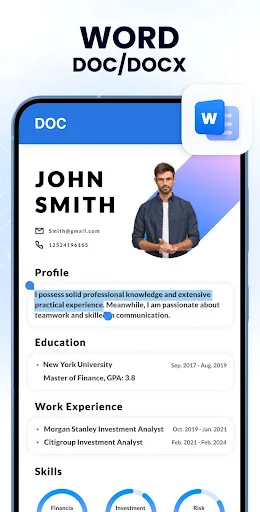
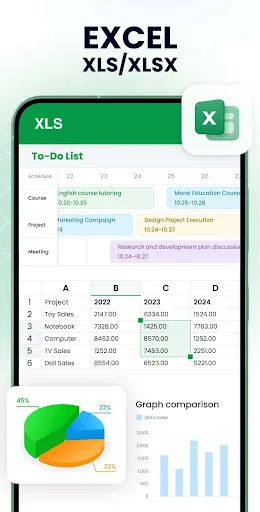
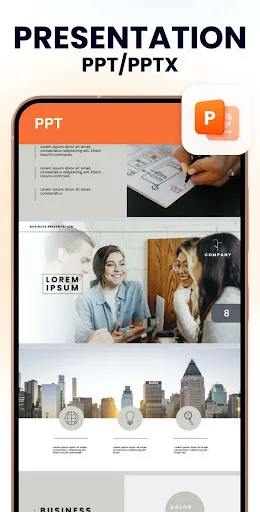
Want to quickly open all formats of files on your phone with just ONE app anytime, anywhere? Try All Document Reader! This all-in-one file viewer is perfectly compatible with all Office files, helping you easily process files in all formats, such as PDF, DOC, DOCX, XLS, XLXS, PPT…
Pros
- Exceptional 4.74 rating from millions of users
- Supports PDF, DOC, DOCX, XLS, XLSX, PPT, TXT and more
- All-in-one viewer eliminates need for multiple apps
- Automatic file scanning for easy access
- Lightweight and fast performance
Cons
- Limited advanced editing features compared to dedicated editors
- May not handle very large files smoothly
- Some users report occasional compatibility issues with newer formats
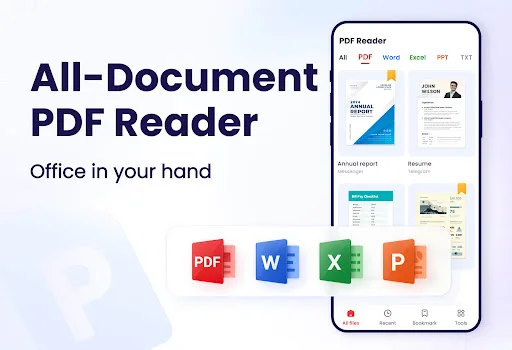
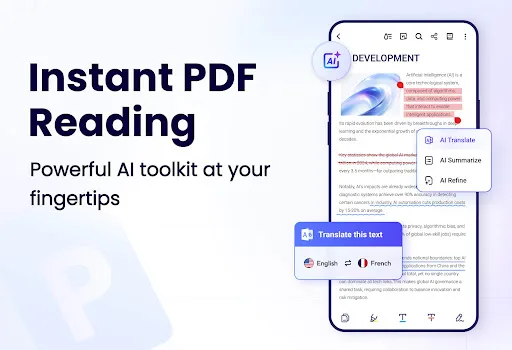
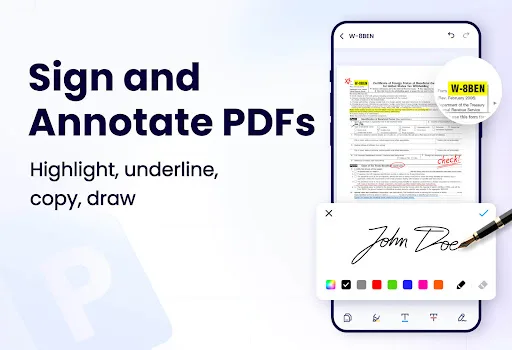
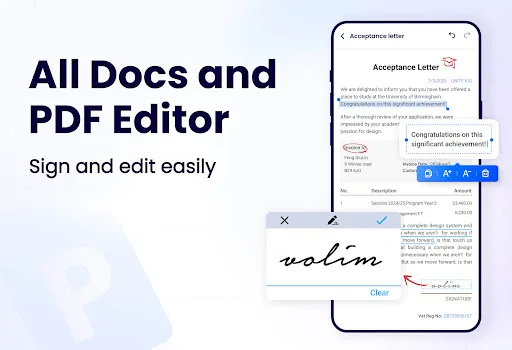
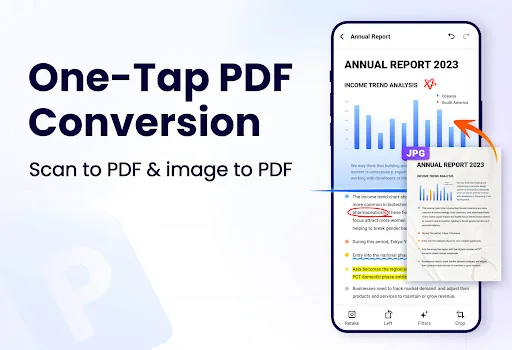
This AI-powered all-in-one PDF Reader lets you open, read, edit, sign and convert PDF files anytime, anywhere. This smart PDF Viewer automatically detects and displays all files on your device — PDF, Word, Excel, PPT and TXT are all supported. With this PDF Editor and PDF Conve…
Pros
- AI-powered features for smart text and image editing
- Supports PDF signing and conversion to other formats
- Over 100 million installs indicates wide trust
- Automatically detects and displays all files on device
- Includes annotation tools like highlight and comment
Cons
- Rating of 4.21 is lower than competitor
- Contains ads that can interrupt workflow
- Some features require in-app purchases
Final Verdict
Our pick: Document Reader - PDF Editor
After a thorough comparison, Document Reader - PDF Editor emerges as the winner due to its exceptional user rating of 4.74 and comprehensive format support. While PDF Reader has more installs, its lower rating and reported ads detract from the experience. Document Reader offers a seamless all-in-one solution with fewer cons, making it the safer choice for most users. For those who prioritize advanced editing features like text and image modification, PDF Reader is a strong alternative. However, for overall reliability and user satisfaction, Document Reader is recommended.
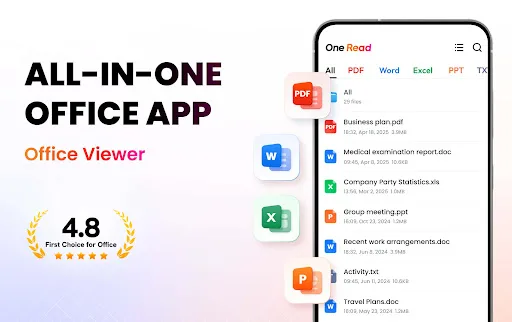
Document Reader - PDF Editor Screenshots
Official app screenshots from the Google Play Store.
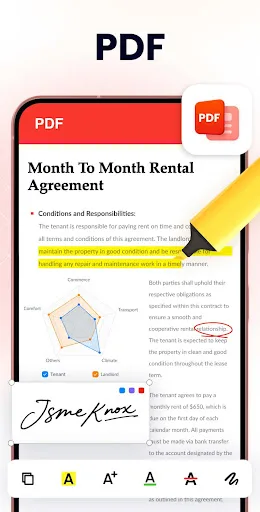
PDF Reader - PDF Viewer Screenshots
Official app screenshots from the Google Play Store.
Frequently Asked Questions
Which app has a higher rating?
Document Reader - PDF Editor has a significantly higher rating of 4.74 compared to PDF Reader - PDF Viewer's 4.21.
Can I use these apps offline?
Yes, both apps can open and read PDFs offline. However, some features like cloud conversion or AI editing may require an internet connection.
Do these apps contain ads?
Document Reader - PDF Editor is generally ad-free, while PDF Reader - PDF Viewer includes ads that may be disruptive.
What are the device requirements?
Both apps require Android 5.0 or higher and work on most smartphones and tablets. They are optimized for various screen sizes.
Which app should I choose?
Choose Document Reader for a highly rated, all-in-one viewer with minimal ads. Choose PDF Reader if you need advanced editing and conversion features despite lower ratings and ads.
Related Comparisons
 VS
VS

Mobi PDF vs MobiOffice: Which MobiSystems PDF Tool is Best for You?
VS
Document Reader vs MobiPDF: Which PDF Tool Reigns Supreme?
 VS
VS
iLovePDF vs Document Reader & PDF Editor: Best PDF Tool for Android
 VS
VS
Xodo vs Document Reader: Best PDF Tool for Android
 VS
VS

PDFgear vs CS PDF Reader: Best Free PDF Editor for Android
VS