Dropbox vs X-plore File Manager: Which File Manager App is Right for You?
Dropbox is a cloud-centric file management solution ideal for users who need seamless syncing and sharing across devices, with over 1 billion installs. X-plore File Manager, by Lonely Cat Games, is a powerful local file explorer with dual-pane view and advanced tools like root access and disk map, perfect for power users and Android enthusiasts. Dropbox excels at cloud backup and collaboration, while X-plore offers deep local file control. Your choice depends on whether you prioritize cloud convenience or local file management power.

Dropbox: Secure Cloud Storage
Recommended- Rating
- ★ 4.38
- Downloads
- 1,000,000,000+
- Developer
- Dropbox, Inc.
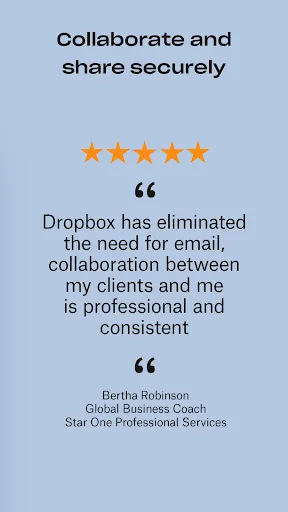
Dropbox allows you to backup your most essential files to the cloud, where you may access them at any time and from any location! Over 700 million registered users and 600,000 teams rely on it. Simple to use, trustworthy, private, and secure! Features: • Automatically upload ph…
Pros
- Seamless cloud sync across all devices with automatic camera uploads.
- Highly reliable with over 1 billion installs and strong security.
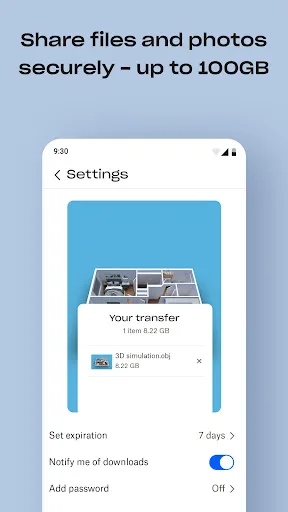
- Easy file sharing via links with customizable permissions.
- Integrates with hundreds of apps and services.
- Offline access to files with smart sync.
Cons
- Limited local file management capabilities compared to dedicated explorers.
- Free storage is limited to 2 GB; requires subscription for more.
- Requires internet connection for full functionality.
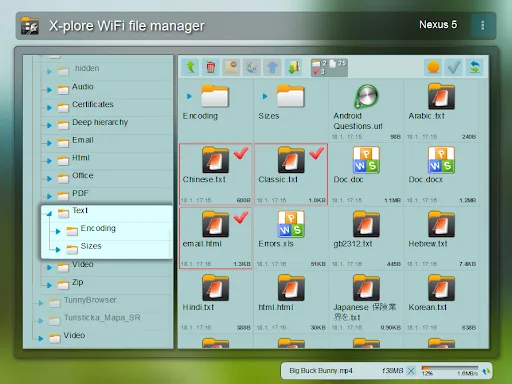
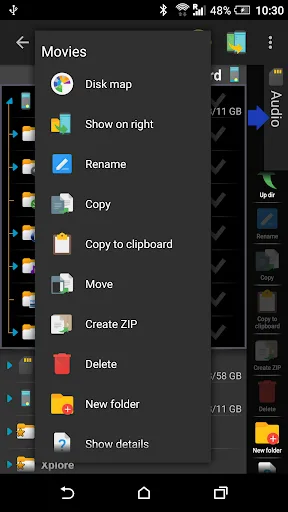
Application manual: www.lonelycatgames.com/docs/xplore Highlights: ● Dual-pane tree view ● Root, FTP, SMB1 / SMB2, Sqlite, Zip, Rar, 7zip, DLNA/UPnP explorer ● Disk Map - see which files consume most space on your disk - http://bit.ly/xp-disk-map ● Cloud storage access: G…
Pros
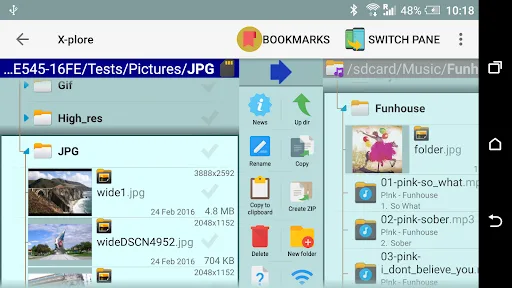
- Dual-pane tree view for efficient file navigation.
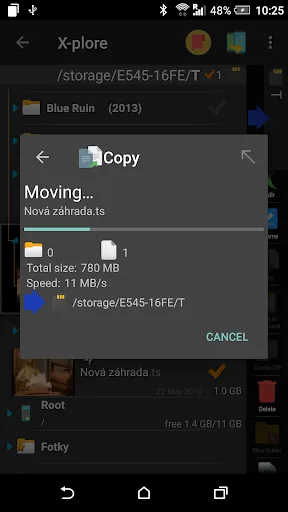
- Supports root, FTP, SMB, SSH, and many cloud services.
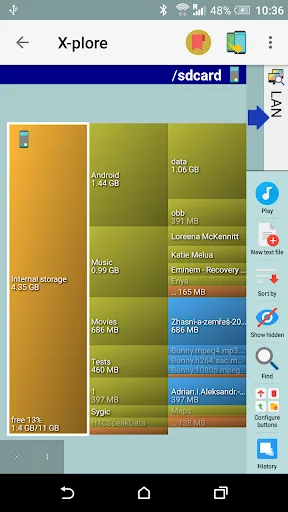
- Disk map visualizes storage usage to find large files.
- Opens various archive formats (ZIP, RAR, 7z) directly.
- Lightweight app with no ads in the free version.
Cons
- Interface can be overwhelming for casual users.
- No built-in cloud sync or automatic backup features.
- Some advanced features require root access.
Final Verdict
Our pick: Dropbox: Secure Cloud Storage
For most users, Dropbox is the better choice due to its unmatched cloud integration, automatic photo backup, and ease of use across platforms. However, if you are a power user who needs root access, dual-pane navigation, or advanced local file operations like FTP and SSH, X-plore File Manager is the superior tool. X-plore's disk map and support for multiple archive formats give it an edge for local storage management. Ultimately, if you primarily work with cloud files and sync, choose Dropbox; for deep local file control, pick X-plore. Winner: Dropbox for general users.
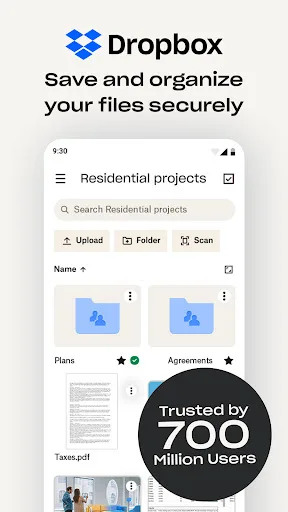
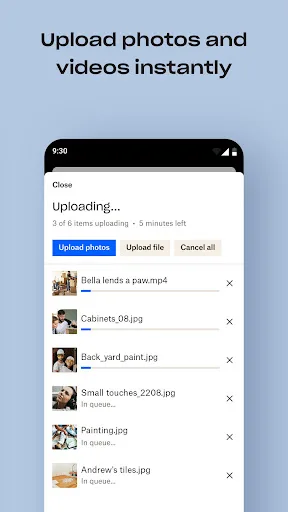
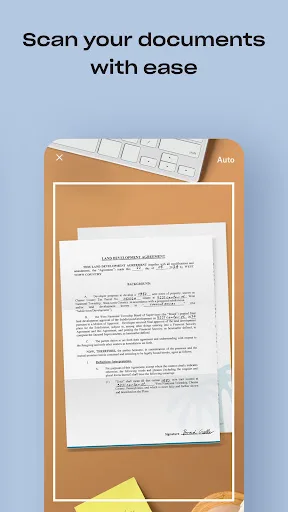
Dropbox: Secure Cloud Storage Screenshots
Official app screenshots from the Google Play Store.
X-plore File Manager Screenshots
Official app screenshots from the Google Play Store.
Frequently Asked Questions
Which app has higher ratings?
Dropbox has a rating of 4.38 with over 1 billion installs, while X-plore has a rating of 4.38 with 10 million installs. Both are highly rated, but Dropbox has more reviews.
Can I use these apps offline?
Dropbox allows offline access to files you mark as available offline, but requires internet for syncing. X-plore works fully offline for local files and supports offline access to cloud files if cached.
Do these apps have ads?
Dropbox is ad-free. X-plore File Manager is also ad-free in the free version.
What are the device requirements?
Both apps require Android 5.0 or higher. Dropbox needs about 50 MB free space; X-plore is lightweight at around 10 MB.
Which app should I choose?
Choose Dropbox if you need reliable cloud storage and automatic backup. Choose X-plore if you want powerful local file management with advanced features like root access and dual-pane view.
Related Comparisons
 VS
VS

Xender vs Files by Google: Which File Manager & Transfer App Wins in 2026
 VS
VS
Google Drive vs Dropbox: The Ultimate File Manager Showdown
 VS
VS
Solid Explorer vs Google Drive: Best File Manager for Android
 VS
VS
Cx File Explorer vs Solid Explorer: Which File Manager Reigns Supreme?
VS
Cx File Explorer vs Samsung My Files: Which File Manager Reigns Supreme?
VS