File Manager (InShot) vs Cx File Explorer: Which Android File Manager Reigns Supreme?
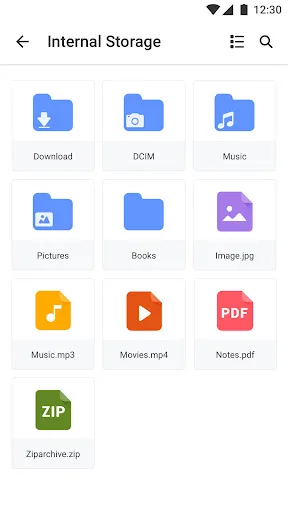
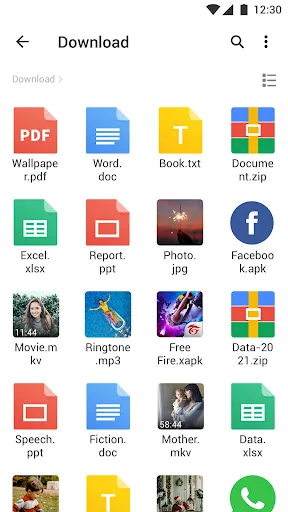
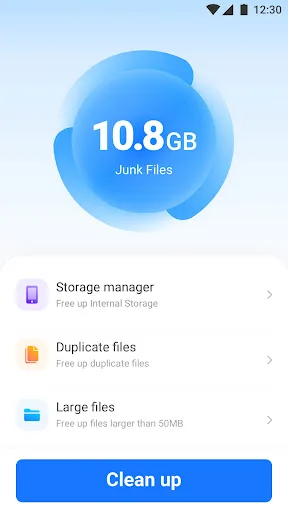
File Manager by InShot (XFolder) is a robust file explorer designed for users who need desktop-grade file management, including batch operations and archive handling. It excels in local and SD card management with a focus on power users. Cx File Explorer, on the other hand, offers a clean, intuitive interface that bridges mobile, PC, and cloud storage, making it ideal for users who want seamless cross-device file access. Both apps are highly rated, but they cater to slightly different needs.
Cx File Explorer
Recommended- Rating
- ★ 4.75
- Downloads
- 10,000,000+
- Developer
- Cx File Explorer
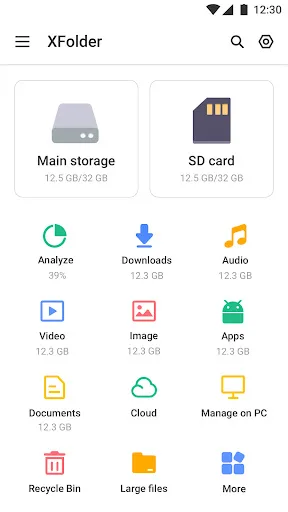
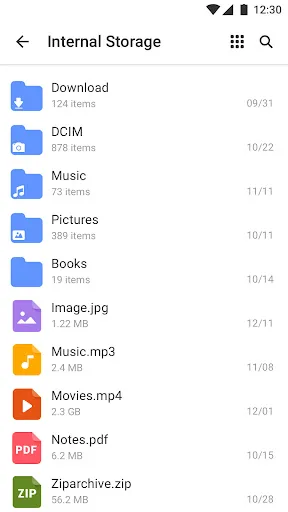
File Manager - XFolder, a powerful & easy-to-use file manager & file explorer with desktop-grade features, helps you handle ALL your files efficiently. With File Manager - XFolder, you can easily manage files on local device & SD card, quickly find files by browsing, and zip & un…
Pros
- Desktop-grade file management with batch operations
- Powerful zip and unzip support with encryption
- Built-in media player and image viewer
- Root explorer mode for advanced users
- Supports multiple file selection and renaming
Cons
- No built-in cloud storage integration
- Interface can feel cluttered with many options
- Ads may appear in the free version
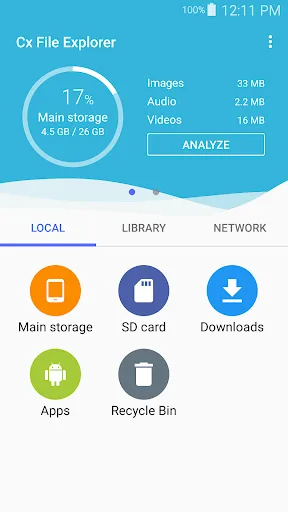
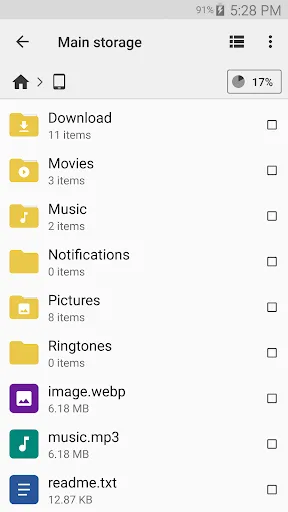
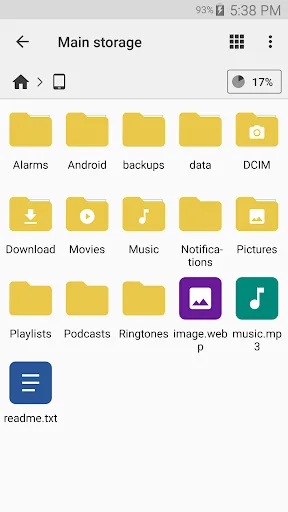
Cx File Explorer is a powerful file manager & storage cleaner app with a clean and intuitive interface. With this file manager app, you can quickly browse and manage the files on your mobile device, PC, and cloud storage, just like you use Windows Explorer or Finder on your PC or…
Pros
- Clean and intuitive user interface
- Supports cloud storage (Google Drive, Dropbox, etc.)
- Access files on PC via FTP and SMB
- Built-in storage cleaner and analyzer
- Lightweight and fast performance
Cons
- Lacks some advanced compression features like encryption
- No root explorer mode
- Limited batch rename options
Final Verdict
Our pick: Cx File Explorer
Cx File Explorer emerges as the winner for most users due to its superior rating, higher install count, and broader feature set including cloud and PC integration. While File Manager by InShot is excellent for local file management with strong compression tools, Cx File Explorer offers a more versatile experience with a cleaner interface. For users who primarily manage files on their device and SD card, File Manager is a solid choice. However, for those needing cloud support and PC connectivity, Cx File Explorer is the better option.

File Manager Screenshots
Official app screenshots from the Google Play Store.
Cx File Explorer Screenshots
Official app screenshots from the Google Play Store.


Frequently Asked Questions
Which app has a higher rating?
Cx File Explorer has a slightly higher rating of 4.7604504 compared to File Manager's 4.64231.
Can both apps work offline?
Yes, both apps work fully offline for local file management. Cloud features in Cx File Explorer require internet.
Do these apps display ads?
Both apps may show ads in their free versions. Premium versions or in-app purchases may remove ads.
What are the device requirements?
Both apps require Android 5.0 or higher. They are optimized for phones and tablets.
Which app should I choose?
Choose File Manager by InShot if you need powerful local file management with encryption. Choose Cx File Explorer for cloud integration and a cleaner interface.
Related Comparisons
 VS
VS

Xender vs Files by Google: Which File Manager & Transfer App Wins in 2026
 VS
VS

Google Drive vs Dropbox: The Ultimate File Manager Showdown
 VS
VS
Solid Explorer vs Google Drive: Best File Manager for Android
VS
Cx File Explorer vs Solid Explorer: Which File Manager Reigns Supreme?
VS
Cx File Explorer vs Samsung My Files: Which File Manager Reigns Supreme?
VS