Mi File Manager vs Microsoft OneDrive: The Ultimate File Manager Comparison
Mi File Manager by Xiaomi is a comprehensive on-device file manager ideal for users who need powerful local file management, including search, compression, and offline sharing. Microsoft OneDrive is a cloud storage solution perfect for those who prioritize automatic photo backup, cross-device file access, and integration with Microsoft 365. Both apps are free but serve different primary purposes.

Microsoft OneDrive
Recommended- Rating
- ★ 4.60
- Downloads
- 5,000,000,000+
- Developer
- Microsoft Corporation
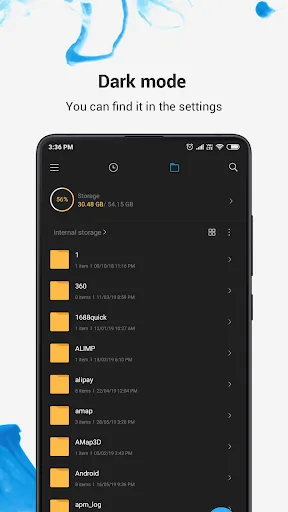
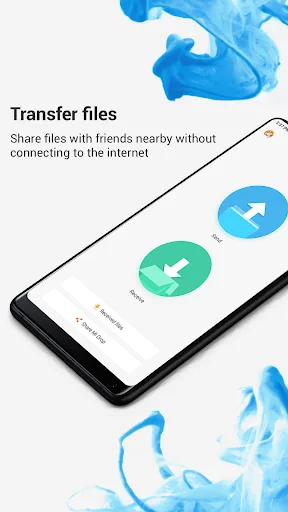
Mi File Manager is a free, secure tool that helps you find file faster, manage files easily, and share them offline with others. It supports tons of cool features: quick search, moving, deleting, opening, and sharing files, as well as renaming, unzipping, and copy-paste. Mi File…
Pros
- Comprehensive local file management including copy, move, delete, rename, and zip/unzip.
- Fast file search and support for multiple file formats (music, video, documents, APKs).
- Offline sharing capability without internet connection.
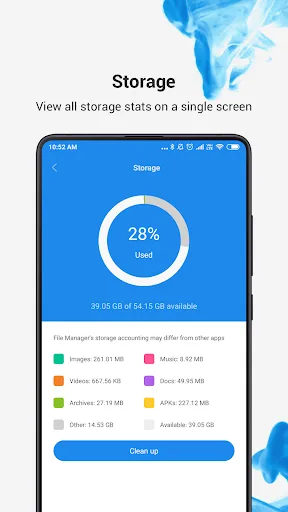
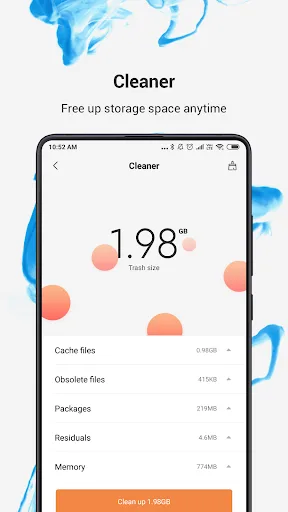
- Built-in file cleaner and storage analyzer to free up space.
- Lightweight and free with no ads in the core functions.
Cons
- Limited cloud storage integration; no automatic photo backup.
- User interface can feel cluttered with promotional content.
- Not available for non-Xiaomi devices in some regions.
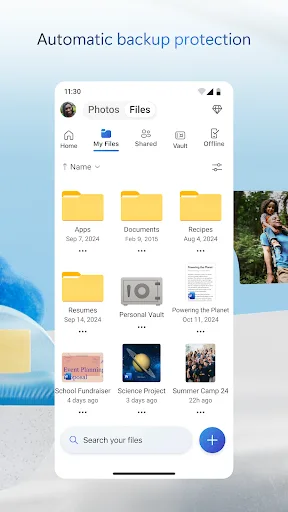
Start with 5 GB of free storage, or upgrade to Microsoft 365 Personal or Family for 1 TB per user. Access your files anywhere—even offline. Back Up Photos & Videos • Turn on Camera Upload for automatic photo and video backup • Secure photo locker with automatic tagging •…
Pros
- Automatic camera upload and secure photo locker with tagging.
- 5 GB free storage with option to upgrade to 1 TB per user with Microsoft 365.
- Seamless integration with Microsoft Office apps and Windows.
- Offline access to files and folders by syncing them to device.
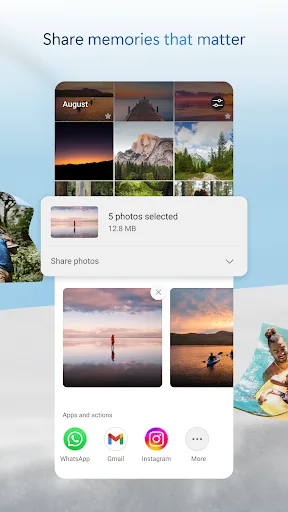
- Encrypted storage and advanced sharing controls.
Cons
- Free storage limited to 5 GB; more requires subscription.
- Not a full-featured local file manager; lacks advanced file operations like zip/unzip.
- Requires internet for initial sync and some features.
Final Verdict
Our pick: Microsoft OneDrive
If you need a robust local file manager with offline capabilities, Mi File Manager is the better choice. However, if cloud storage, automatic backup, and Microsoft ecosystem integration are more important, OneDrive wins. For most users, OneDrive offers more long-term value due to its backup features and cross-platform access. But for pure file management on Android, Mi File Manager provides more tools. Ultimately, your choice depends on whether you prioritize local control or cloud convenience.
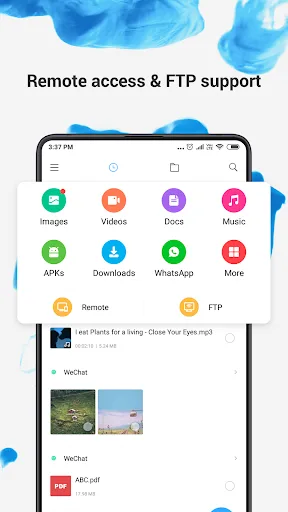
File Manager Screenshots
Official app screenshots from the Google Play Store.
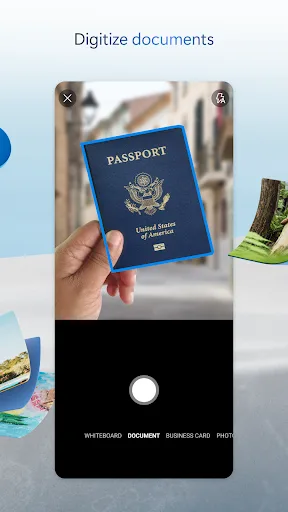
Microsoft OneDrive Screenshots
Official app screenshots from the Google Play Store.


Frequently Asked Questions
Which app has a higher rating?
Microsoft OneDrive has a slightly higher rating (4.598) compared to Mi File Manager (4.558).
Can I use these apps offline?
Mi File Manager works fully offline for local file management. OneDrive allows offline access to files you've synced to your device.
Do these apps contain ads?
Mi File Manager may show promotional content but is mostly ad-free. OneDrive is ad-free.
What are the device requirements?
Both apps require Android 5.0 or later. Mi File Manager is pre-installed on Xiaomi devices but available for others. OneDrive works on all Android devices.
Which app should I choose for file management?
Choose Mi File Manager for powerful local file management. Choose OneDrive if you need cloud backup and cross-device access.
Related Comparisons
 VS
VS

Xender vs Files by Google: Which File Manager & Transfer App Wins in 2026
 VS
VS

Google Drive vs Dropbox: The Ultimate File Manager Showdown
 VS
VS
Solid Explorer vs Google Drive: Best File Manager for Android
 VS
VS
Cx File Explorer vs Solid Explorer: Which File Manager Reigns Supreme?
VS

Cx File Explorer vs Samsung My Files: Which File Manager Reigns Supreme?
VS