Foxit PDF Editor vs WPS Office: Which PDF Tool Wins for Android?
Foxit PDF Editor is a dedicated PDF solution for users who need advanced editing, annotation, and AI-powered features, ideal for professionals and frequent PDF workers. WPS Office is an all-in-one office suite that includes PDF editing alongside Word, Excel, and PowerPoint support, perfect for users who need a comprehensive productivity tool. Both apps are highly rated, but they cater to different needs. This comparison will help you decide which app best fits your workflow.

WPS Office-PDF, Word, Sheet
Recommended- Rating
- ★ 4.38
- Downloads
- 500,000,000+
- Developer
- WPS SOFTWARE PTE. LTD.
Looking for a versatile PDF editor that you can use anytime, anywhere? Look no further than Foxit PDF Editor mobile app. This easy-to-use PDF editor – trusted by hundreds of millions – allows you to view, edit, and annotate PDF files on Android devices while on the go. The ap…
Pros
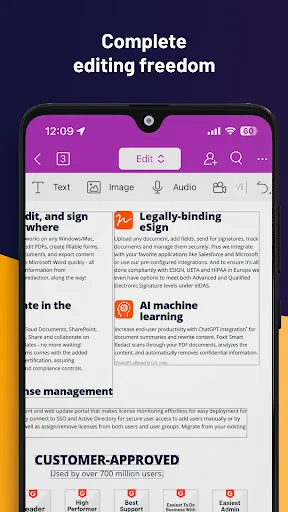
- Advanced PDF editing tools including text, image, and page manipulation
- AI Assistant for summarizing, rewriting, and explaining PDF content
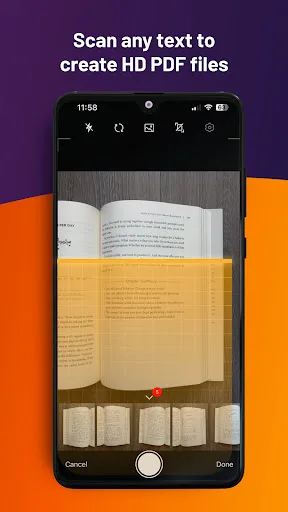
- Optical Character Recognition (OCR) to convert scanned docs to editable text
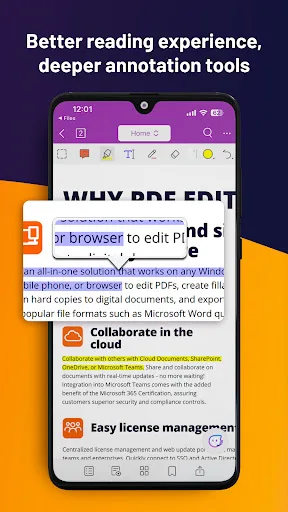
- Excellent annotation and form-filling capabilities
- Cloud integration with popular services like Google Drive and Dropbox
Cons
- Many advanced features require a subscription
- No built-in office suite for creating Word or Excel files
- Lower user rating (4.0) compared to WPS Office
★ WPS Office – Office Suite, PDF Editor & Document Reader WPS Office is a powerful office suite designed to help you create, edit, read and manage documents efficiently. It supports Word documents, PDF files, Excel spreadsheets and PowerPoint presentations, making it a reliab…
Pros
- Comprehensive office suite: edit PDFs, Word, Excel, and PowerPoint
- High user rating (4.4) with over 500 million installs
- Free version includes many PDF tools like merge, split, and compress
- Smooth document conversion and support for multiple formats
- Lightweight and fast performance on most devices
Cons
- PDF editing tools are less advanced than Foxit's dedicated feature set
- Ads in the free version can be intrusive
- Some advanced PDF features require a premium subscription
Final Verdict
Our pick: WPS Office-PDF, Word, Sheet
For pure PDF editing with advanced features like OCR and AI assistant, Foxit PDF Editor is the superior choice. However, if you need an integrated office suite that handles PDFs along with documents, spreadsheets, and presentations, WPS Office offers better value and a higher user rating. Considering the massive install base and higher rating, WPS Office is the recommended app for most users seeking a versatile, reliable all-in-one solution. Its free tier is more generous, and its PDF tools are robust enough for everyday tasks. Choose Foxit only if PDF editing is your primary focus and you need professional-grade tools.

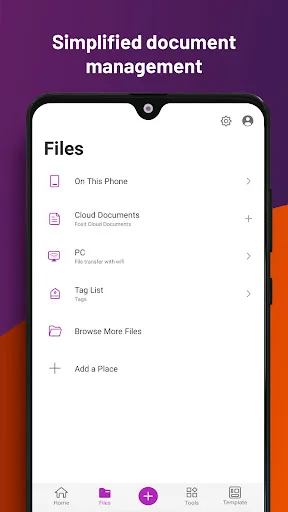
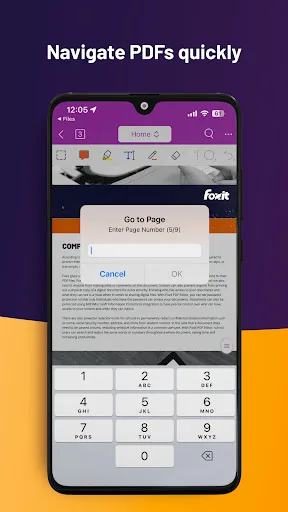
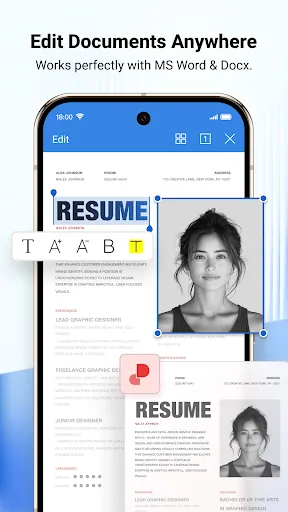
Foxit PDF Editor Screenshots
Official app screenshots from the Google Play Store.
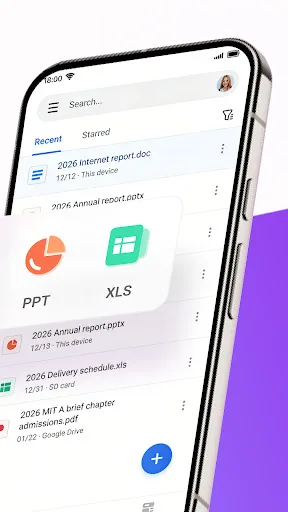
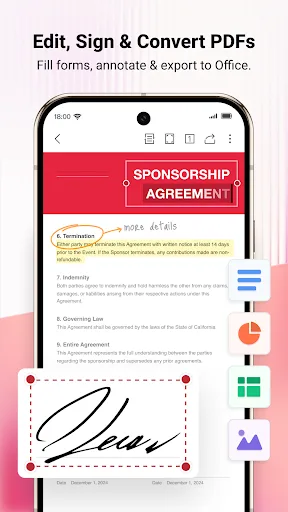
WPS Office-PDF, Word, Sheet Screenshots
Official app screenshots from the Google Play Store.

Frequently Asked Questions
Which app has a higher rating?
WPS Office has a higher rating of 4.39 compared to Foxit PDF Editor's 4.01, based on user reviews.
Can I use these apps offline?
Both apps offer offline functionality. Foxit PDF Editor allows viewing and editing offline, but some features like AI Assistant and OCR require internet. WPS Office also works offline for document editing, but cloud sync and some online templates need connectivity.
Do the free versions contain ads?
WPS Office's free version includes ads, which can be removed via subscription. Foxit PDF Editor's free version is ad-free but limited in advanced features; no ads are reported.
What are the device requirements?
Both apps support Android 5.0 and up. They run smoothly on most modern devices, but Foxit's AI features may benefit from newer hardware. WPS Office is optimized for low-end devices as well.
Which app should I choose for PDF editing?
If you need advanced PDF editing, OCR, and AI assistance, choose Foxit PDF Editor. For an all-in-one office suite with solid PDF tools and better value, choose WPS Office.
Related Comparisons
 VS
VS

Mobi PDF vs MobiOffice: Which MobiSystems PDF Tool is Best for You?
 VS
VS
Document Reader vs MobiPDF: Which PDF Tool Reigns Supreme?
 VS
VS
iLovePDF vs Document Reader & PDF Editor: Best PDF Tool for Android
 VS
VS
Xodo vs Document Reader: Best PDF Tool for Android
 VS
VS

PDFgear vs CS PDF Reader: Best Free PDF Editor for Android
 VS
VS