Google Keep vs To-Do List & Daily Planner (TaskUp): Best Productivity App for Quick Notes vs Structured Planning
Google Keep is ideal for users who need a fast, lightweight note-taking app with voice memos, image capture, and seamless Google integration. To-Do List & Daily Planner (TaskUp) targets users who want a structured daily planner with time blocking, project management, and detailed reminders. Keep excels at spontaneous capture, while TaskUp offers robust planning features.

Google Keep - Notes and lists
Recommended- Rating
- ★ 4.69
- Downloads
- 1,000,000,000+
- Developer
- Google LLC
To-Do List & Daily Planner
- Rating
- ★ 4.21
- Downloads
- 100,000+
- Developer
- Productivity Apps Studio
Quickly capture and share your thoughts, manage your to-dos, and stay organized. Google Keep has all of the functionality you need, with advanced security and privacy measures to keep your information safe. Capture what’s on your mind • Inspiration strikes anywhere. Jot down…
Pros
- Free with no ads and unlimited storage for notes up to 20MB each.
- Seamless sync across all devices via Google account.
- Supports voice memos, image capture, and drawing.
- Labels and color coding for easy organization.
- Reminders with location and time-based triggers.
Cons
- Limited formatting options (no rich text, tables, or markdown).
- No built-in project management or time blocking features.
- No offline editing of shared notes (requires sync).
Welcome to TaskUp, an ultimate life organizer, structured daily planner, and reliable to do list with reminder, designed to help you stay organized and productive. Whether you need a daily routine planner, a powerful reminder system, or a comprehensive to do list task manager, Ta…
Pros
- Time blocking feature for scheduling tasks in calendar view.
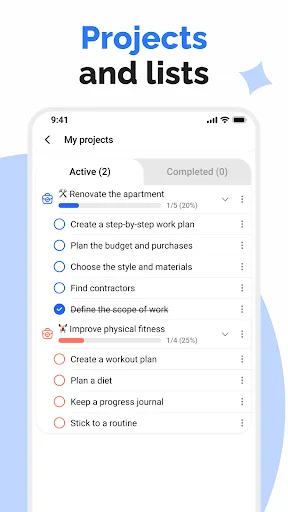
- Project management with subtasks, priorities, and categories.
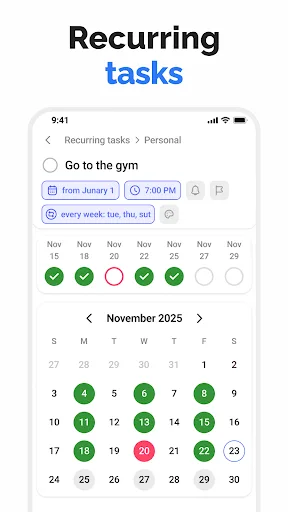
- Customizable recurring reminders and due dates.
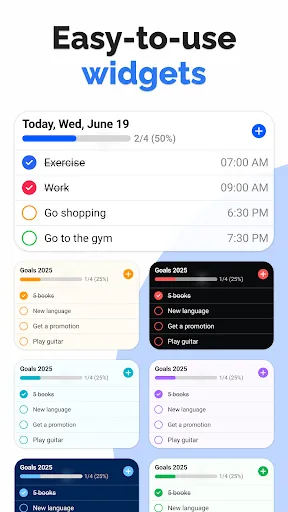
- Widget for quick access and home screen planning.
- Data export/import options for backup.
Cons
- Free version includes ads (removable via in-app purchase).
- Smaller user community and less frequent updates.
- Sync relies on device backup; no real-time cloud sync.
Final Verdict
Our pick: Google Keep - Notes and lists
For most users, Google Keep is the better choice due to its simplicity, cross-platform sync, and reliability backed by Google. However, if you need a comprehensive task manager with time blocking and project organization, TaskUp is a solid alternative despite its smaller user base. Keep wins for everyday quick notes and lists, but TaskUp wins for detailed daily planning. Overall, Keep's higher rating and massive installs indicate broader satisfaction.
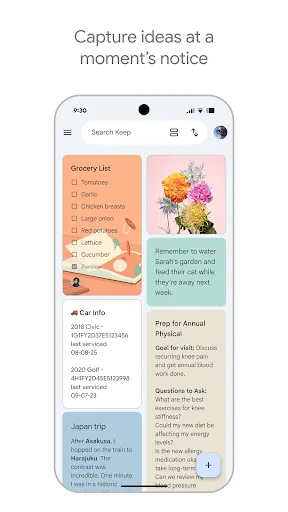
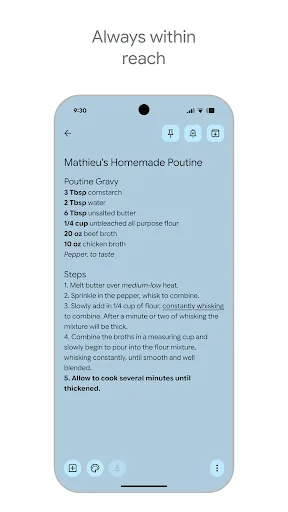
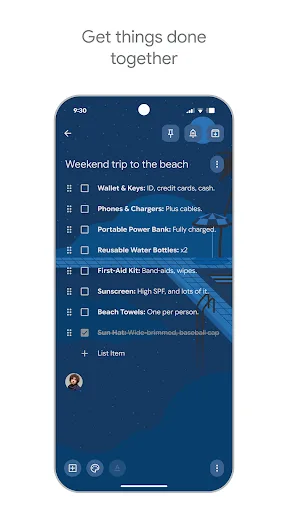
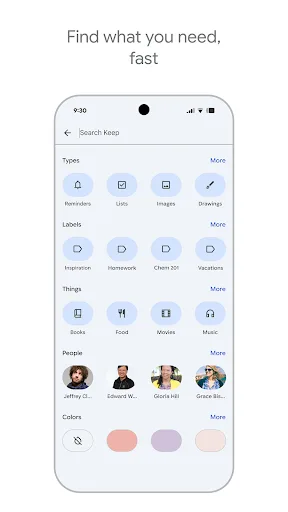
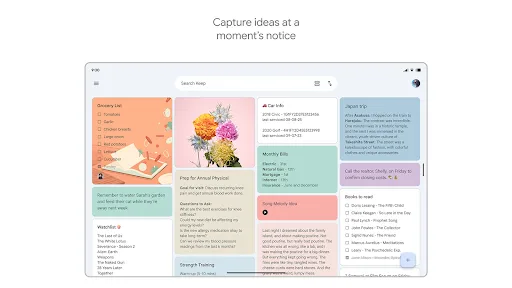
Google Keep - Notes and lists Screenshots
Official app screenshots from the Google Play Store.
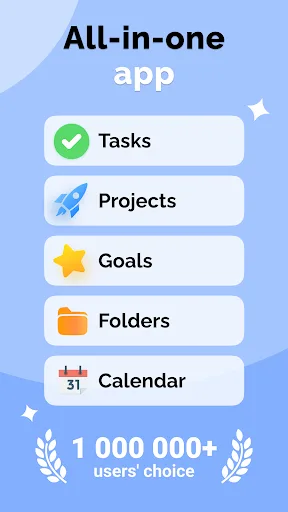
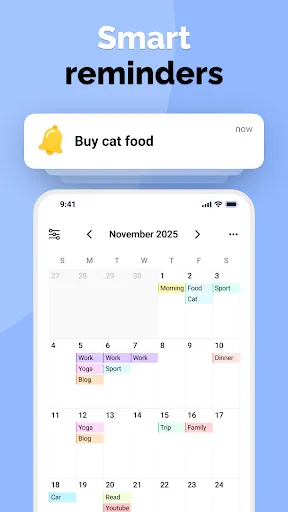
To-Do List & Daily Planner Screenshots
Official app screenshots from the Google Play Store.
Frequently Asked Questions
Which app has better ratings?
Google Keep has a rating of 4.69 from over 1 billion installs, while TaskUp has a rating of 4.21 from over 100,000 installs. Keep is more highly rated.
Can I use these apps offline?
Google Keep allows offline access to notes created while online; changes sync when connected. TaskUp works fully offline, but sync requires manual backup.
Do these apps have ads?
Google Keep is completely ad-free. TaskUp includes ads in the free version, which can be removed via an in-app purchase.
What are the device requirements?
Google Keep requires Android 5.0+ and Google Play Services. TaskUp requires Android 5.0+ and works on most devices without additional services.
Which app should I choose for daily planning?
For quick notes and lists, choose Google Keep. For structured daily planning with time blocking and project management, choose TaskUp.
Related Comparisons
 VS
VS
Any.do vs Google Keep: Which Productivity App Reigns Supreme?
 VS
VS
Microsoft To Do vs Google Keep: Which Productivity App Reigns Supreme?
 VS
VS
Microsoft 365 Copilot vs Any.do: Which Productivity App Reigns Supreme
 VS
VS
Forest vs Microsoft To Do: Productivity Showdown – Focus Timer vs Task Manager
VS

To-Do List & Daily Planner vs TickTick: Which Productivity Powerhouse Reigns Supreme?
 VS
VS