Google Tasks vs Todoist: Which Productivity App Reigns Supreme
Google Tasks is ideal for users deeply integrated into Google's ecosystem, offering seamless sync with Gmail and Google Calendar. Todoist, on the other hand, is perfect for power users who need advanced features like project management, labels, and cross-platform compatibility. Both apps have high ratings and millions of installs, but cater to different productivity styles.
Todoist: To Do List & Calendar
Recommended- Rating
- ★ 4.58
- Downloads
- 10,000,000+
- Developer
- Doist Inc.
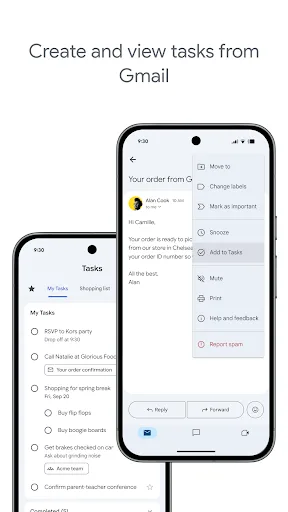
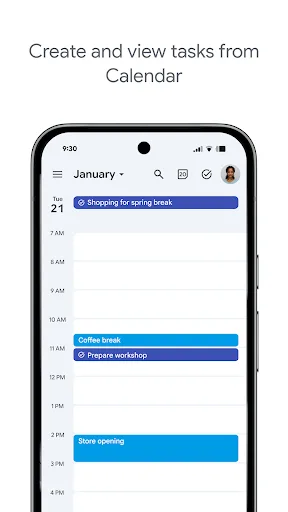
Stay on top of your to-dos with the Google Tasks mobile app. Easily capture, manage and get reminded about your tasks from anywhere, at any time. Your to-dos sync across all your devices, and integrations with Gmail and Google Tasks help you get tasks done— faster. With Google…
Pros
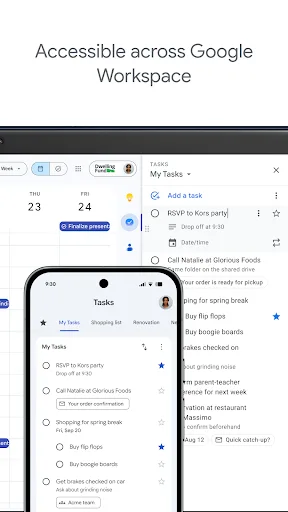
- Seamless integration with Google Workspace (Gmail, Calendar, Drive).
- Simple, clean interface with minimal learning curve.
- Syncs instantly across all devices with Google account.
- Free to use with no premium tier.
- Built-in reminders and due dates with subtasks.
Cons
- No labels, filters, or priority levels beyond default.
- Limited project organization (no nested projects or sections).
- No natural language input for quick task creation.
You have enough on your plate without fighting your productivity tools. Todoist is the planner and habit tracker that bridges personal and professional productivity, without the complexity tax. Join 50+ million people and teams who trust Todoist as their second brain to organize…
Pros
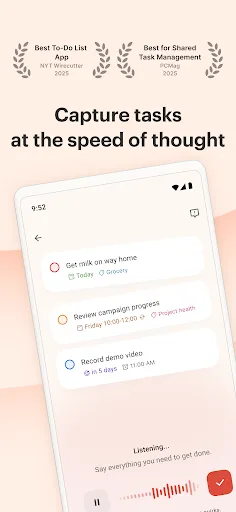
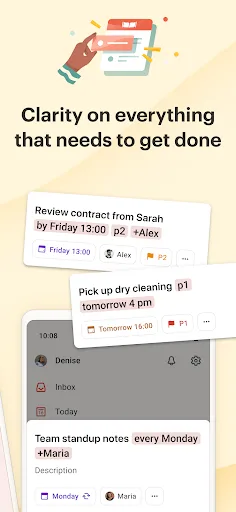
- Natural language input for rapid task entry (e.g., 'buy milk tomorrow at 5pm').
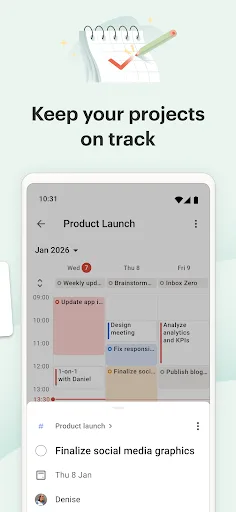
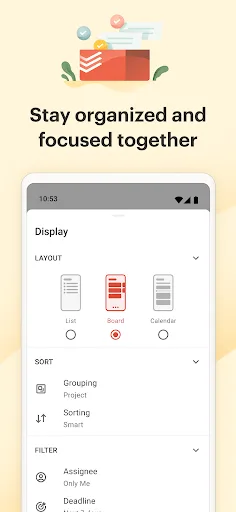
- Powerful organization with projects, labels, filters, and sections.
- Cross-platform support (Android, iOS, web, desktop, wearables).
- Productivity tracking with karma points and daily goals.
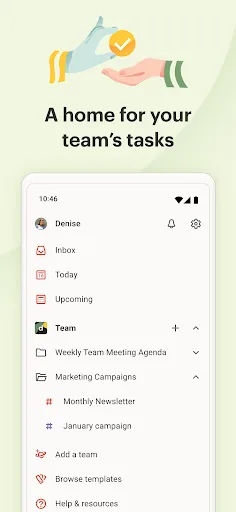
- Collaboration features for teams and shared projects.
Cons
- Advanced features require a paid subscription (Pro or Business).
- Can feel overwhelming for users who prefer simplicity.
- Free version limits file uploads and project history.
Final Verdict
Our pick: Todoist: To Do List & Calendar
For most users, Todoist is the better choice due to its rich feature set, natural language input, and flexible organization. While Google Tasks excels in simplicity and Google integration, it lacks advanced capabilities like labels, filters, and project views. If you need a lightweight, no-frills task manager tied to Google services, choose Google Tasks. However, for comprehensive productivity and cross-platform use, Todoist wins.
Google Tasks Screenshots
Official app screenshots from the Google Play Store.
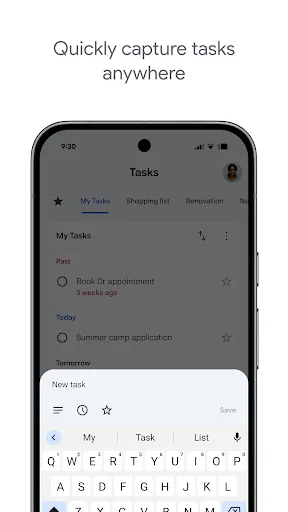
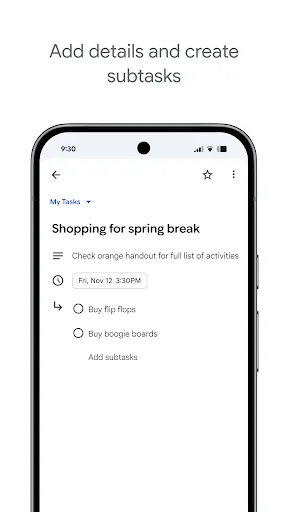
Todoist: To Do List & Calendar Screenshots
Official app screenshots from the Google Play Store.
Frequently Asked Questions
Which app has a higher rating on Google Play?
Google Tasks has a rating of 4.5792 while Todoist has 4.5789 – both are nearly identical, with Google Tasks slightly higher.
Can I use either app offline?
Both apps support offline mode. Google Tasks syncs when online; Todoist allows full offline access with auto-sync when reconnected.
Do these apps contain ads?
Neither Google Tasks nor Todoist display any ads in their free versions.
What are the device requirements?
Both require Android 5.0+ (Lollipop) and around 10-20 MB of storage. No special hardware needed.
Which app should I choose for personal vs. team productivity?
For personal use with Google ecosystem, choose Google Tasks. For team collaboration and advanced features, choose Todoist.
Related Comparisons
 VS
VS

Any.do vs Google Keep: Which Productivity App Reigns Supreme?
 VS
VS
Microsoft To Do vs Google Keep: Which Productivity App Reigns Supreme?
 VS
VS
Microsoft 365 Copilot vs Any.do: Which Productivity App Reigns Supreme
 VS
VS
Forest vs Microsoft To Do: Productivity Showdown – Focus Timer vs Task Manager
 VS
VS

To-Do List & Daily Planner vs TickTick: Which Productivity Powerhouse Reigns Supreme?
 VS
VS